
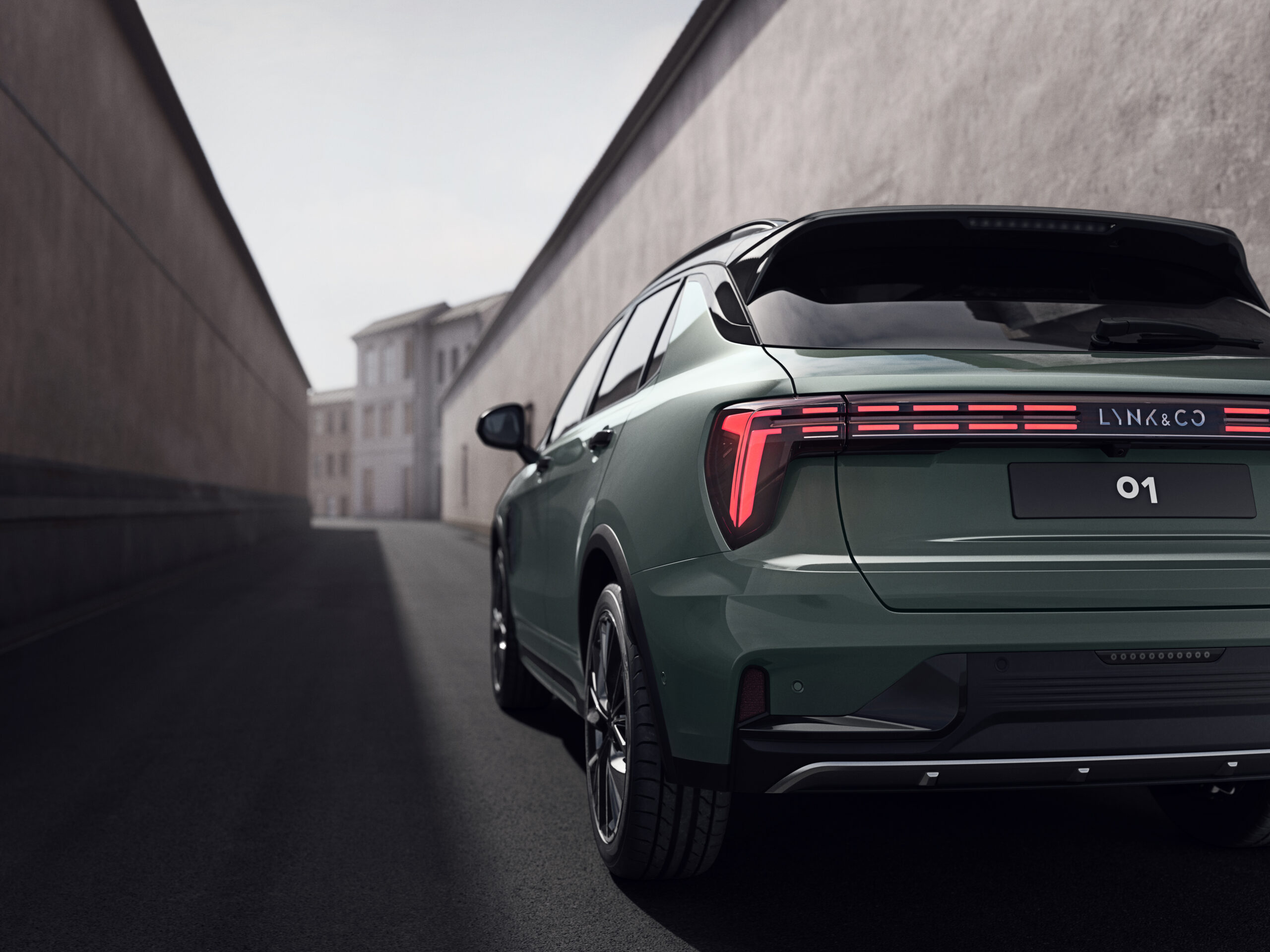
Sporadic Bluetooth connections in the Lynk & Co 01 can cause CarPlay to malfunction or randomly drop the connection while driving. The cause is often an unstable Bluetooth pairing. This pairing forms the basis for both wireless and wired CarPlay. This is a known issue for Lynk & Co 01 owners, but fortunately there are concrete steps to resolve it.
Recognisable complaints among Lynk & Co 01 drivers
Many Lynk & Co 01 owners report similar problems with Bluetooth and CarPlay. The connection starts slowly or fails completely. Wireless CarPlay suddenly drops out while driving, causing your navigation or music to stop. Sometimes it takes a long time for the phone to pair with the system. A restart does not always help.
Playing music via Bluetooth is not always smooth either. The system recognises the iPhone as an iPod instead of as a full CarPlay device, which means Siri does not work. These problems often arise after an iOS update. They can also occur without any clear cause.
‘ CarPlay uses Bluetooth for the initial connection between the two devices, even with a wired USB connection. ’
Why the Bluetooth connection goes wrong
The core of the problem lies in the Bluetooth connection between your iPhone and the infotainment system of the Lynk & Co 01. CarPlay uses Bluetooth for the initial connection between the two devices, even with a wired USB connection. This first connection establishes contact between phone and car, after which data can be exchanged. An unstable Bluetooth pairing causes problems immediately. CarPlay notices this straight away.
Several factors play a role here:
- The Bluetooth module in the vehicle becomes overloaded with old pairings
- iOS updates cause temporary compatibility issues
- A faulty or incorrect USB cable blocks the data connection
- The USB port does not support data transfer, only charging
- Siri settings or CarPlay access are not configured correctly

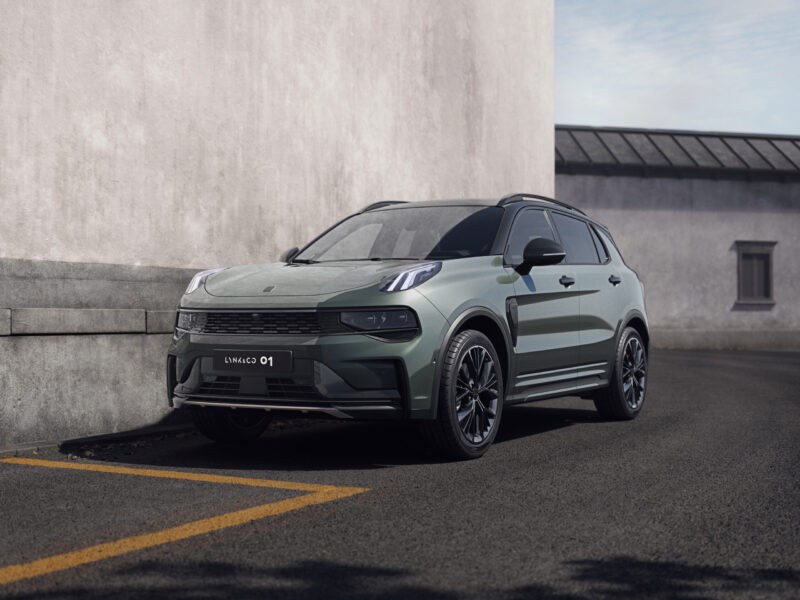
Restoring your Bluetooth and CarPlay step by step
Start with a full reset of all systems. Switch the Lynk & Co 01 infotainment system off and on again. Restart your iPhone by turning it completely off and back on. Then try pairing again.
Erase the existing Bluetooth pairing on both devices. On your iPhone go to Settings > Bluetooth and tap the i symbol next to your car’s name. Choose ‘Forget this device’. Then also remove your iPhone from the vehicle menu of the Lynk & Co 01. Turn Bluetooth off on your phone, wait a few seconds and turn it back on.
Check your USB cable carefully. Use only a cable that supports data, with the USB symbol on it. Charging cables without a data chip do not work for CarPlay. Test with another Apple cable or with a cable that has previously worked in another car. Plug the cable into a USB port that supports data, not just charging.
On your iPhone go to Settings > General > CarPlay. Check whether your car is visible here. Tap your Lynk & Co 01 and see whether all desired apps are allowed. Also check whether Siri is enabled via Settings > Siri & Search, because without Siri a large part of CarPlay does not work.
Software updates can make the difference
Install the latest version of iOS on your iPhone. Apple regularly fixes compatibility issues with CarPlay in new updates. Go to Settings > General > Software Update and install any available updates.
Also check whether an update is available for the infotainment system of your Lynk & Co 01. Look in the vehicle menu under system settings to see if new software is available. A system update can fix bugs that disrupt the Bluetooth connection.
‘ Many owners report that wireless CarPlay drops out regularly, while a fixed USB connection is more stable. ’
A wired connection is often more stable
Wireless CarPlay is convenient, but in the Lynk & Co 01 it is less reliable than a wired connection. Many owners report that wireless CarPlay regularly drops out, while a fixed USB connection is more stable. If you often have problems, switch to a wired connection using a good quality cable.
Test whether the problem lies with your iPhone or with the car. Try pairing a different phone, or test your iPhone in another car with CarPlay. This will help you identify where the fault lies.
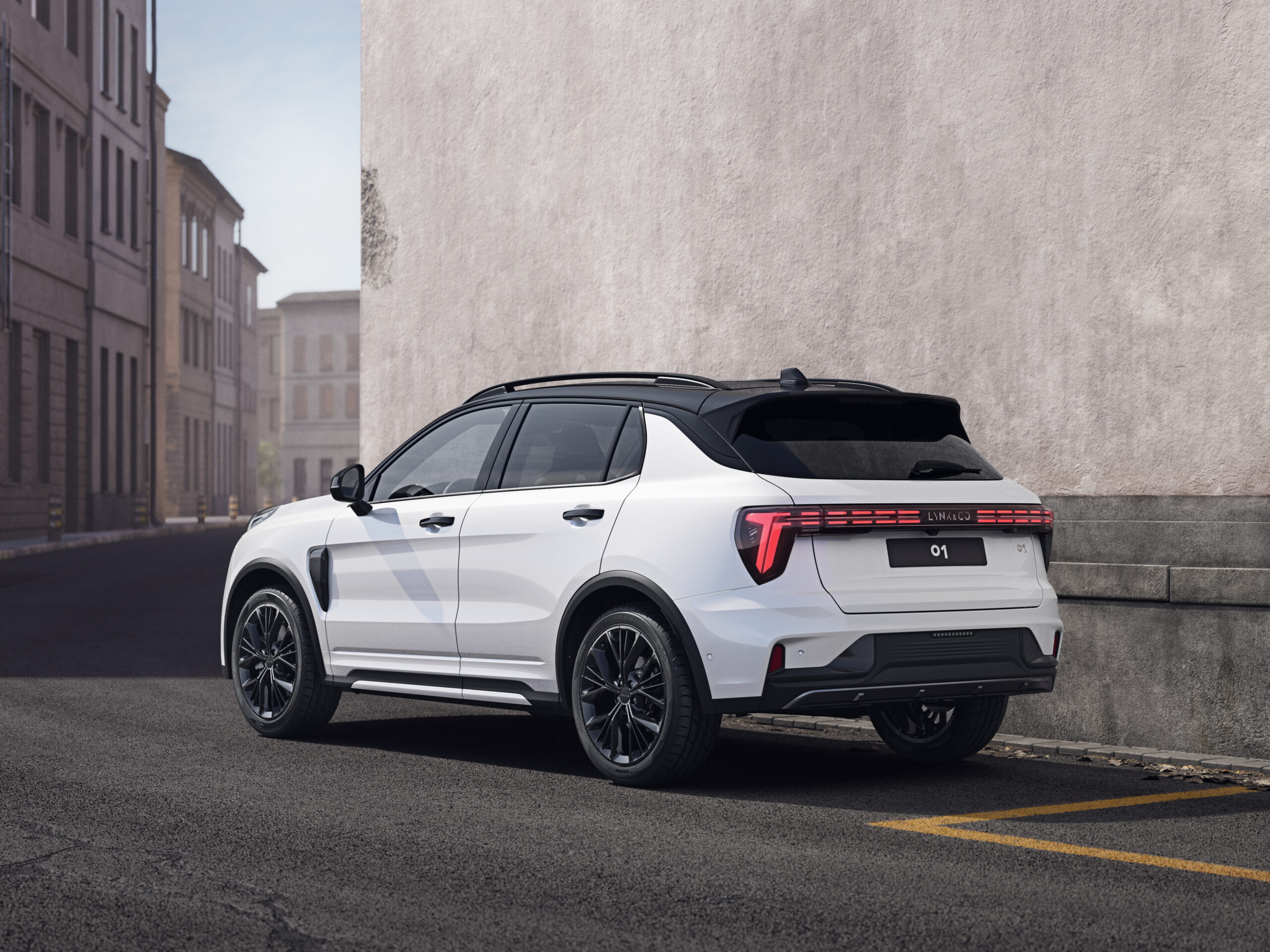
Alternative workaround via Android Auto
Some users report temporarily switching to Android Auto as an interim solution. After disconnecting all Bluetooth devices and reconnecting via Android Auto, CarPlay sometimes starts working reliably again. This is not a permanent solution, but it can help reset the system.
Practical checklist for quick diagnosis
If CarPlay is not connecting, work through this checklist step by step:
- Is the USB cable firmly plugged into the port and into your phone?
- Is Bluetooth switched on on your iPhone?
- Is your iPhone sufficiently charged to operate properly?
- Have you removed the car as a ‘forgotten device’ and paired it again?
- Are you using a certified Apple cable that supports data?
- Have you fully restarted the infotainment system?
- Is Siri enabled in your iPhone settings?
- Is CarPlay allowed for the apps you want to use?
‘ By keeping both up to date, you prevent many connection problems. ’
When problems keep coming back
If you have gone through all the above steps and the connection still stutters, there may be a hardware problem. The Bluetooth module in the infotainment system may be defective, or the USB port may not be working properly. In that case, contact your Lynk & Co dealer for diagnosis and any necessary repair.
Always keep your systems up to date. Apple regularly releases iOS updates that improve CarPlay stability. Lynk & Co does the same for the infotainment system. By keeping both current, you can avoid many connection problems.
On the Carnews website you will find more information about connection problems in other car models, tips for optimising your infotainment system and practical guides for common car issues. Discover more and stay up to date with the latest developments.
Frequently asked questions
The most common causes are unstable or interference-prone Bluetooth connections, which can make CarPlay (especially wireless) disconnect at random. In addition, outdated or incompatible iOS and vehicle software regularly cause connection issues. A poor or non‑data‑supporting USB cable often leads to slow or failed (wired) CarPlay connections. Incorrectly configured CarPlay or Siri settings on the iPhone can also mean that CarPlay does not work at all or only partially.
You can first fully restart both your phone and the infotainment system of the Lynk & Co 01 and then try to connect again. Check that you are using a proper data cable (not just a charging cable) and, if necessary, test with a different cable or USB port. Remove the car from your phone’s Bluetooth list and delete your phone from the vehicle, switch Bluetooth off and on again and pair once more. Finally, make sure that your phone OS and the in‑car infotainment software are up to date, and that Siri/CarPlay (or Android Auto) are enabled in the settings.
There are no specifically communicated, targeted firmware fixes from Lynk & Co known that structurally resolve all Bluetooth and CarPlay problems in the 01. However, the documentation does recommend always installing the latest vehicle software, because updates regularly address compatibility and stability bugs. Updating iOS and the infotainment system together can also reduce various connection issues in practice. For some users, problems improve after such an update, but they have not disappeared completely for everyone.
To prevent problems with Bluetooth and CarPlay in your Lynk & Co 01, it is important to keep both your iPhone and the vehicle software up to date. Always use a high‑quality USB cable that supports data and plug it into a true data port in the car. Erase and re‑pair your phone and the car via Bluetooth/CarPlay when the connection becomes unstable. Fully switch the infotainment system and your phone off and on again if you notice that the connection is slow or unreliable.
Contact the dealer if the connection problems persist after you have restarted your phone and the infotainment system and paired them again. This also applies when the problem continues after you have tried another (data) USB cable and updated both your phone and vehicle software. If CarPlay or Bluetooth drops out regularly while driving and the steps above do not bring lasting improvement, dealer diagnosis is required.