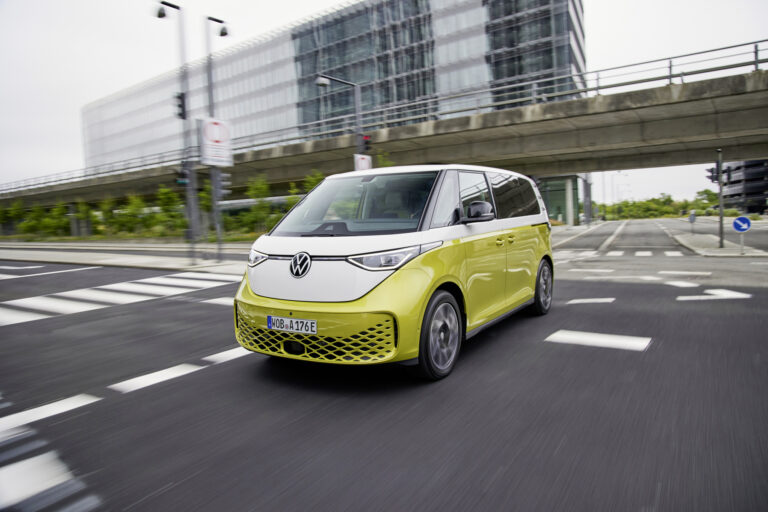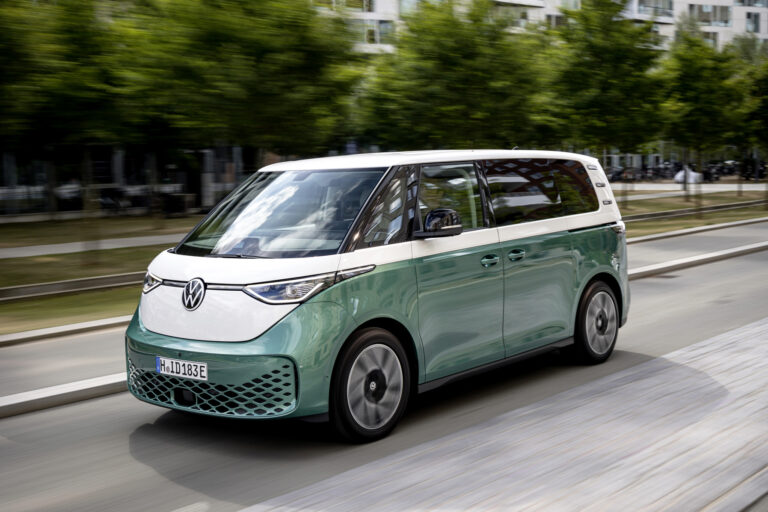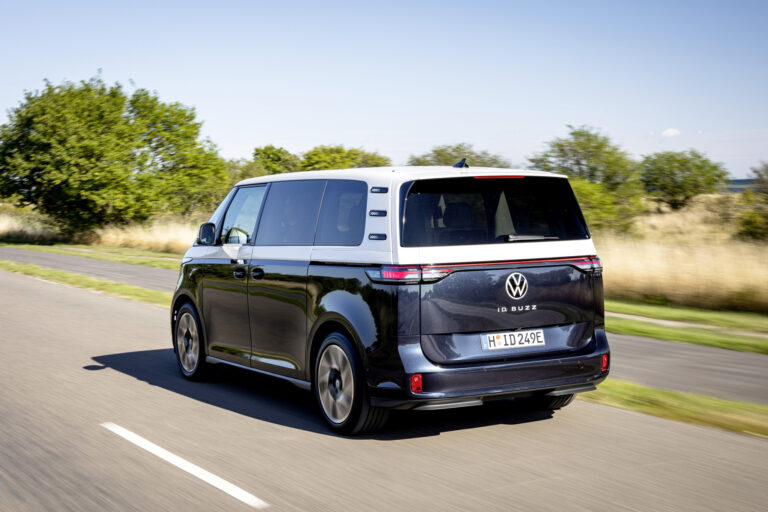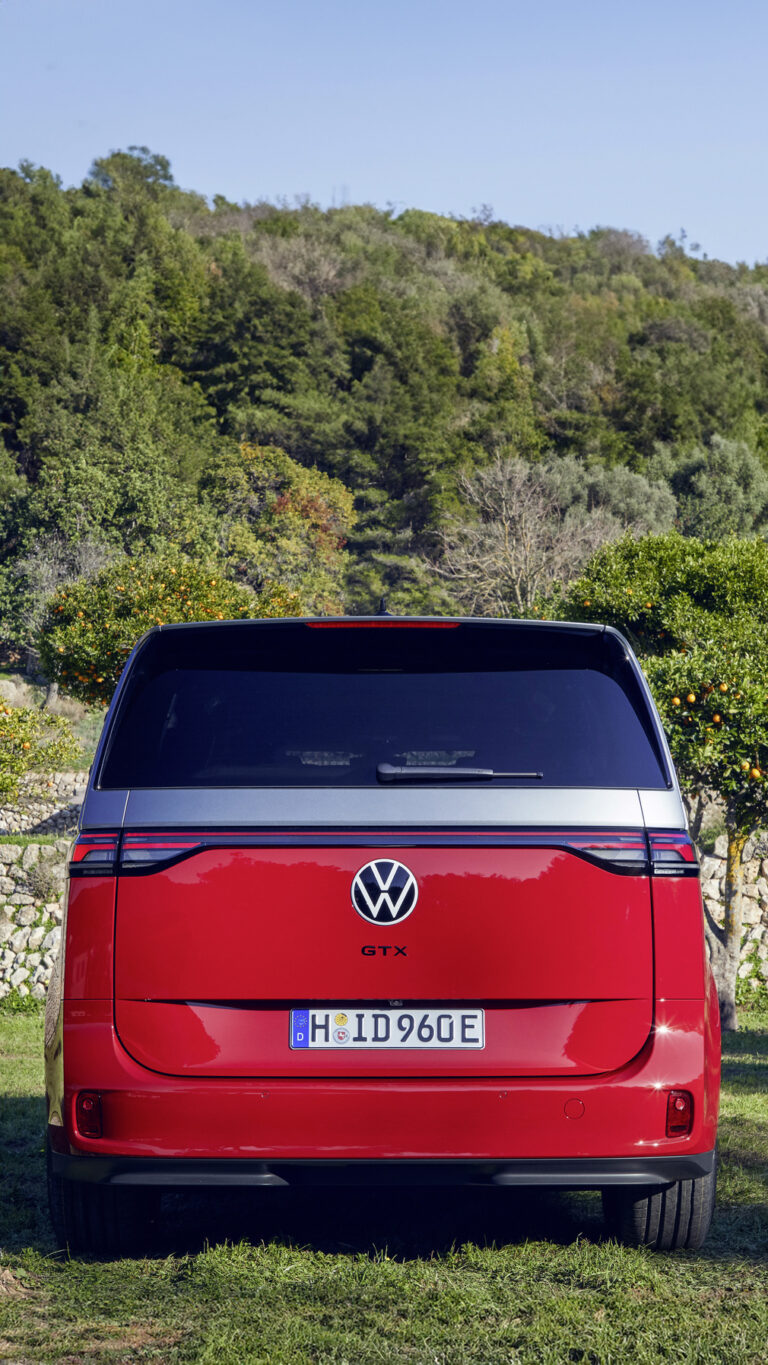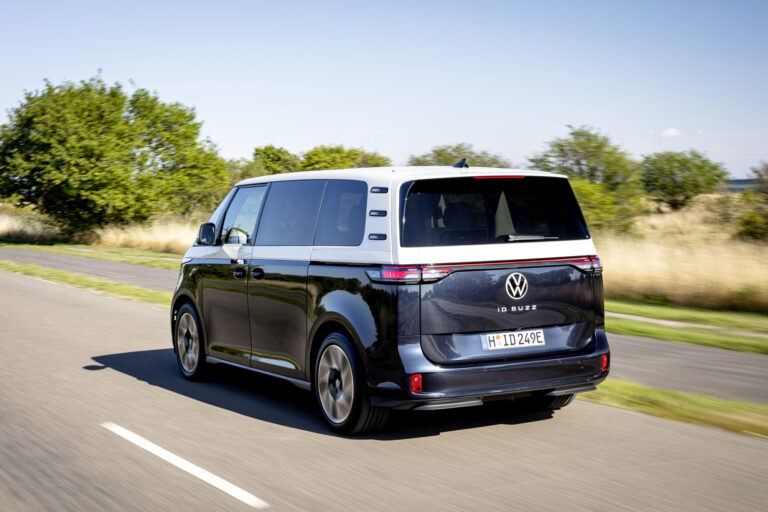
The electric Volkswagen ID. Buzz suffers from persistent software issues that mainly affect the multimedia screen and driver-assistance systems. Owners regularly report display blackouts, slow responses and unreliable assistance systems. Find out which faults occur most often and how to deal with them.
The multimedia screen suddenly cuts out
One of the most commonly reported complaints with the Volkswagen ID. Buzz concerns the infotainment system. After start-up the screen unexpectedly goes black or the system responds extremely slowly. Sometimes the display restarts itself while you are driving. These faults make it almost impossible to operate navigation, climate control and other functions.
The problem often lies in the software of the system itself. Volkswagen has released several updates to fix these bugs, but not all vehicles have received the latest version. Software version 5.6 contains important fixes that were missing in version 4.0, but the update process does not always go smoothly.
Before buying an ID. Buzz, check whether the latest software has been installed. Have this checked by an authorised dealer. If you are already experiencing these complaints, explicitly request an update. Make sure the car stays switched on during downloading, as updates require server communication and can take a long time.
‘ If problems persist, the dealer can manually install an update via a wired connection. ’
Over-the-air updates download slowly or fail
The ID. Buzz has a system for wireless software updates, but this does not always run flawlessly. Owners report that updates do not start, download very slowly or freeze halfway through. As a result, vehicles remain stuck on outdated software versions that contain known problems.
The cause is often slow communication with Volkswagen’s update servers. The car has to be switched on in order to download, which means you need to leave the ID. Buzz running while parked. This can take hours, depending on the size of the update and the speed of the internet connection.
So regularly check whether there are notifications about available updates. Park the car in an area with good reception and leave it switched on until the download is complete. If problems persist, the dealer can manually install an update via a wired connection.
Driver-assistance systems behave unpredictably
In addition to the multimedia screen, software bugs also cause problems with the safety and assistance systems. The lane assist sometimes reacts too aggressively, or not at all. The automatic emergency braking system also gives false warnings or intervenes when it is not necessary. In addition, the speed recognition regularly misreads speed limit signs, causing the system to warn you of an incorrect limit.
These faults are difficult to predict and can create dangerous situations. Although the systems are intended to increase safety, incorrect interventions actually lead to confusion and uncertainty while driving.
- Lane assist corrects unexpectedly or does not respond to deviating lane markings
- Emergency braking function warns of obstacles that are not there
- Traffic sign recognition shows incorrect speed limits on the display
- Adaptive cruise control brakes unnecessarily hard or does not maintain a constant distance
Volkswagen has acknowledged that these systems do not always operate reliably and regularly issues software updates. Always report complaints to your dealer so that they are recorded and your vehicle can qualify for adjustments or recalls.
12V battery unexpectedly runs flat
Another common problem is the flat 12V battery. This smaller battery supports electronic systems such as central locking and starting the main drive system. In the ID. Buzz the 12V battery appears to drain faster than expected, mainly due to faults in the ID.Lights that draw more power than intended.
A flat 12V battery means the car will no longer start and the doors sometimes no longer unlock. This often requires help from a dealer to open the vehicle and charge or replace the battery. Some owners have been stranded as a result and had to wait for assistance.
So pay attention to warning lights that indicate battery problems. If you suspect the battery is weak, have it checked before issues arise. With used ID. Buzz vehicles you can have the condition of the 12V battery tested immediately during a test drive.
‘ This helps you avoid overlooking a genuine problem. ’
Warning lights stay on without reason
In addition to direct faults, software errors also cause warning lights to appear unnecessarily on the dashboard. Warnings about the braking system, the battery or other crucial components sometimes remain lit even after the problem has been solved, or when there is nothing wrong at all.
This leads to uncertainty: is something really wrong or is it a software error? In many cases it turns out to be a bug that can be fixed with a reset or software update. Nevertheless, it is wise to take every warning seriously and have it read out by a dealer.
Dealers can use the diagnostic computer to determine whether there is an actual fault or just an error message. Always have this checked, even if you suspect it is a software issue. This helps you avoid overlooking a genuine problem.

Automatic windscreen wipers work when you do not want them to
A less serious but very annoying complaint concerns the rain sensor. The automatic windscreen wipers of the ID. Buzz sometimes activate when there is no rain or remain inactive when it is raining. They also switch unexpectedly between different speeds, which impairs visibility and is distracting.
Once again, the cause lies in the software that controls the sensor. It does not always interpret the signals correctly, so the wiper speed does not match the actual conditions. A software update can fix this, although not all versions solve the problem completely.
Until the next update, you can switch off the automatic function and operate the wipers manually. This is a temporary solution, but it prevents distraction while driving. Ask your dealer whether an update is already available for your vehicle.
Lock and unlock functions via app are slow
Volkswagen’s smartphone app makes it possible to lock or unlock the ID. Buzz remotely. However, this function is not always fast or reliable. Commands are transmitted with a delay or do not arrive at all, leaving you standing in front of a locked car that does not respond.
This problem is related to the slow server communication that also hampers over-the-air updates. The app must connect to the car via the internet, and when that connection stutters, the function does not work. This is inconvenient in situations where you need to open or lock the car quickly.
Make sure the car always has a good mobile connection by parking it in a spot with sufficient coverage. Also check that your smartphone has the latest version of the app installed. If problems persist, you can contact Volkswagen customer service.
‘ “Recalls temporarily render cars unusable until the dealer has fixed the problem.” ’
Recalls for battery and braking system
In addition to everyday software bugs, Volkswagen has issued recalls for the ID. Buzz due to more serious problems with the battery and braking system. These faults can mean that vehicles will not start or that braking is less effective. Recalls temporarily render cars unusable until the dealer has fixed the problem.
When you receive a recall notice, take it seriously and schedule an appointment quickly. Dealers can unlock doors manually and carry out the necessary repairs. In some cases vehicles are sent back to the factory for thorough corrections.
Regularly check whether there are recalls for your registration number via the Volkswagen website or the RDW. This way you stay informed about mandatory updates and avoid driving an unsafe vehicle.
What you can do yourself as an owner
Many software problems can only be solved by the dealer. Even so, there are a few steps you can take yourself to prevent or reduce the worst faults:
- Before buying, check whether the latest software update has been installed
- Leave the car switched on while parked to allow over-the-air updates to download
- Report complaints to the dealer straight away so they are recorded
- Always have warning lights read out, even if you suspect a software error
- With used vehicles, immediately test the lock/unlock function, wipers and battery status
Stay proactive and report problems at an early stage. This increases the chances that your vehicle will receive the right updates quickly. It helps not only you, but also other owners who are dealing with similar complaints.
On the Carnews website you will find more information about common car problems, maintenance tips and experiences from other owners. Discover which models are reliable and which points to watch out for when it comes to electric cars. Stay informed and make well-considered choices for your next purchase.
Frequently asked questions
The most common software problems with the ID. Buzz are in the infotainment system, which often freezes, reacts slowly or restarts spontaneously. In addition, OTA updates regularly cause issues such as not starting, downloading slowly and stuttering communication with the servers, which means app functions such as remote lock/unlock do not work properly. There are also issues with battery management, including the 12V battery running flat due to, among other things, ID.Light functions, and error messages relating to the battery and braking system that can lead to recalls. Users further report various glitches, such as automatic wipers activating unintentionally and software bugs that temporarily block driving functions.
These problems cause frustration while driving due to frozen screens, slow responses and unexpected restarts of the infotainment system. Warning lights and glitches undermine confidence in the car and can distract from traffic. Problems with OTA updates and app functions make it harder to manage the car remotely and take advantage of new features. Battery and 12V issues can mean the car does not start or doors do not lock properly, which directly hinders daily use.
Volkswagen is rolling out software updates in phases (both via the dealer and over the air) to fix freezes, slow responses and faults in the infotainment system. In the case of more serious problems, such as battery and braking system warnings, Volkswagen carries out recalls so that dealers can apply the necessary software patches and, where needed, perform hardware checks. Dealers also check whether at least the latest stable version (such as 5.6) has been installed and restore functions such as lock/unlock and ID.Lights that can put a strain on the 12V battery. Owners are advised to make their vehicle available for these updates and service actions, because older versions do not fully resolve the issues.
Yes, there are now software updates available that fix part of the problems, particularly from version 5.6 onwards. These updates, among other things, resolve various infotainment faults and certain battery-related bugs. Not all vehicles have automatically received the latest version yet, so a visit to the dealer is sometimes necessary. Some owners do report that updates do not always permanently resolve all issues.
Always have it checked whether the latest software version (preferably at least 5.6) is installed on your ID. Buzz and schedule updates via the dealer if necessary. Give OTA updates time by leaving the car parked but switched on, and report error codes to the dealer straight away, especially for battery or brake warnings. When buying (or considering) one, ask for the full dealer and update history and thoroughly test functions such as infotainment, lock/unlock and wipers immediately. In the case of recalls and faults, maintain close contact with a good dealer and document all problems (photos, dates, messages) to ensure they are resolved quickly.