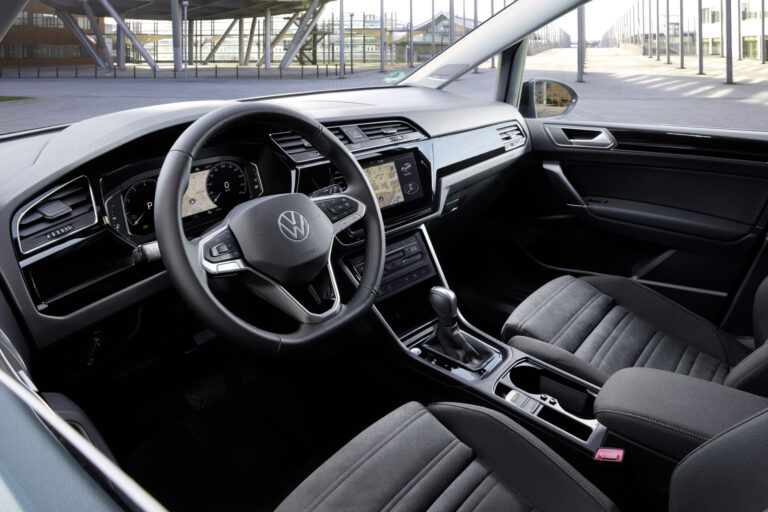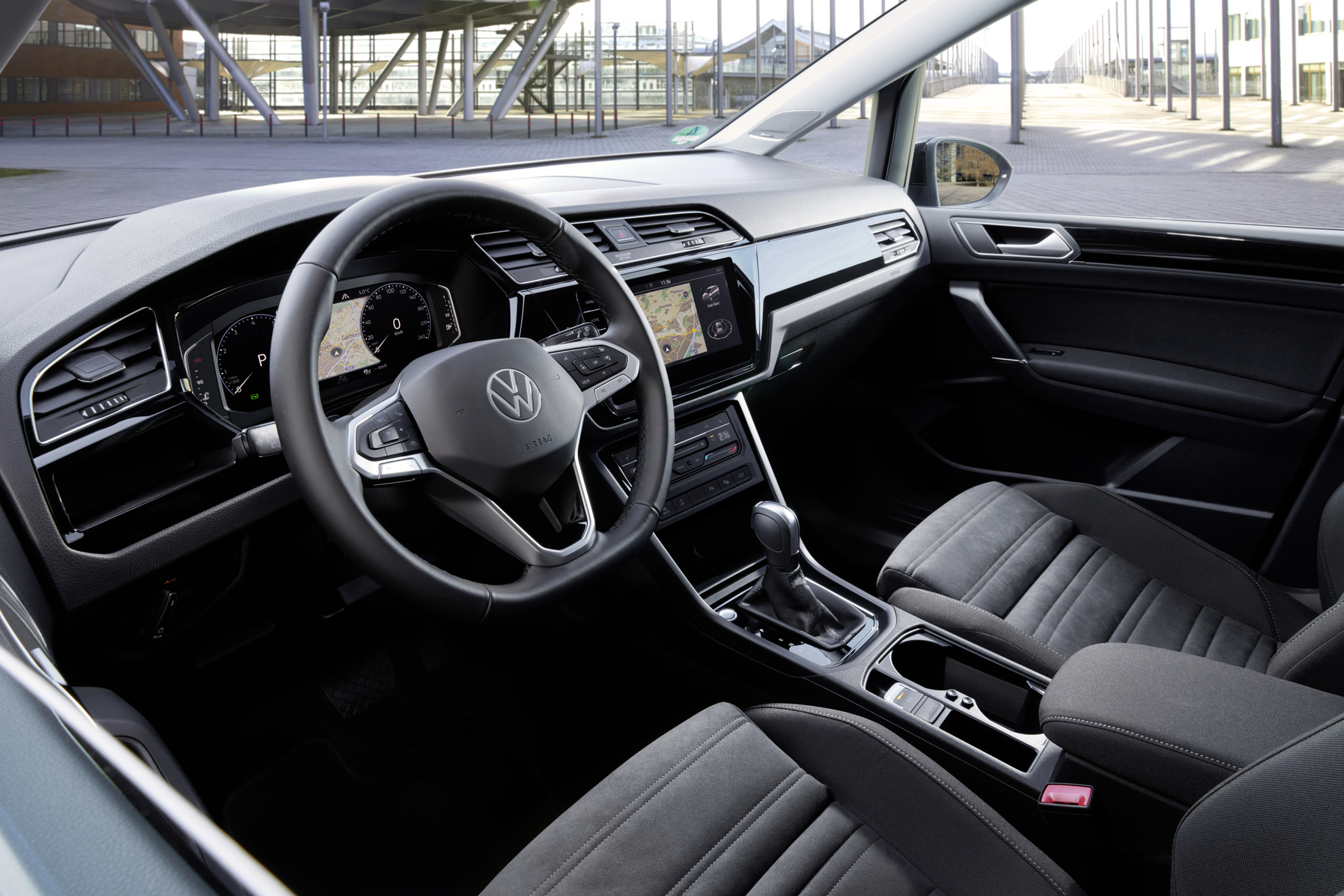
The navigation does not show a position, the infotainment screen stays black or constantly restarts itself. Owners of the Volkswagen Touran know these problems all too well. Regular visits to the dealer for diagnosis and repair are not uncommon. What are the causes and what can you do about it yourself?
Black screen points to power issue
A black screen is one of the most commonly reported faults with the VW Touran. The problem mainly occurs in models from 2014 to 2020 that are equipped with MIB and MIB2 units (Volkswagen infotainment systems). The cause is often faulty capacitors in the infotainment system. These cause the voltage to drop below 10 volts, which stops the screen from working.
In some cases, recent over-the-air software updates cause a black or unresponsive screen. This points to a software error that Volkswagen usually resolves via a follow-up update. Always keep your system up to date for this reason.
‘ “Especially when you use Android Auto or Apple CarPlay, a poor connection can cause your navigation to stop working.” ’
Navigation no longer shows your position
A frozen navigation screen or GPS that no longer receives a signal can have several causes. Outdated map data leads to incorrect route guidance. Software errors in the system sometimes result in the navigation function freezing completely.
Connectivity issues with smartphones also disrupt the functioning of the navigation system. Especially when you use Android Auto or Apple CarPlay, a poor connection can cause your navigation to stop working.
Solutions for navigation problems
First try carrying out a system reset when the screen is frozen or responds erratically. Also update your map data regularly. Volkswagen updates these for better accuracy. Check as well that your smartphone is correctly paired via Bluetooth and that both devices are up to date.
Infotainment keeps restarting itself
A system that keeps restarting is frustrating while driving. Overheating is often the culprit. MIB units reach temperatures of 80 to 90 degrees Celsius, especially in warmer climates or in direct sunlight. This heat causes the system to activate protection and restart itself.
Damaged firmware also leads to restart loops. In that case, only a thorough software update or recovery action via the dealer will help.
Sound cuts out or is distorted
No sound or distorted sound from your speakers? Then the problem probably lies with the audio amplifier or DSP codec (digital audio processor). Loose connections or damaged software cause these faults. In some cases defective speakers or broken wiring are to blame.
First check the speaker settings in your infotainment system. Then restart the system. Next, restart your phone as well. If the problem persists, a visit to the garage is needed for a thorough diagnosis of the audio amplifier.
What you can do yourself when faults occur
A soft reset solves around 60 percent of all infotainment issues. For VW models from 2016 onwards this method works well:
- Start the car and switch on the infotainment screen
- Press and hold the on/off button for about 10 seconds
- The screen turns black and then shows the VW logo
- The system restarts completely
If a soft reset does not help, try a factory reset. Open the system settings and go to the recovery option. You will need to enter the last 8 digits of your chassis number (Vehicle Identification Number, VIN). Then select factory reset. The system takes around 5 minutes to fully reset. The advantage of modern VW systems is that your stored settings and data are restored automatically.

Bluetooth pairing does not resolve
Problems with your smartphone connection are persistent. First check that Bluetooth is enabled on both devices and that they are correctly paired. Restart both your phone and the vehicle system. Then remove the existing connection on both devices and pair them again from scratch.
Also check the audio settings of your phone or connected device. Sometimes connection issues are not caused by the infotainment system but by settings on your smartphone.
When you should go to the dealer
When self-help solutions do not work, professional help is needed. Dealers use diagnostic tools such as VCDS (diagnostic software for Volkswagen) to read out fault codes. Common codes are U1305 for communication loss and B3 and B8 for infotainment failure. These codes help determine whether the problem is software or hardware related.
Software recovery via dealer-level tools resolves many issues permanently. The average cost of a software update is around 500 euros. Many recent problems can be resolved by using official VW apps to download software without visiting a dealer.
Hardware replacement is sometimes necessary
In more serious cases, replacement of the entire MIB unit is necessary. The cost for this ranges between 1,500 and 2,000 euros. This intervention is mainly needed when capacitors are defective or other hardware problems occur that cannot be solved with software.
Is your Touran still under warranty? Then contact your VW dealer about comprehensive warranty cover and possible free hardware replacement.
‘ These updates fix firmware errors and improve memory management. ’
Prevent problems with these tips
Prevention saves you a lot of frustration and cost. If possible, park in the shade, especially on hot days. MIB units are sensitive to high temperatures that lead to system errors.
Keep your infotainment system up to date by regularly installing software updates. These updates fix firmware errors and improve memory management. Also regularly check the wiring and connections of the audio system to prevent loose connections.
The future of VW infotainment
Volkswagen is working on improvements for future models. MIB3 systems (newer generation Volkswagen infotainment systems) in 2026 models will receive AI-driven self-repairing software. Electric vehicles will get cloud-integrated infotainment (where data processing partly takes place on external servers) to minimise on-board faults.
Note: Volkswagen plans to phase out support for pre-2020 MIB units by 2030. If you have an older model, consider upgrading or trading in your Touran in good time.
On the Carnews website you will find much more information about car problems, maintenance tips and technical issues for various car brands. Discover more useful articles and stay up to date with the latest developments in the automotive sector.
Frequently asked questions
You can recognise common faults in a VW Touran infotainment system by symptoms such as a black or frozen screen, repeated restarting, or no/garbled sound. A black screen or restart loop often indicates power or firmware issues in the MIB unit, while loss of sound may point to a faulty amplifier, DSP or wiring. You can recognise navigation and Bluetooth faults from incorrect route guidance, failure to connect or intermittent connection. Using a diagnostic tool (such as the VW Otus tool) and fault codes like U1305, B3 or B8 you can then confirm these faults further.
You can first carry out a soft reset by starting the car, switching on the infotainment screen and holding the on/off button for about 10 seconds until the VW logo appears again. If this does not help, you can carry out a factory reset via the system settings (select the recovery option and enter the last 8 characters of the VIN). For navigation problems, check whether the map data is up to date and carry out a system reset if necessary. For Bluetooth or audio problems you can re-pair the devices, delete existing connections and restart both the phone and the multimedia system.
The most common causes of faults in VW Touran infotainment and navigation systems are defective capacitors and voltage problems (black screen), overheating and damaged firmware (restart loops), and faults in the amplifier/DSP, speakers or wiring (sound problems), plus outdated or incorrect software/map data (navigation and Bluetooth faults). You can avoid a lot of trouble by regularly providing the system with official VW software and map updates, keeping the interior as cool as possible and not parking for long periods in extreme heat. Also check cabling and connections periodically and carry out a soft reset if necessary at the first signs of freezing or stuttering. If problems persist, timely professional diagnosis (reading fault codes and checking voltage) is important to prevent more serious hardware failures.
It is advisable to seek professional help as soon as a soft reset and factory reset do not solve the problem, in case of recurring black-screen or restart problems, or if fault codes such as U1305, B3 or B8 are read out. A visit to a specialist or dealer is also recommended if hardware defects are suspected (e.g. defective capacitors, amplifier or permanently no sound). The average cost for software recovery and official updates is around €500. If the complete MIB infotainment unit has to be replaced, costs can rise to around €2,000.
Yes, Volkswagen has released software updates and firmware patches for various Touran models that reduce known problems with black screens, restart loops and navigation errors. These updates are usually carried out via the dealer (using VCDS/Otis) and in many cases can offer permanent solutions without hardware replacement. In addition, there are regular map and system updates available that correct navigation and connectivity errors. Contact a VW dealer to have them check whether specific campaign measures or updates for your Touran’s infotainment system are outstanding.