Faults in DAB radio (Digital Audio Broadcasting, digital radio transmission) and infotainment systems are becoming increasingly common in modern cars and, although these problems do not directly affect safety, they do have a considerable impact on driving comfort. From frozen screens to loss of signal and dropped connections: owner frustration is high. In practice, most of these faults can be solved with a few simple steps, but sometimes dealer intervention is unavoidable. Discover which problems occur most often and how you can fix them yourself.
Common DAB radio faults
DAB radio technology promises crystal-clear sound without hiss, but in practice you frequently run into limitations. Loss of signal occurs in tunnels, multi-storey car parks and urban areas with lots of high-rise buildings. The radio then automatically switches to FM, resulting in loss of sound or choppy audio. In particular after software updates, owners report that DAB reception becomes less stable than before.
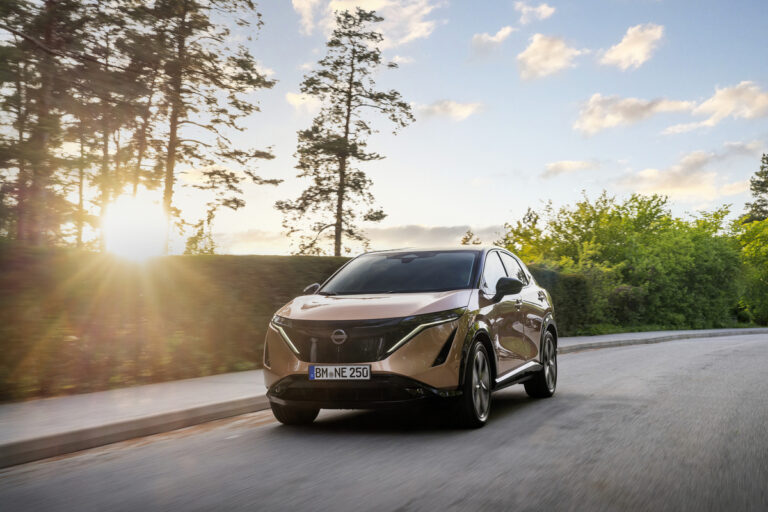
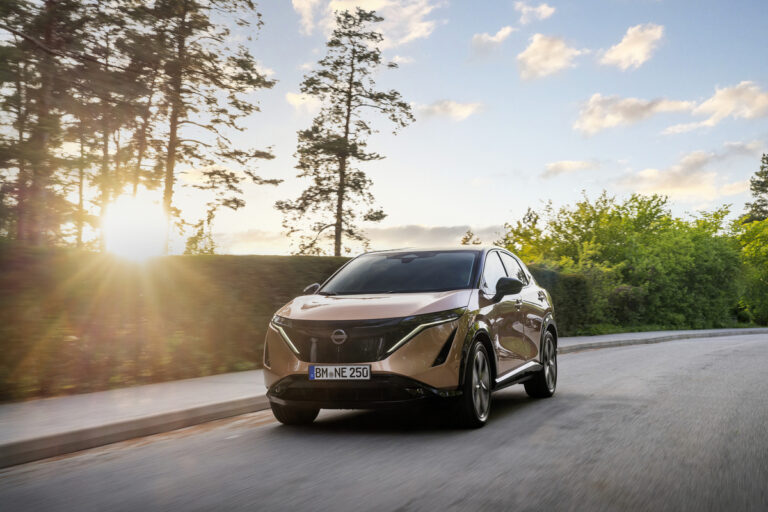
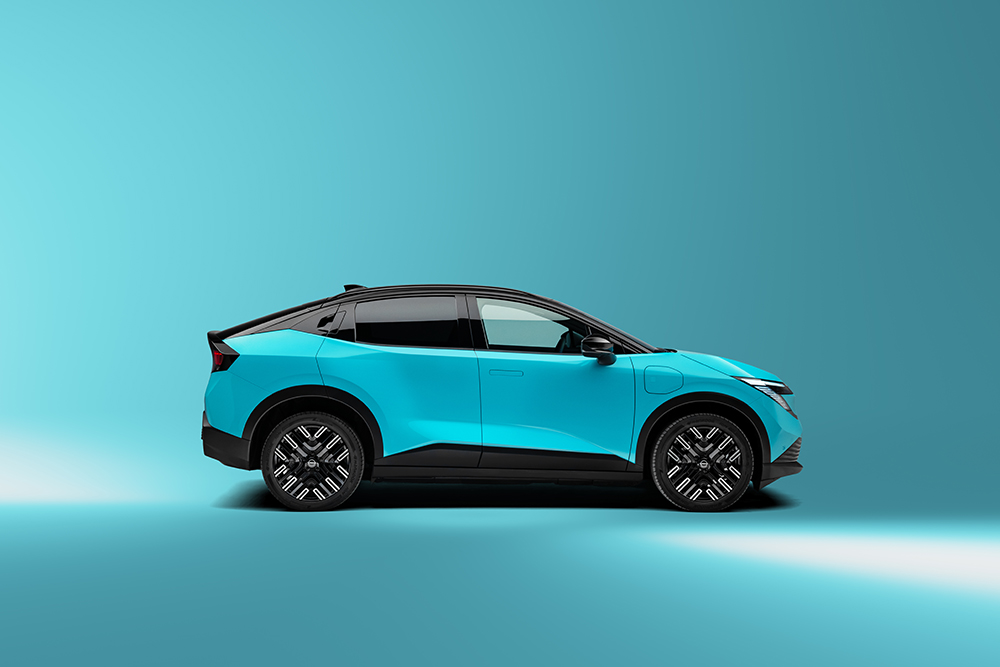
With models such as the Nissan Ariya we see this problem occurring regularly. Owners experience the DAB signal cutting out in rainy weather or when weather conditions are changeable. This is because digital radio signals are more sensitive to external influences than traditional FM frequencies.
Interference from external factors also plays a role. Think of defective aerials, corrosion on connectors or interference from other electronics in the car. In some models the aerial connection turns out to work loose over time, leading to fluctuating reception while driving.
‘ “A reboot of the system often takes one to two minutes, during which you have no access to important functions.” ’
Infotainment systems that freeze
The central touchscreen is the heart of modern in-car infotainment, but freezing screens frustrate thousands of owners on a daily basis. The screen no longer responds to touch, navigation instructions get stuck or the Bluetooth connection with your smartphone suddenly drops. A reboot of the system often takes one to two minutes, during which you have no access to important functions.
These freezes mainly occur during intensive use of apps such as Amazon Alexa, Spotify or SiriusXM. The system becomes overloaded when several functions are active at the same time: navigation, music streaming and phone calls. In some models the infotainment freezes at moments when the head-up display (projection of driving information onto the windscreen) or driver assistance systems are processing information at the same time.
Cold temperatures make the problem worse. In freezing conditions the touchscreen responds more slowly and it takes longer before the system has fully started up. This is related to the response time of the electronics at low temperatures, which is particularly noticeable in electric cars because of the impact on the battery electronics.
Connectivity problems with your smartphone
Wireless Apple CarPlay and Android Auto make life easier, but they regularly drop the connection. You are driving on the motorway, listening to a podcast and suddenly the sound cuts out. The wireless connection is vulnerable to several factors: low battery level on your phone, distance from the infotainment system and software versions that are not perfectly matched.
USB ports offer an alternative, but owners run into problems here as well. Type-A and Type-C ports sometimes fail when devices are charged for long periods. The port overheats or the connector is damaged by frequent plugging in and unplugging. As a result, your phone no longer charges or the data connection is lost.
Solutions include switching to a wired connection when wireless is unstable. Clean the USB ports regularly with compressed air to remove dust and dirt. Make sure your phone is up to date with the latest iOS or Android version, and switch off the car’s Wi-Fi hotspot when driving in Eco mode to prevent interference.
Software glitches and system integration
Modern cars integrate the infotainment with other systems such as driver assistance, the instrument panel and safety systems. When this integration does not run smoothly, error messages appear on the screen or functions respond slowly. The head-up display may, for example, show no information, or traffic sign recognition may not work in tandem with the navigation.
Over-the-air updates (OTA updates, wireless software updates that are automatically sent to the car) are meant to solve these problems, but sometimes introduce new bugs. After an update, the DAB radio may work more stably, but Apple CarPlay may crash more often when using Siri. Owners report on forums that firmware updates solve one fault while another appears.
The quality of audio systems such as Bose speakers usually remains unchanged, but the interface used to control these systems can freeze. The settings menu no longer responds, or audio settings are not saved after the car is switched off.
‘ Preventive maintenance helps to avoid many problems ’
Practical solutions
Start with a soft reset of the infotainment system. Press and hold the volume and power button for ten seconds until the screen goes black and restarts. This method resolves many temporary software issues without losing your settings.
For more persistent problems, try a hard reset via the fuse box. Remove the fuse for the infotainment system from the fuse box in the boot and wait five minutes before replacing it. This forces the system to restart completely, which can resolve deeper glitches.
For DAB optimisation, park the car outside in an open area and test the signal. If it works well there, the issue is probably due to external interference. Update the software via the manufacturer’s app and schedule an aerial check at the dealer if the problem persists.
Preventive maintenance helps to avoid many problems:
- Install OTA updates regularly as soon as they are available
- Precondition the battery in electric cars before cold trips to stabilise the electronics
- Log driving time and the moments when faults occur to speed up dealer diagnosis
- Use wired connections if wireless constantly gives problems
When you should go to the dealer
Some problems you simply cannot solve yourself. Hardware defects in the aerial, touchscreen or central computer require professional diagnosis. When resets and updates bring no improvement, or when the problem recurs on a daily basis, schedule an appointment with an approved dealer.
Most faults are covered by the manufacturer’s warranty, especially when they involve known software problems. Dealers have advanced diagnostic equipment that reads fault codes and tests specific modules. A dealer fix usually takes two to three hours on average, depending on the type of fault and the software updates required.
Keep a logbook of when problems occur: date, time, weather conditions and which functions were active. This information helps the technician to reproduce and solve the problem more quickly. Always ask about any known service bulletins (technical notices from the manufacturer to dealers about known problems and solutions) for your model, as manufacturers regularly issue technical updates for common complaints.
Owners’ experiences
On online forums, owners share their frustrations and solutions. Many drivers appreciate the advanced audio systems and intuitive interfaces, but complain about reboots during long journeys. Screens going black after two hours on the motorway or DAB signal dropping out in the rain are regularly mentioned.
Positive reports show that most problems are temporary. After a reset or firmware update, systems often return to full normal operation. Owners who reported persistent problems to the dealer were in many cases given replacement components or free software updates that permanently resolved the fault.
Some models benefit from specific technical improvements. Owners report that newer firmware versions improve DAB stability and that CarPlay crashes occur less frequently. However, using Siri while driving remains a well-known weak spot with various brands.
‘ The downside is that digital signals have sharp limits: you either receive a perfect signal or nothing at all. ’
Technical background information
DAB radio works with digital signals that contain more data than analogue FM frequencies. This gives you better sound quality and extra information such as song titles and traffic information. The downside is that digital signals have sharp limits: you either receive a perfect signal or nothing at all. There is no gradual transition like FM hiss.
Modern infotainment systems run on complex software, similar to a smartphone. They have to process navigation, stream audio, manage phone connections and integrate with the car’s electronics all at the same time. With so many simultaneous processes, systems can become overloaded, especially with older hardware or unoptimised software.
Electric cars face additional challenges because the infotainment system draws power from the same battery as the drivetrain. In extreme temperatures, the system sometimes gives priority to driving functions, which can make the infotainment respond more slowly or work less reliably.
On the Carnews website you can find much more information about technical problems, maintenance tips and solutions for different car makes and models. Discover more articles that help you get the most out of your car and prevent annoying faults.
Frequently asked questions
Common DAB and infotainment malfunctions include loss of signal or choppy DAB audio, especially in tunnels, cities or after software updates, and switching over to FM. Frozen or black screens also occur during navigation or Bluetooth streaming, sometimes followed by a slow restart. In addition, there are connection problems with wireless Apple CarPlay/Android Auto, which mainly occur when your phone battery is low, in cold weather or after prolonged use of USB ports. You recognise these faults by sound dropping out, frozen or slow screens, error messages and smartphone connections that regularly cut out.
Start with a soft reset: press and hold the volume/power button for about 10 seconds until the system restarts. Then check whether DAB reception is better when you are stationary outside, and install any available software updates via the infotainment screen or the NissanConnect app. If freezes persist, you can switch the car off, wait a few minutes and, if necessary, briefly remove and refit the relevant fuse (infotainment). If faults keep returning, a dealer check of the aerial, wiring and software is necessary.
It is necessary to consult a specialist if the infotainment screen freezes regularly, stays black or only works temporarily after a hard reset. You should also consult a dealer if DAB radio and connectivity problems (CarPlay/Android Auto, USB ports) persist despite software updates and resets. If there are error messages related to ProPILOT Assist, the head-up display or Nissan Safety Shield 360, a professional diagnosis is advisable. Be sure to contact a Nissan dealer if you suspect a hardware defect or if the problems affect your driving comfort or safety.
Faults in the infotainment system reduce user-friendliness because the touchscreen freezes, functions respond slowly and connections with DAB radio or CarPlay/Android Auto drop out. This causes frustration, distraction and extra actions while driving. Choppy audio, screen black-outs and unexpected reboots interrupt navigation and media, making the driving experience more unsettled and less relaxing. Although basic driving tasks remain possible, drivers experience overall comfort and confidence in the car as lower.
In particular, the Nissan Ariya is frequently reported as having faults in the DAB radio and infotainment system, such as frozen screens, loss of signal and connection problems with Apple CarPlay/Android Auto. These problems occur mainly after software updates or during intensive use of apps such as Amazon Alexa and SiriusXM. According to users, OTA software updates and dealer visits solve a large proportion of these faults.
Keep the software of your infotainment system and DAB radio up to date via OTA updates or the NissanConnect app. Where possible, use wired Apple CarPlay/Android Auto if the wireless connection is unstable and keep USB ports clean. If there are faults or DAB signal frequently drops out, have the aerial and wiring checked by the dealer. Note when problems occur (time, weather conditions, apps) so the dealer can diagnose more precisely.