ProPILOT and driver assistance systems frequently encounter problems in rain and dust. These are not exceptions. The system simply fails when you need it most. Users report that activation regularly fails. These assistance systems are not always equally reliable.
Why ProPILOT Doesn’t Always Work
ProPILOT Assist is a semi-autonomous driver assistance system from Nissan that combines steering, braking, and acceleration. The system uses cameras and sensors to follow road markings and vehicles ahead. When these sensors become contaminated by rain, dust, or snow, ProPILOT suddenly switches off. The camera behind the windscreen must have a clear view to recognise the lane.
The system provides a warning when the sensors are not functioning optimally. You will then see a message on the dashboard indicating that ProPILOT is temporarily unavailable. This happens especially in bad weather, when driving assistance would be particularly welcome.
‘ “These problems occur in various weather conditions and on different road types.” ’
Known ProPILOT Problems with the Nissan Ariya
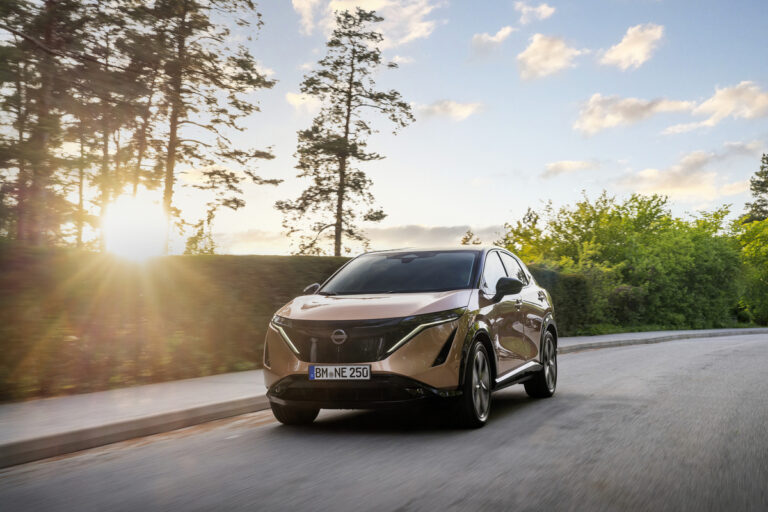
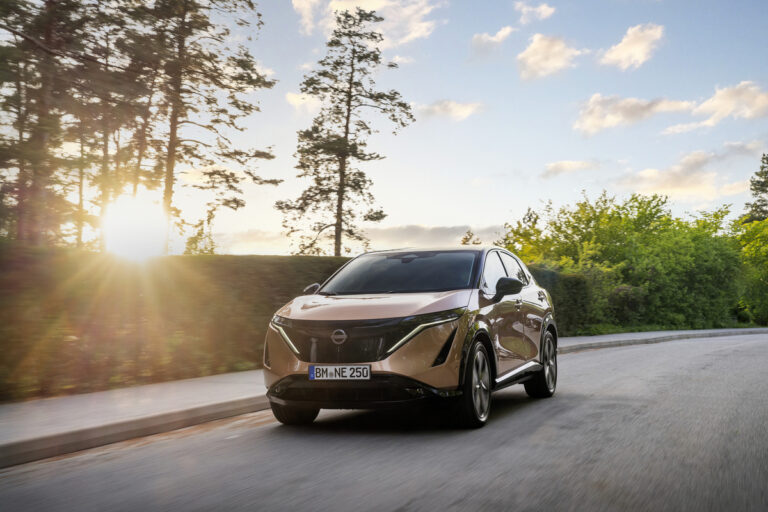
The Nissan Ariya was launched with an advanced version of ProPILOT. However, owners regularly report malfunctions. The system sometimes fails to activate, even when all conditions are met. In other cases, the system suddenly switches off without clear reason.
Some owners report that the adaptive cruise control deactivates without warning. Additionally, there are complaints about the lane-keeping assist. It reacts too sensitively or intervenes too late. These problems occur in various weather conditions and on different road types.
Software Updates Sometimes Provide a Solution
Nissan has rolled out software updates for certain models to improve reliability. These updates adjust the sensitivity of the sensors and improve road marking recognition. Check with your dealer if an update is available for your model. Not all problems are resolved this way, but some owners do report improvement.
Adaptive Cruise Control That Switches Off
Adaptive cruise control, part of driver assistance systems such as ProPILOT, switches off for various reasons. The main causes are:
- Contaminated sensors due to dirt, rain or insects
- Unclear road markings or missing lines
- Sharp bends where the system no longer tracks the road
- Sudden braking actions by vehicles ahead
- Extreme weather conditions such as heavy rain or snow
The system switches off for safety reasons. When it no longer receives reliable information from its sensors, it returns control to the driver. This feels unexpected, especially on the motorway during busy traffic.
Reliability of Driver Assistance Systems in Bad Weather
Cameras and radar sensors struggle with certain weather conditions. Rain disrupts the signal and limits camera visibility. Dust and dirt stick to the sensor, completely blocking the signal. Snow reflects radar signals, causing the system to perform distance measurements inaccurately.
This is not an exclusive problem for ProPILOT. Similar systems from other brands have the same limitations. Manufacturers are working on improvements, but the physical limits of camera technology will persist for the time being.
What You Can Do Yourself
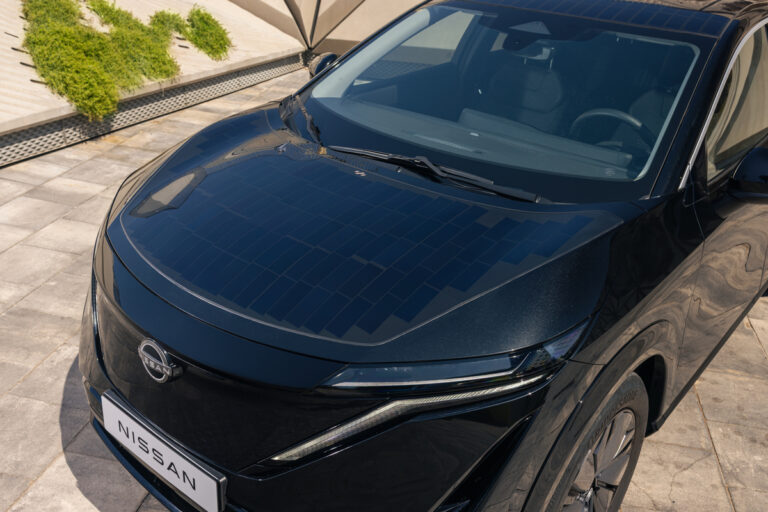
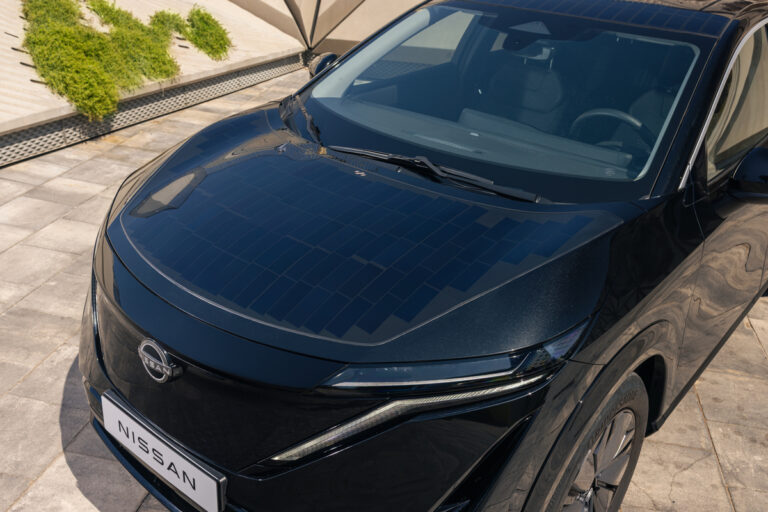
Keep the sensors clean. Regularly check that the camera behind the windscreen has a clear view. Clean the radar unit behind the Nissan logo in the grille. This prevents many unnecessary system deactivations.
Do not rely entirely on driver assistance systems. They are intended as support, not as a replacement for your own attention. Remain alert and take action yourself in good time if the system switches off or reacts strangely.
‘ Models from 2021 onwards sometimes have a known issue with the steering sensor. ’
When You Should Take Action
Some malfunctions indicate a technical defect. If ProPILOT does not activate even in dry weather and with clean sensors, there may be a hardware problem. The same applies if the system constantly gives warnings without a clear reason.
Have this checked by a specialised garage or the dealer. Models from 2021 onwards sometimes have a known issue with the steering sensor. This sensor fails and completely blocks ProPILOT. A diagnosis will determine if this is the case.
On the Carnews website, you can find more information about driver assistance systems, maintenance tips, and known problems with various car brands. Other owners report their experiences and available solutions.
Frequently Asked Questions
Common problems include ProPILOT unexpectedly failing or being temporarily unavailable due to poor road markings, bad weather, or dirty sensors. Incorrect steering wheel or lane detection can also occur, causing the system to react too late or illogically. Sometimes there are hardware issues, such as malfunctions in the steering wheel sensors or cameras, which generate error messages and warnings. Furthermore, drivers frequently misunderstand the system’s limitations, leading them to overload it or rely too heavily on automation.
Malfunctions in driver assistance systems can cause unexpected or incorrect interventions, such as abrupt braking or steering errors, which can directly endanger road safety. Drivers may lose trust in the technology and experience more frequent startled or stressed reactions. Unreliable systems can also lead to incorrect dependence: the driver believes they are protected while the assistance has (partially) failed. Together, this results in a less predictable, more unsettling driving experience and potentially more accidents.
Key causes include incorrect or contaminated sensor input (for example, cameras and radar being blocked by dirt, snow, or bright backlighting) and unclear or poorly visible road markings. Deviating traffic situations or infrastructure for which the system was not designed can also lead to unexpected behaviour. Furthermore, software limitations, calibration problems, and errors after vehicle repairs or modifications play a role. Finally, incorrect or overestimated use by the driver (e.g., hands-off driving or treating the system as an autopilot) can cause malfunctions and unexpected reactions.
Drivers can often prevent malfunctions by keeping cameras, radar, and sensors clean and ensuring that the windscreen and grille are not blocked by dirt, stickers, or accessories. If problems occur, first check if all relevant warnings and lights on the dashboard are illuminated and consult the manual to see which ADAS functions are limited or deactivated. It can help to turn the system completely off and on again, or to briefly turn off the car, and then test it on a well-marked road under normal weather conditions. If the problem persists, it is advisable to have fault codes read by the dealer, as a defective sensor, camera, or steering wheel sensor could be the cause.