
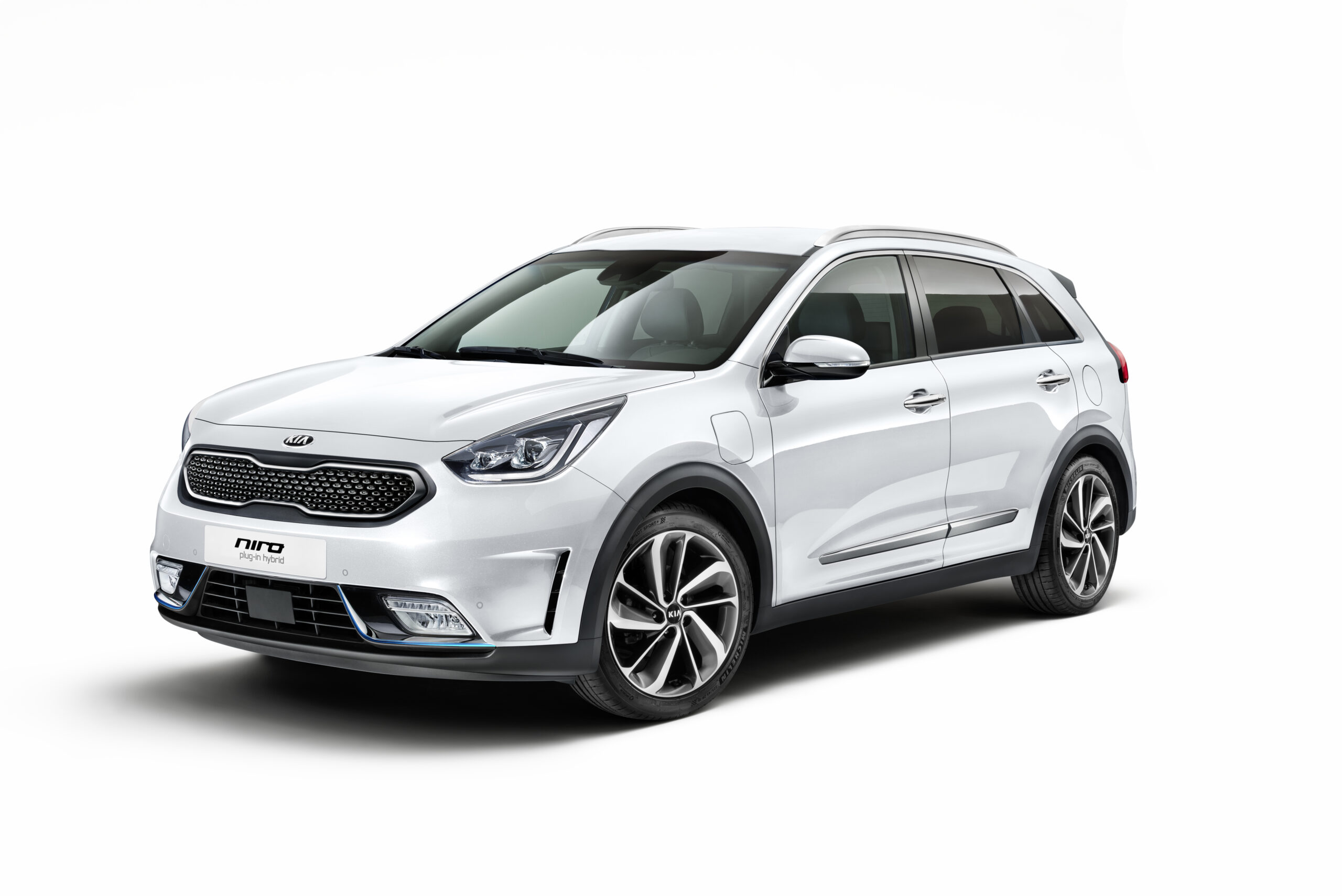
The Kia Niro EV and PHEV regularly suffer from charging faults caused by defective components such as the SCU and GDU, software errors and a disrupted battery management system. Young EV models show this problem more often than expected. Iron particles (tiny metal particles released through wear) in the system cause rattling and blockages while charging, resulting in DC charging faults and even the notorious zombie mode. Find out how to recognise these problems and what you can do about them.
The Kia Niro is popular among electric drivers, but the EV and PHEV variants suffer from persistent charging issues. First-generation models in particular and younger EV examples show faults during DC rapid charging. These problems are not always immediately visible, but can lead to situations where the car simply refuses to charge.
Many owners report faults that only come to light after extensive diagnostics. The problems are often found in components you would not immediately suspect: the SCU (Smart Charging Unit: controls communication between charging station and battery), the GDU (Gate Drive Unit: controls the inverters) and the BMS (Battery Management System: monitors the condition of the battery cells). These components work closely together during the charging process, and a single defective part can shut down the entire system.
DC charging faults caused by SCU issues
A common cause of charging issues is a defective SCU. This component controls the communication between the charging station and the battery during DC rapid charging. If the SCU becomes faulty, the car can no longer communicate correctly with the charging station. You plug in the connector, but nothing happens.
Symptoms of a defective SCU are:
- The car does not start charging at DC rapid chargers
- AC charging still works, but DC charging does not
- Error messages on the display about charging faults
- The charging process stops abruptly after a few minutes
This problem occurs mainly in Kia Niro EV models from 2018 to 2020. The cause is often software errors, but sometimes the hardware itself is defective and the component needs to be replaced. A dealer can determine this through diagnostics. Software updates sometimes solve the problem temporarily, but in many cases a full replacement of the SCU turns out to be the only lasting solution.
GDU rattling and mechanical failures
The Gate Drive Unit (GDU) is responsible for controlling the inverters during charging. In some Kia Niro EV models, rattling develops in this component, caused by iron particles that accumulate in the system. These particles are released through normal wear of electric motors and components, but can end up in the GDU.
The consequences are both audible and noticeable:
- Rattling noises under the bonnet while charging
- Vibrations that can be felt in the chassis
- Reduced charging speed
- Error codes in the system
Owners describe the sound as a mechanical rattling that occurs as soon as the car is connected to a rapid charger. The GDU is trying to operate normally, but the iron particles partially block the internal components. This leads to inefficient operation and increased wear. Depending on the severity of the contamination, dealers can flush or replace the GDU.
Zombie mode caused by BMS fault
One of the most feared problems is zombie mode. This situation arises when the Battery Management System (BMS) loses control of the battery. The BMS monitors the charge level, temperature and voltage of every cell in the battery. If this system becomes disrupted, the car can no longer charge and may not even start.
Zombie mode manifests itself as follows:
- The car no longer responds to attempts to charge
- The dashboard does not show the correct charge status
- The car cannot be started
- All systems appear to be switched off
The cause often lies in a combination of factors. Iron particles in the system can interfere with sensors, causing the BMS to take incorrect measurements. In addition, software errors can cause the BMS to switch to a safe mode and block all functions. This is a protection mechanism to prevent damage to the battery, but it renders the car unusable.
Solving zombie mode
Resetting the BMS is sometimes possible by disconnecting the 12V battery and restarting the car. However, this does not always work. In many cases, the dealer has to recalibrate the system and possibly install new software. In more serious cases, replacement of BMS components is required.
12V battery as the silent culprit
A common but often overlooked issue is a weak or flat 12V battery. This small battery powers the onboard computer and the charging management system. If the 12V battery provides too little voltage, the entire charging process can be blocked.
Signs of a weak 12V battery:
- Charging does not start, even after several attempts
- The dashboard does not show a charge status
- Central locking responds slowly
- Warning lights on the dashboard
This is especially common in PHEV models that have been driven on petrol for long periods without charging electrically; the 12V battery then becomes depleted. The system normally charges this battery while driving, but if you drive only on petrol, this happens insufficiently. Regularly check the voltage of the 12V battery and replace it if in doubt. A new 12V battery is inexpensive and prevents a lot of frustration.
Practical solutions for charging issues
If you experience charging issues with your Kia Niro EV or PHEV, follow these steps:
- Test a different charging point to rule out issues with the charge post
- Clean the charging port and plug with a dry cloth
- Press the orange reset button under the bonnet (on the right next to the headlight)
- Disconnect the 12V battery for 10 minutes and reconnect it
- Check with the dealer whether software updates are available
- Have the 12V battery tested and replace it if necessary
- Schedule diagnostics at the dealer to have the SCU, GDU and BMS checked
Many problems can be solved with a simple reset or software update. But persistent faults require professional diagnostics. By reading out error codes, dealers can determine exactly which component is defective. Do not wait too long to have this checked, as damage to the BMS or battery can lead to costly repairs.
Prevention and maintenance
Prevent charging issues through regular maintenance and attention to warning signs. During your service, have the charging components checked. Ask specifically about software updates for the BMS and charging system. These updates often resolve known issues before they appear.
Keep the charging port clean and free of dirt. Dust and moisture can cause contact problems. Check the 12V battery annually, especially if you often make short journeys or use the PHEV mainly on petrol. And if you hear rattling or vibrations while charging, have this checked straightaway. Early detection prevents more serious damage to the GDU.
On the Carnews website you will find much more information about charging issues, maintenance tips and known faults in electric cars. Discover how to keep your EV or PHEV in top condition and which checks you can carry out yourself.
Frequently asked questions
The most common symptoms are that the car does not start charging at all (no charging indicator or green light) and that you only hear several clicking sounds at the charging port without any current flowing. Slow or intermittent charging is also common, where charging stops spontaneously or is much slower than expected. In addition, drivers sometimes report that charging only works after a reset (such as using the orange button) or after disconnecting and reconnecting the cable.
Charging issues with a Kia Niro can be caused by the car itself due to a flat or weak 12V battery, software errors that require a reset (such as the orange button under the bonnet), or mechanical/contact problems in the charging port or cable (for example a plug that does not click into place properly or a sticking charge‑stop button on PHEV models). On the charging infrastructure side, the causes are often a defective or poorly connected charging station, worn or damaged charging cables and plugs, or a charge post that needs a reset (switching the circuit breaker off and on). A charging point or cable can also limit the maximum charging speed, making it seem as if the car has a “problem” while in reality the infrastructure is the bottleneck. Testing another charge post or cable helps determine whether the issue lies with the car or the charging infrastructure.
First check that the plug is fully inserted, that the charging port is clean, and if possible try another charging point or cable. Then reset the charging station via the consumer unit (switch the circuit breaker off, wait 10 minutes, switch it back on) and see whether the problem has been resolved. With a PHEV you can press the orange reset button under the bonnet and listen for the three clicks at the charging port; repeat connecting and immediately locking the car. If the issue persists, have the 12V battery checked and go to the dealer anyway.
For the Kia Niro PHEV, model years around 2019 are most frequently mentioned with charging issues, particularly because of the charge‑stop button that can jam and the well‑known “three clicks” at the charging port. Users of later PHEV models (such as 2024) also report similar complaints, often related to software and the 12V battery. Certain software versions can cause temporary faults in the charging system, which usually disappear after an update or reset (including via the orange button under the bonnet). For the fully electric Niro EV, fewer specific problem years are mentioned, although outdated software and 12V battery issues can also disrupt charging in those models.
Prevent charging issues by keeping the charging plug and port clean and dry and always inserting the plug firmly until it clicks into place, and if in doubt, check using a second charging point or cable. Have the 12V battery checked regularly and replaced in good time, as a weak 12V battery can block charging. Make sure the car’s software is up to date and, in the event of repeated faults, have the dealer inspect the charging module and connections. For optimum battery lifetime, charge the high‑voltage battery more often to around 70–80% rather than consistently to 100%, and avoid leaving the car parked for long periods with a (nearly) full or empty battery.