
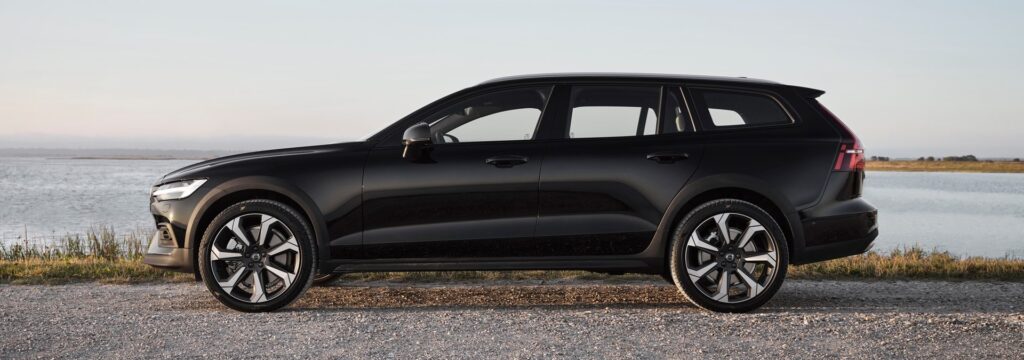
The driver display and centre console of the Volvo V60 suddenly fail while driving, causing a black screen and the loss of navigation, Bluetooth and other functions. This problem occurs regularly in various model years and is often caused by software bugs or electrical faults. Sound familiar? Find out what is going on and how you can solve it.
What are the most common symptoms?
Owners of the Volvo V60 report various issues when the display or console fails. The screen can go completely black or stop responding to touch. Sometimes the system simply does not start up when you start the car.
Connectivity problems are also part of this picture. Internet, navigation and Bluetooth then stop working, with some systems not recovering automatically. In more serious cases the entire driver display fails, so you no longer see your speed or other important information. This may be accompanied by warnings such as “Service required” or “Stop safely”.
The problems occur mainly in V60 models with Google infotainment (the Android-based multimedia system) from model year 2019 onwards. The faults also occur in Twin Engine versions. Older V60 models do not have a manual reset option and generally restart automatically after a cold start.
How can you restart the display yourself?
You can resolve most display and console failures yourself without visiting the dealer. These methods solve the problem in 80 to 90 per cent of cases. Always carry them out safely when the car is stationary.
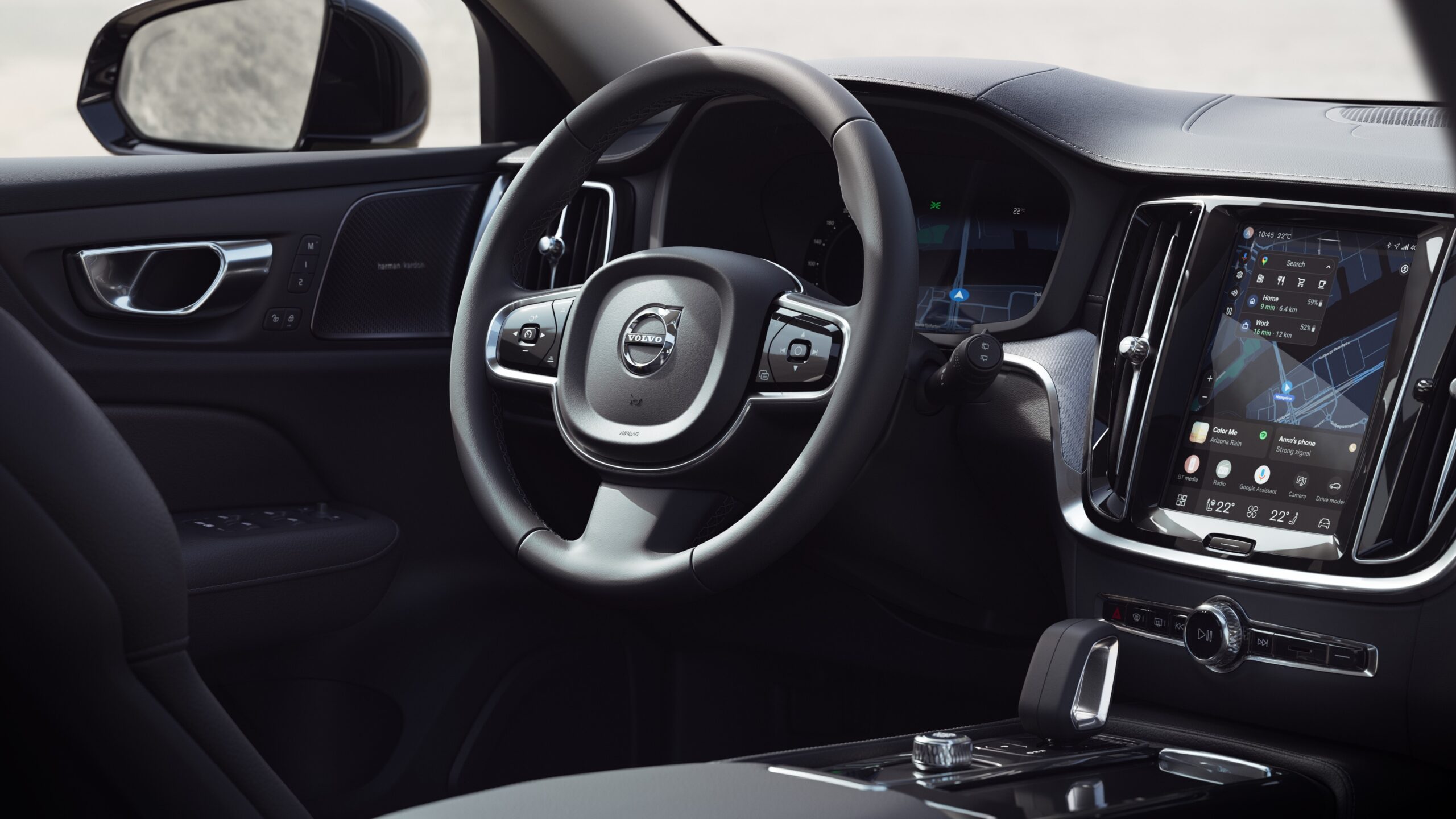
For V60 models with Google infotainment, press and hold the Home button below the display for 20 seconds. This is the horizontal line under the screen. The display then switches to cleaning mode, turns off and then restarts with the Volvo logo. For stubborn black screens repeat this step two to three times.
In the event of serious failure, the situation calls for a double reset. Press and hold the Home button twice to force a full reboot. A factory reset is rarely necessary. The procedure requires that both keys are present in the car.
Older V60 models without the Google system (the multimedia system from before the Android introduction) do not have a manual reset option. Here you have to wait for an automatic reboot after you have switched off and locked the car.
Overview of reset methods
- Slow display or Bluetooth problems: hold the Home button for 20 seconds, repeat once or twice
- Black screen: double press or factory reset, perform two to three times
- Dashboard completely dead in older V60: check the fuses according to the manual
When is professional help needed?
A reset does not solve all display and console failures. If repeated restarts do not work, there is a deeper problem. This also applies when you see warnings such as “Service urgent” or “Switch off engine”. These warnings indicate possible damage to the system.
A fault in the telematics module or the antenna module is often responsible for persistent malfunctions. These components manage communication between different systems in the car. Over time they can fail.
In Twin Engine versions, specific messages appear on the driver display. The car status app also stores these messages. Do not simply confirm or ignore these warnings, especially if they relate to engine management or safety systems.
What preventive measures can you take?
Software updates help prevent display and console failures. Many V60 models receive over-the-air updates. Installation is automatic. The car must be connected to the internet for this. Also ask the dealer whether new software is available for your specific model.
Extreme temperatures put stress on the electronics. Wherever possible, park the car in the shade on hot days and avoid prolonged exposure to frost without use. Always carry out resets with the parking brake applied and the car stationary. This prevents unnecessary system load.
Watch out for recurring patterns. Does the display always fail after certain actions, such as starting navigation or pairing a phone? Then you are probably dealing with a specific software bug. The dealer can address this.
‘ In the end, the method always worked. ‘
What do owners say about this problem?
On forums and platforms such as Reddit, V60 owners regularly share their experiences with display failures. Some report that the dashboard suddenly went dead after a quick shopping trip. All other systems continued to function normally. This often points to a fuse problem. A temporary software error is also a likely cause.
Others report that multiple resets were needed for stubborn Google bugs. In the end, the method always worked. One owner described how the screen went black while driving, but immediately worked again after carrying out the 20-second reset.
A small group of owners have to deal with recurring problems. Resets do not solve these. In their case, a hardware defect in the telematics module was often the cause. Sometimes the connector behind the dashboard was loose.
Practical tips for when the display fails
Make sure you always know where the Home button is located. Practise the reset procedure once in a safe environment, so you know how it works if the display actually fails.
Keep a written note of important dealer contact details and registration information separate from the infotainment system. If the display fails, you will no longer have access to this information via the screen.
Do connectivity problems persist after a reset? Then try again after 48 hours. Some systems need time to recover fully. They have to reconnect to online services.
For persistent problems, check whether any recent software updates have been installed. These updates may be causing the fault. Dealers sometimes revert to an earlier software version if a new update causes problems.
Find out more about the Volvo V60
Display and console failure is just one of the aspects you may encounter as a V60 owner. On the Carnews website you will find extensive information about common problems and maintenance tips. There is also practical advice for various Volvo models. Discover more about the technology behind your car and learn how to resolve minor faults yourself.
Frequently asked questions
The most common causes are software bugs in the infotainment system or cluster (especially in Google-integrated models) and temporary freezes that disappear after a system reset. In addition, problems with fuses or power supply to the centre display or instrument panel are common. Less frequently, defective modules (such as the infotainment or telematics module) or outdated/failed software updates play a role. In some cases, heat, moisture or voltage fluctuations (for example a weak battery) make these problems worse.
You will usually recognise display and console failure in your Volvo V60 by a completely black or frozen centre display that no longer responds to touch or buttons. You may also notice that navigation, internet and Bluetooth suddenly stop working or freeze. In severe failures, the driver display (behind the steering wheel) can also temporarily go dead, while the car continues to drive. Sometimes error messages appear such as “Service required” or “Stop safely”, indicating a serious electronics or software problem.
With a Volvo V60 suffering from display or console failure you can usually first try a reset yourself, for example by pressing and holding the Home button under the screen for about 20 seconds and switching the car off completely and locking it so that the system can restart. If this does not solve the problem or the display repeatedly fails while driving, professional help is advisable. Especially when warnings appear such as “Service required/urgent” or the dashboard goes completely dead, a visit to the dealer or specialist is necessary. Professional diagnosis is also needed if the problem keeps returning after a successful reset.
The estimated repair costs for display and console failure in a Volvo V60 are usually between about €400 and €1,200, depending on the diagnosis and whether replacement or reprogramming alone is required. Parts often involved are the infotainment unit (head unit), the central touchscreen, the driver display module (instrument cluster) and, in the case of connectivity problems, the telematics/connectivity module or antenna module. In milder cases, a software update or reset is sufficient (relatively low costs), while in the event of complete failure of the screen or unit, the costs move towards the above range. In addition, fuses or wiring may need to be checked or replaced.
There are no officially designated “problem years”, but in practice, complaints about display and console failure are reported most often for V60s from around model year 2019 onwards with Google infotainment and for Twin Engine variants. The causes are usually software bugs or malfunctions in the infotainment system, rather than the basic mechanics of a particular build year. You can limit problems by having all software updates (OTA or via the dealer) carried out in good time and regularly resetting the system via the Home button (press and hold for about 20 seconds). If the failures keep returning, have the dealer check the infotainment system, fuses and any antenna/telematics modules.