
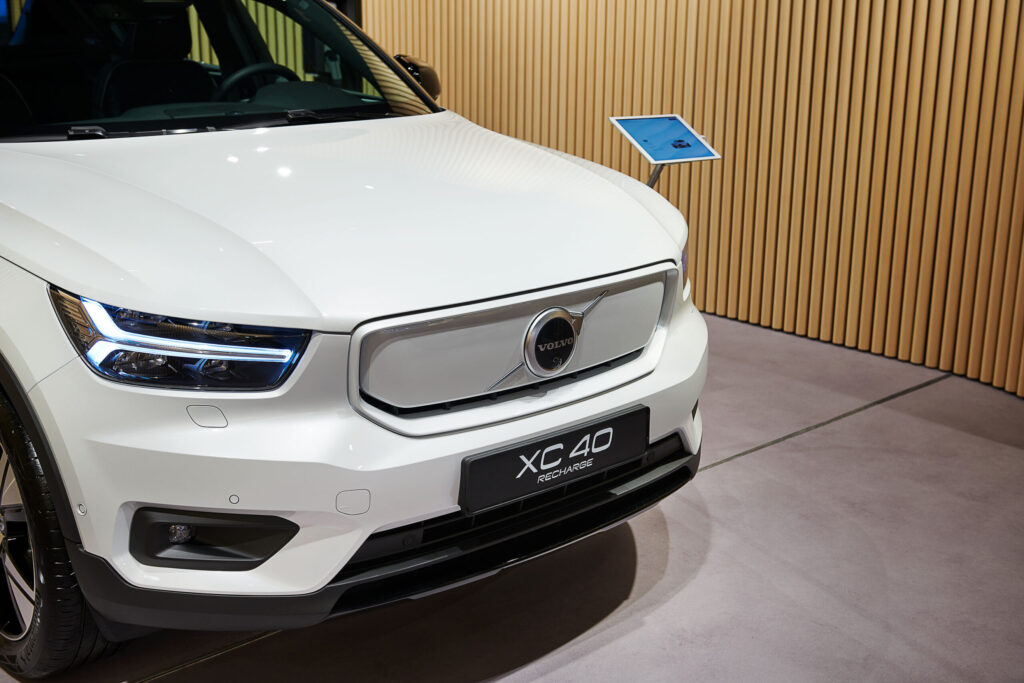
Software updates solve many common Volvo XC40 problems. They tackle issues such as start-stop problems, infotainment crashes and safety concerns. You can install over-the-air updates at home. Some updates require a visit to the workshop. Discover how to update your XC40 software and which solutions are available.
Why are software updates important for your XC40?
The Volvo XC40 uses advanced technology that needs regular updates. Software updates not only improve performance, they also fix known faults. Many owners report issues with the infotainment system, the start-stop function and safety systems. Updates resolve these problems.
There are three types of updates for the Volvo XC40. Over-the-air updates are wireless software updates that you download via an internet connection. Automatic downloads install themselves in the background. This happens when the car is parked. More complex system updates require a visit to a Volvo workshop.
Updates improve how your car operates and close security vulnerabilities. This keeps your XC40 safe and ensures all systems function at their best. Without regular updates certain functions become disrupted. In some cases functions even stop working altogether.
‘ Updates improve the stability of the system and fix bugs. ’
Which XC40 faults do updates fix?
Software updates address many different problems. Below are the most common faults that are resolved by updates.
Start-stop problems
Owners regularly report that the start-stop function does not work correctly. The engine does not restart after a stop or the system unexpectedly remains switched off. This can cause irritation in traffic and increased fuel consumption.
Software updates reprogramme the engine management software. As a result the system recognises the right conditions for restarting the engine. After the update the start-stop function generally works as intended again.
Infotainment crashes and sluggish behaviour
The infotainment system can freeze, respond slowly or restart unexpectedly. This causes problems with navigation, radio and smartphone connectivity. Android Auto and Apple CarPlay are systems for connecting your smartphone to the car. Some owners experience the screen going black while driving.
Updates improve the stability of the system and fix bugs. The software gets better memory allocation and quicker response times. After installation, connections with phones are generally more stable and the screen responds faster to touch.
Safety systems
Safety features such as City Safety, lane assist and blind spot monitoring show faults. Warning messages appear on the dashboard without a clear cause. In some cases systems switch themselves off while driving.
Safety updates recalibrate the sensors and correct the software. This software generates warnings. This can result in fewer false alarms and better operation of the driver assistance systems. Some safety updates must be carried out in a workshop.
Electric driving range and charging issues
With the fully electric XC40 Recharge, owners report discrepancies in the estimated driving range. The Recharge is the fully electric version of the XC40. Charging is sometimes slower than expected or the charging status is not shown correctly in the app.
Software that controls the battery optimises energy estimation and the charging curve. These battery management system updates provide more reliable information on your remaining range. Communication between car and charging point also improves thanks to these updates.
How do you update the software of your Volvo XC40?
The Volvo XC40 offers different ways to update software. You can install most updates yourself without going to the garage.
Installing over-the-air updates
Make sure your XC40 is connected to Wi‑Fi or mobile internet. The car automatically checks for available updates. This happens when it is parked. You receive a notification on the central screen. You can also receive a notification via the Volvo app.
Follow these steps for a successful installation:
- Park the car in a safe place. Make sure you have a good internet connection.
- Leave the car stationary for at least two hours for major updates
- Check that the battery is sufficiently charged, preferably above 50%
- Accept the update via the screen or the app
- Wait until the installation is complete; do not switch the car on or off during the process
The duration of an update ranges from a few minutes. Some updates take more than an hour. For major system updates it is sensible to leave the car plugged in overnight.
Enabling automatic downloads
You can enable automatic downloads in your XC40’s settings. Go to the settings menu on the central screen and select the option ‘Software updates’. Switch on automatic downloads here.
The car then downloads updates in the background. You receive a notification when installation can begin. This prevents you from having to wait for downloading when you want to install the update.
When should you go to the workshop?
Certain updates require specialist equipment. This equipment is only available at a Volvo dealer. This mainly applies to in-depth engine management updates and calibration of safety systems. You receive a notification about this in the car or via the Volvo app.
Call the workshop in advance to make an appointment. Ask how much time the update will take. Some updates take an hour. Other updates require several hours in the workshop.
Common problems while updating
Not every update runs smoothly. Below you will find solutions for the most frequently reported faults during the update process.
Time-out messages
A time-out message appears when the update takes too long. This message also appears when the connection is lost. This regularly occurs with a weak internet connection or when the car is switched on while updating.
Check the strength of your Wi‑Fi signal. Park the car closer to your router. If necessary, use a mobile hotspot with a stable 4G or 5G connection. Restart the update and avoid switching the car on until the process is completed.
Incomplete updates
An update fails because of a power interruption. Technical errors also cause failed updates. The car then displays a message that installation was not successful. Some functions may not work correctly after a failed update.
Try to start the update again via the settings menu. If this does not work, contact a Volvo dealer. The workshop will manually roll the software back to a stable version. The workshop will then perform the update again.
Battery warnings
If the battery voltage is too low, the update is automatically aborted. This prevents the battery from running completely flat during installation. The warning usually appears with older batteries or after the car has been parked up for a long time.
Let the car run or connect it to a charger before starting the update. Regularly check the condition of your 12V battery, especially if it is older than four years.
Tips for trouble-free updating
The following tips help you avoid most update problems. They keep your XC40 running at its best.
- Always install updates as soon as possible after the notification to prevent several large updates piling up
- Schedule major updates in the evening or at night when you do not need the car
- Before long journeys, check whether updates are available and install them in advance
- Keep the Volvo app on your smartphone up to date for accurate notifications
- Maintain a stable Wi‑Fi connection by parking your car within range of your network
- Note which updates you have installed. This helps to trace new problems.
Also perform a soft reset regularly. Switch the car off completely. Wait a few minutes. This can resolve minor software glitches without requiring a full update.
Which updates are available for your XC40?
The updates available differ per model year. The trim level of your XC40 is also a factor. Volvo regularly releases new software for different model years. Check the central screen or the Volvo app to see which version you currently have installed.
Go to Settings and select System to see your current software version. Compare this number with the latest version that Volvo has released. If you are unsure, you can contact customer service or your dealer for advice on which updates are relevant for your car.
Electric Recharge models receive different updates from petrol versions. The market also influences which updates become available. This market is the region in which your car was sold. European models sometimes receive different software from models for other continents.
On the Carnews website you will find much more information about Volvo problems, maintenance advice and practical tips for different car models. Discover which experiences other XC40 owners share and read more about solutions for common car problems.
Frequently asked questions
On the Volvo XC40, software updates can mainly fix faults around the update process itself, such as time-out messages while downloading or installing the update. Incomplete or interrupted updates that cause vehicle functions to stutter can also be repaired in this way.
You can check in the infotainment system or via the Volvo Cars app whether a software update is available; if nothing is offered, your XC40 is usually up to date. OTA (over-the-air) updates are downloaded automatically and you can then install them in the car once the system prompts you. Some larger or specific updates require a visit to an authorised Volvo workshop. If in doubt, contact your Volvo dealer so they can check whether your car has the latest software.
The benefits of the latest software updates for your XC40 include improved safety, resolved known faults, new or enhanced features and optimisation of energy use and driving comfort. Updates also keep the systems compatible with new Volvo apps and services. Risks are that an update can fail (for example due to time-outs or incomplete installation), which may temporarily cause faults or error messages. In rare cases a visit to the dealer is needed to repair a failed update.
As a rule there are no costs for over-the-air software updates that Volvo itself makes available for the XC40. Any software updates carried out in the workshop as part of a recognised fault or safety campaign are usually covered under warranty and are then free of charge. Outside the warranty period, or for non-essential updates, a dealer may charge labour costs. The exact relationship between update costs and dealer warranty can differ per dealer and situation and should be agreed in advance.
Software updates for the Volvo XC40 generally improve functionality, for example through system optimisations, new features and safety enhancements. They can positively influence the driving experience thanks to more smoothly operating driver assistance and infotainment systems. During or after problematic updates, however, faults can occur (such as time-outs or incomplete installations) which temporarily have a negative impact on how the vehicle operates. By resolving these faults and completing updates correctly, the performance and overall experience of the XC40 are improved again.