
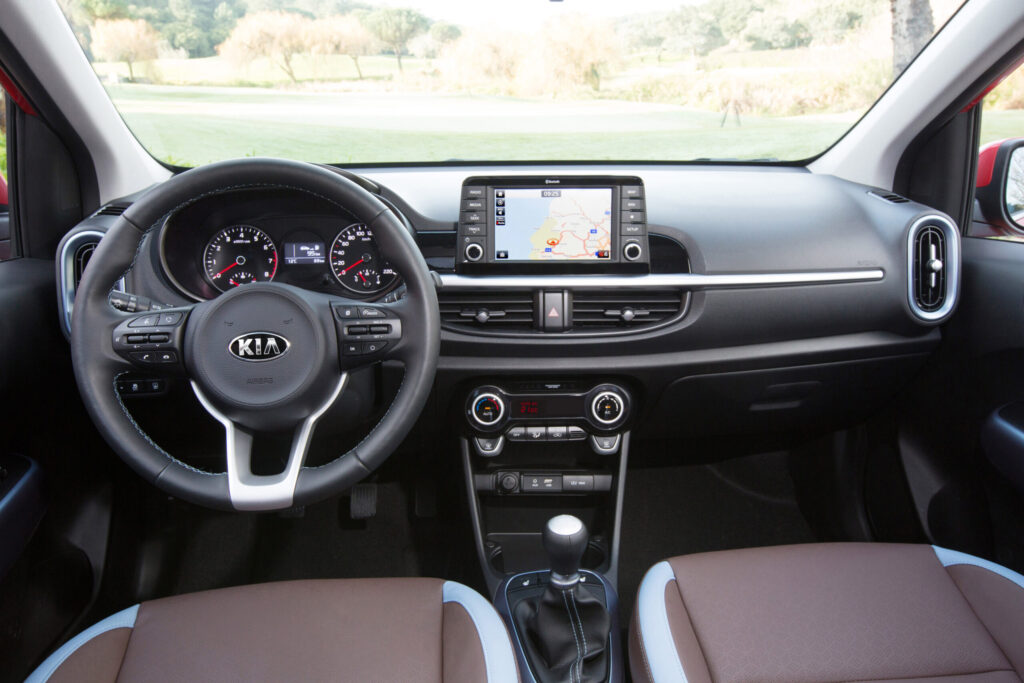
In many cases, the Kia Picanto offers perfectly decent basic transport. However, the infotainment and Bluetooth system regularly cause frustration. Owners report that Bluetooth is difficult to pair, that the speakers sound tinny and that older models have a poor infotainment system. These problems are familiar to many users and call for concrete solutions. Find out how to tackle these issues and what your options are.
Why Bluetooth pairing often goes wrong
Bluetooth problems with the Kia Picanto occur regularly, especially on models built before 2017. The system struggles to detect smartphones and also drops the connection unexpectedly. The cause is often outdated Bluetooth software that does not work properly with modern phones.
In theory, the pairing process is straightforward. You press the phone button in the system, then activate Bluetooth on your smartphone. Next you select “Kia Motors” in the list of available devices. Both devices display a PIN code that must match, usually four zeros. Yet this process often fails without a clear error message.
Some owners report that their phone is found, but then does not actually pair. In other cases, phones pair successfully at first but then no longer reconnect automatically when starting the car. This can be frustrating, especially if hands-free calling is crucial for your daily use.
Common causes of Bluetooth malfunctions
The Bluetooth problems in the Kia Picanto have several causes. Outdated firmware in the infotainment system is the most frequently reported culprit. The system often only supports older Bluetooth protocols, which are not fully compatible with recent smartphones.
In addition, the system’s memory plays a role. The infotainment unit can remember up to five devices. This list sometimes becomes full or corrupted. You may previously have paired several phones and not removed old devices. As a result, the system can run into problems when pairing new devices.
Possible causes include:
- Outdated Bluetooth firmware in the infotainment system
- Incompatibility between modern smartphones and older Bluetooth protocols
- Full or corrupted device memory in the system
- Conflicting settings on your smartphone
- Software bugs after a system or phone update
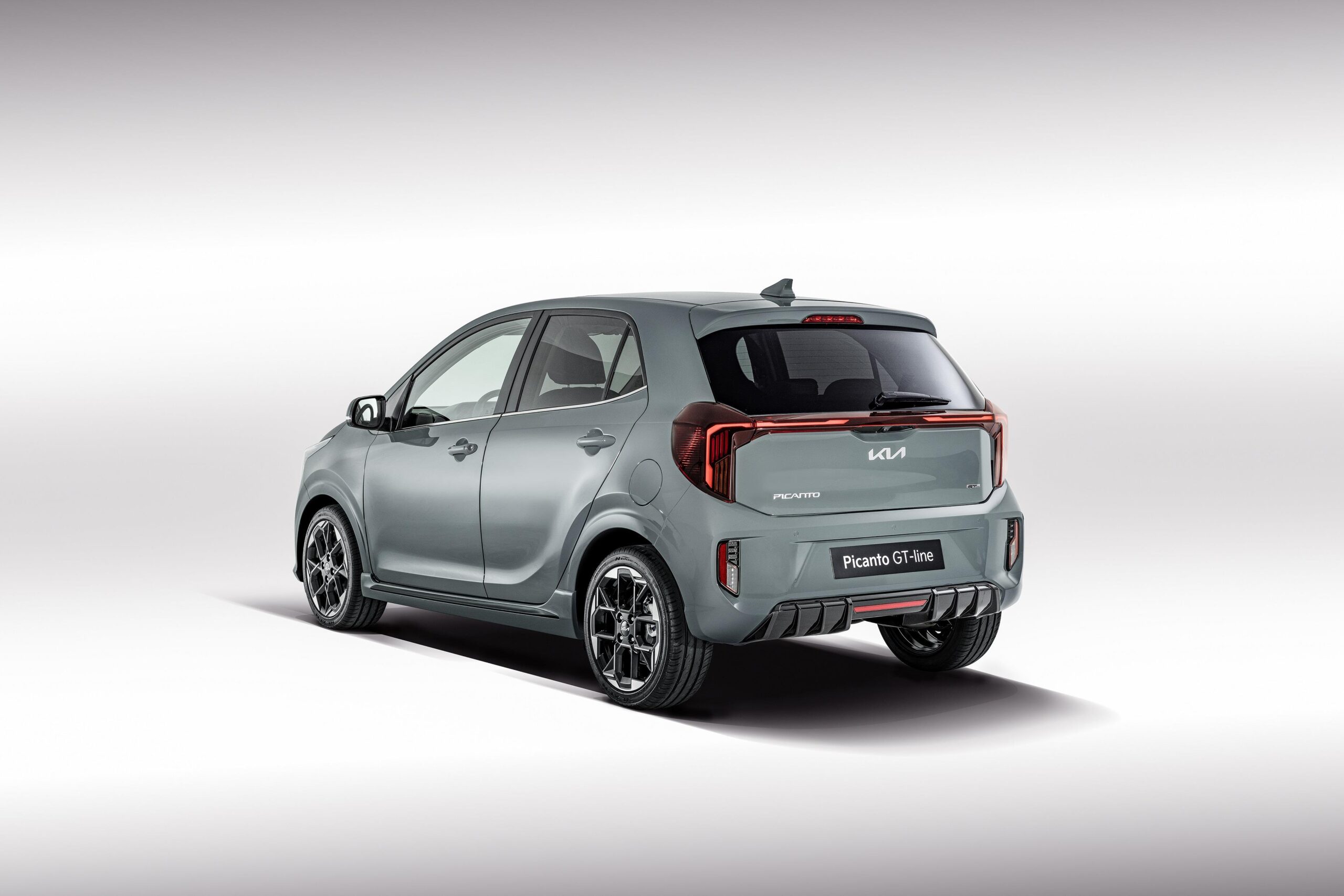
How to solve Bluetooth pairing problems
Start by resetting the Bluetooth system. Remove all previously paired devices from the car’s memory, then start the pairing process again. You can do this via the settings menu of the infotainment system, where you’ll find an option to delete paired devices.
Make sure your smartphone is fully visible to other devices. On some phones you need to activate discovery mode manually in the Bluetooth settings. Also check whether your phone is already connected to another device, such as a smartwatch or headphones. That connection can block pairing with the car.
If the problem persists, a software update for the infotainment system may help. Contact a Kia dealer and ask whether a firmware update is available for your model year. These updates often resolve compatibility issues, although they are not available for all older models.
Some owners choose an alternative solution by using a Bluetooth adapter. These external devices connect via the AUX or USB port and often offer more reliable connectivity than the built-in system.
Tinny sound quality in older Picantos
In addition to Bluetooth problems, many owners complain about the sound quality of the speakers. The audio sounds tinny, flat and lacking in depth, which is especially noticeable with music that has a lot of bass. It is a known issue in Kia Picantos built before 2015, which were fitted with cheap standard speakers.
The speakers in these models have limited power handling and a narrow frequency range. As a result, music with a lot of low tones or dynamics does not sound very pleasant. At higher volumes the sound distorts quickly, which further reduces listening enjoyment.
The problem is made worse by the audio processing in the infotainment system itself. Older systems compress audio signals heavily, both during Bluetooth streaming and radio. The result is a thin, harsh sound that stands out particularly with modern music styles.
‘ It’s no miracle cure, but it can make the sound slightly more pleasant at no cost. ’
Improving sound quality in your Picanto
The most effective solution is to replace the standard speakers with aftermarket units. This requires some technical knowledge or a visit to a specialist, but it delivers a clear improvement. Choose speakers that match the dimensions of your Picanto and offer a wider frequency range.
Another option is to add a separate amplifier. This gives the speakers more power and makes the sound fuller and more dynamic. An amplifier can also be combined with a subwoofer for extra bass reproduction, although this does take up some of the limited space in the compact Picanto.
If you want to keep the original system, try adjusting the equaliser settings in the infotainment unit. Slightly increase the mid-tones and reduce the treble. This softens the tinny sound. It’s no miracle cure, but it can make the sound slightly more pleasant at no cost.
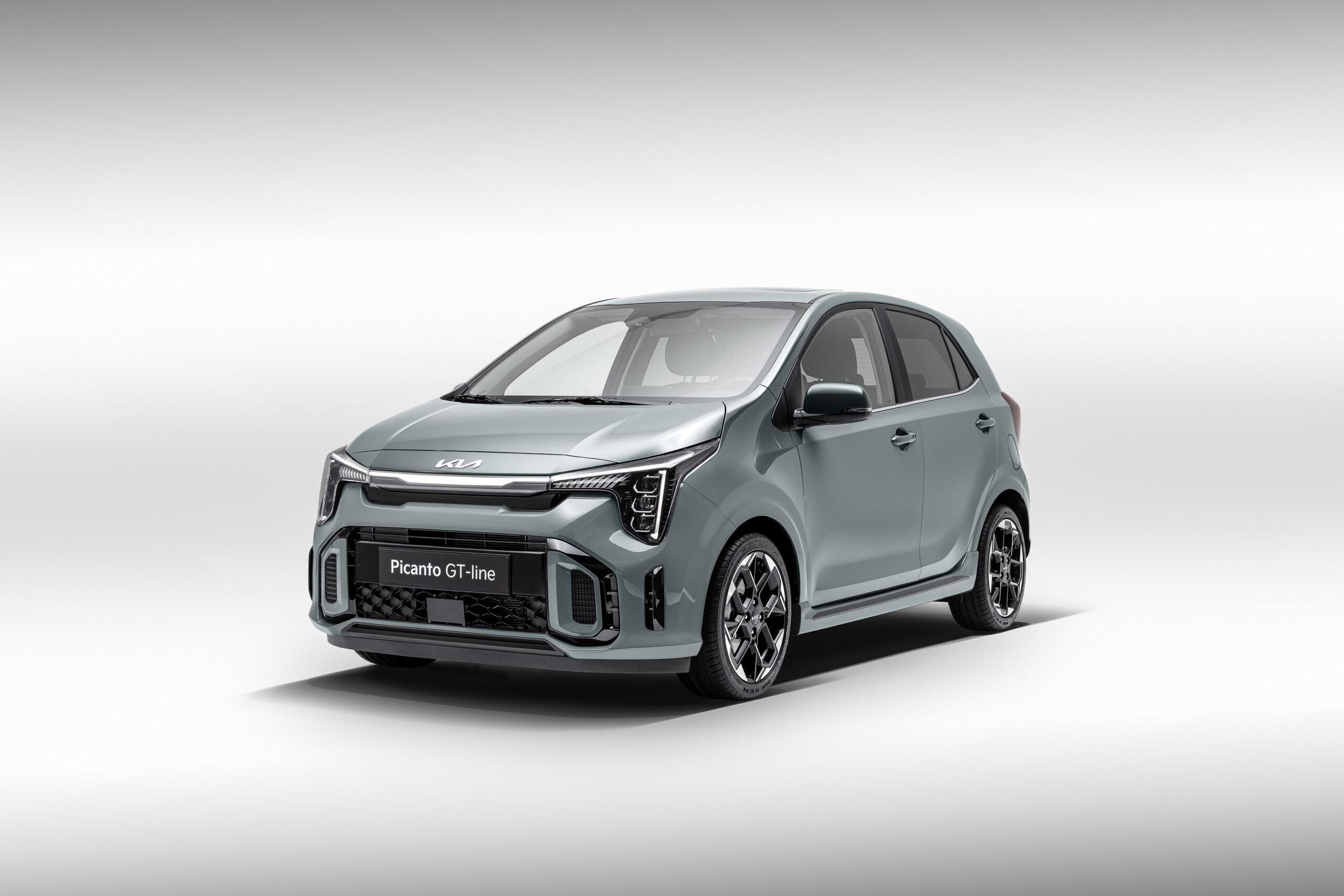
Poor infotainment in older models
The infotainment system in Kia Picantos built before 2017 is very basic. It lacks modern features such as Android Auto and Apple CarPlay, and navigation is also missing. The screen is small, the interface responds slowly and operating it via buttons feels outdated.
Owners who are used to modern smartphone integration experience this as a major drawback. You have to operate your phone manually for navigation or music, which is unsafe while driving. A USB port for fast charging or data transfer is often missing as well.
On some models, radio reception is also poor. This is caused by a weak aerial and often also by poor grounding of the system. The result is noise and stations that drop out, especially in rural areas with weak signals.
Upgrading the infotainment: what are your options?
Completely replacing the infotainment system is the most far-reaching solution. Aftermarket systems offer Android Auto and Apple CarPlay, as well as large touchscreens and better sound quality. These systems fit into the standard dashboard opening and can be installed by a specialist.
When choosing a replacement system, pay attention to the dimensions and connections. The Kia Picanto uses standard ISO connectors, which simplifies installation. Also check whether functions such as steering wheel controls and the reversing camera will still work after replacement.
If a full replacement is too expensive, consider a smartphone holder with wireless charging instead. Combined with a good Bluetooth speaker or FM transmitter, your phone can still serve as a navigation and entertainment source. This is a budget-friendly interim solution that adds a lot of functionality.
‘ Software updates or repairs often require specialist knowledge and tools. ’
When professional help is needed
If simple solutions such as re-pairing or adjusting settings do not help, a professional diagnosis is advisable. A specialist can read out the infotainment system for fault codes and check for hardware defects. Software updates or repairs often require specialist knowledge and tools.
If there are hardware problems such as a defective screen, unresponsive buttons or Bluetooth that has completely failed, replacement is sometimes the only option. Original parts are available through Kia dealers, but aftermarket alternatives often offer more features for a similar or lower price.
If problems are intermittent, have the wiring checked as well. Loose connectors or damaged cables can cause intermittent faults that are difficult to trace yourself.
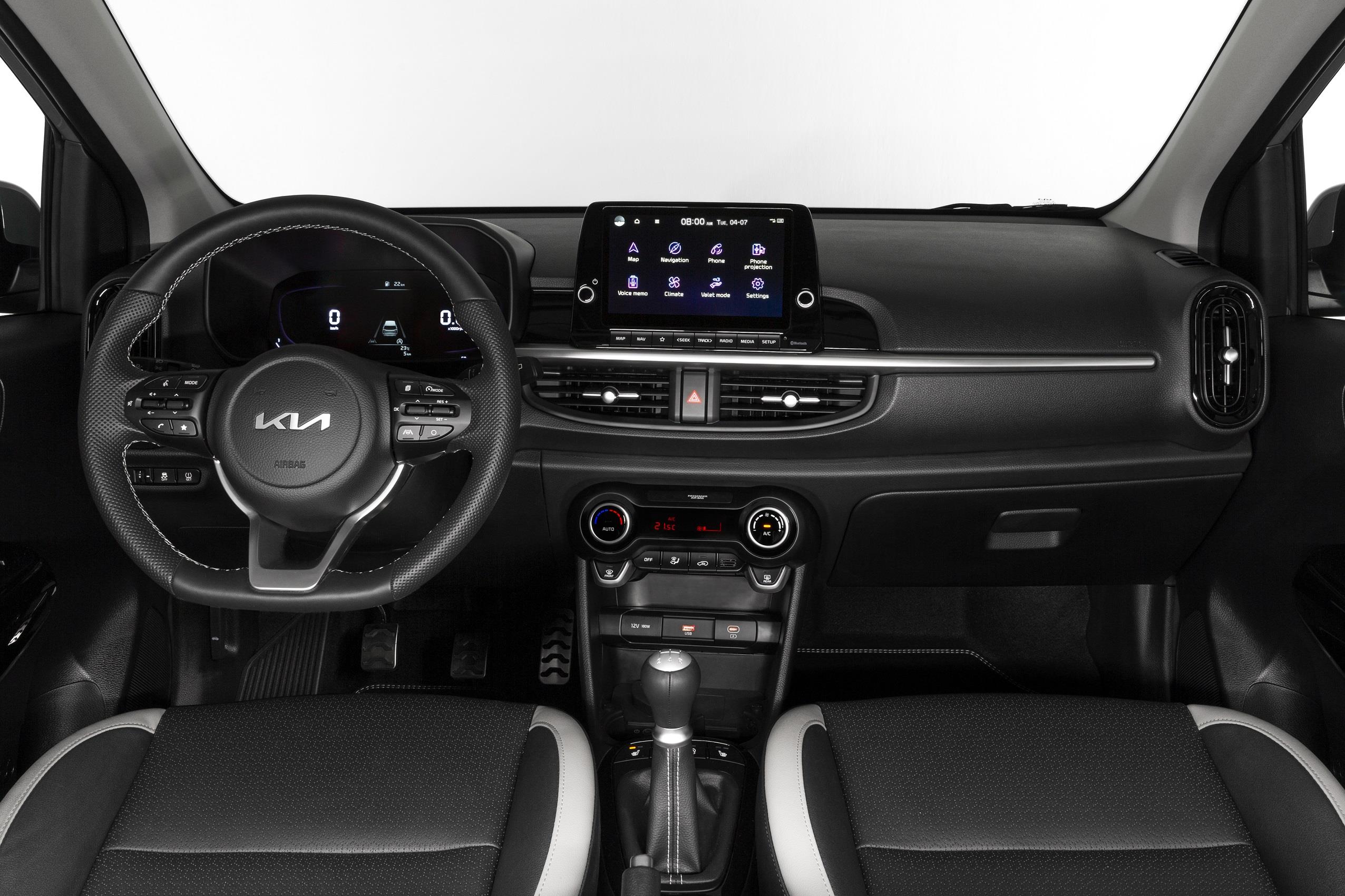
Differences between model years
From the 2017 model year onwards, Kia significantly improved the infotainment system. Newer Picantos have larger screens, while Android Auto and Apple CarPlay are standard or available as an option. Bluetooth connectivity is more reliable and sound quality has also improved thanks to better standard speakers.
Models built before 2015 have the most limitations. The system is slow, Bluetooth compatibility is poor and the speakers are weak. Models from between 2015 and 2017 offer slightly more functionality, but still lag behind modern standards.
If you are considering buying a used Kia Picanto, check the model year and test the infotainment thoroughly. Make sure Bluetooth pairs smoothly, check whether the speakers sound clear and verify that all functions work properly. A later upgrade can cost several hundred euros.
Practical tips for everyday use
Make sure your smartphone software is up to date. Updates often include improvements for Bluetooth connectivity, which can reduce problems with older car systems. Also restart both your phone and the infotainment system regularly to prevent temporary software glitches.
Limit the number of paired devices to those you actually use. Remove old phones and devices belonging to family members who no longer travel in the car. This keeps the system memory tidy and reduces pairing issues.
Consider using a fixed USB cable for music instead of Bluetooth. This provides a more stable connection and better sound quality, especially on older systems with weak Bluetooth performance. It also charges your phone while you are driving.
‘ Discover more about your car and make well-considered choices when it comes to purchase, maintenance and upgrades. ’
What the Carnews website offers
Besides infotainment and Bluetooth issues, there are many other aspects of the Kia Picanto that deserve attention. On the Carnews website you’ll find extensive information about common problems, maintenance tips and owners’ experiences with different model years. Discover more about your car and make well-considered choices when it comes to purchase, maintenance and upgrades.
Frequently asked questions
In addition to Bluetooth, the Kia Picanto offers hands-free calling, wireless music streaming and, on more recent models, support for Android Auto and Apple CarPlay. The system is laid out clearly with straightforward menus, which means pairing and operation are usually quick and intuitive. In practice, automatic reconnection with previously paired phones generally works reliably. As a result, the infotainment system is experienced as user-friendly and suitable for daily use.
The audio quality via Bluetooth in the Kia Picanto is generally rated as good to adequate for both calls and music streaming, comparable with other small cars in this class. Known issues are mainly about the device not being found or pairing failures, rather than pure sound quality. Solutions include switching Bluetooth off and on again on both devices, removing the device from the paired list and pairing it again, or resetting the Bluetooth settings/infotainment system. If problems persist, updating the phone software or the infotainment system can improve the stability of the connection.
The infotainment system in the Kia Picanto supports both Apple CarPlay and Android Auto (on the newer models). In addition, there is standard Bluetooth integration for hands-free calling and wireless music streaming.
The infotainment system of the Kia Picanto is functional and, in more recent model years, supports Android Auto and Apple CarPlay, which makes it reasonably future-proof as long as your smartphone continues to support these standards. Over-the-air software updates or long-term manufacturer support, as seen with some more expensive brands, are more limited or less clearly defined. In its segment (A/B-segment), the Picanto therefore performs from average to good: many rivals offer similar smartphone integration, but only a few newer models (for example recent VW/Škoda/Hyundai city cars) are slightly ahead with faster or more structured software updates. In practice, the future-proof nature of the system therefore depends mainly on support for Android Auto/Apple CarPlay and less on extensive manufacturer updates of the system itself.