
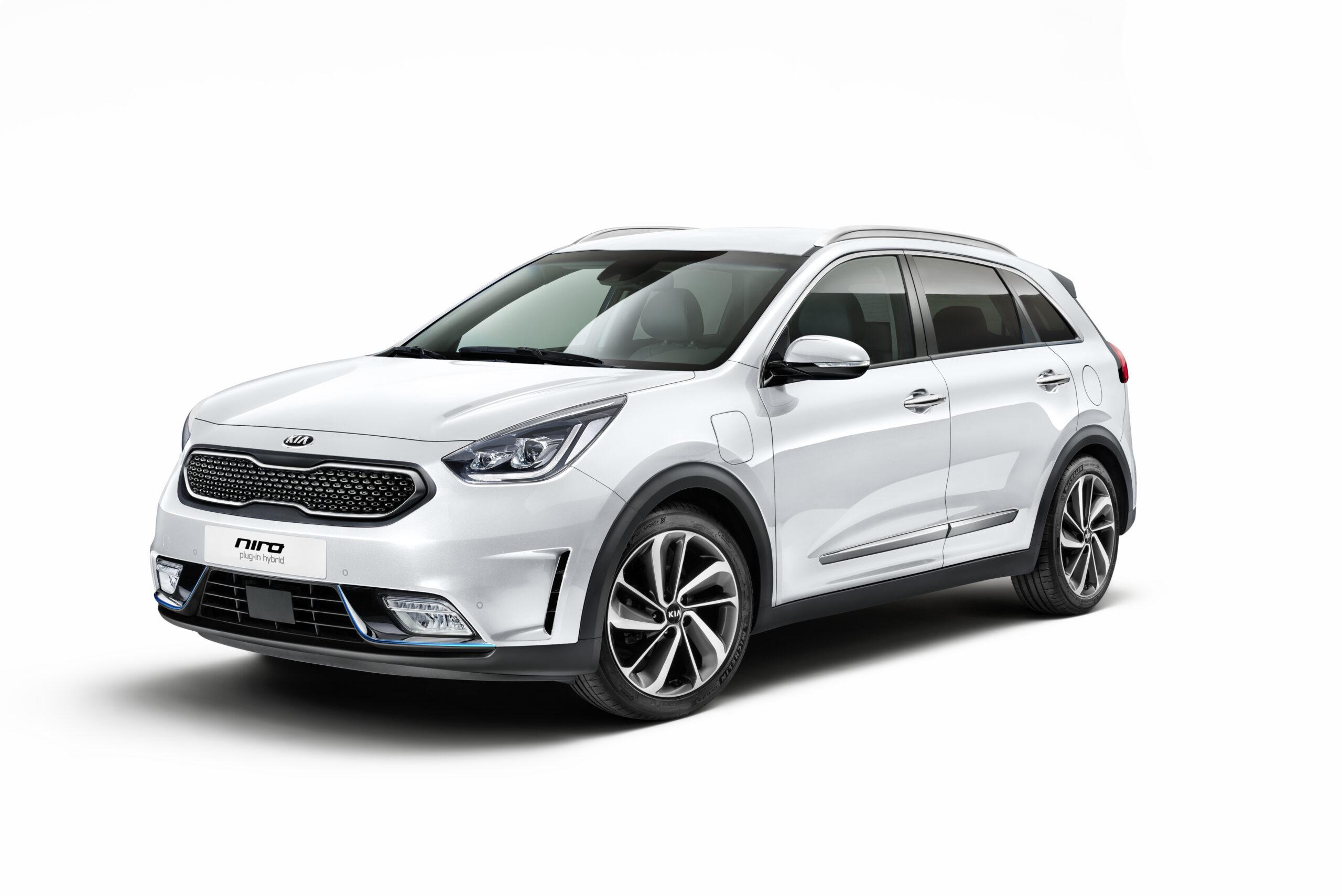
Stuttering screens, failing navigation and faulty sensors reduce driving comfort and create safety risks in the Kia Niro, often caused by software bugs in the infotainment system. These technological faults occur regularly in models from 2017 to 2022, but also appear in more recent versions. Find out what you can do about these problems and when a visit to the dealer is necessary.
Which infotainment faults occur in the Kia Niro
The Kia Niro struggles with various technical issues that affect everyday use. Frozen screens are among the most frequently reported complaints. The navigation system sometimes shows incorrect positions, with the car seemingly driving through a field next to the motorway instead of on the road itself. In other cases, small coloured dots appear on the display with no obvious cause.
Audio problems form a second category of faults. The sound can cut out without warning, remain muted or stay unnaturally low. This happens even after switching between audio sources such as radio, Bluetooth or USB. Bluetooth connections frequently refuse to work, with phones not being recognised or not triggering sleep mode after a restart.
Dashboard warnings sometimes appear without an obvious trigger. The ISG battery can run flat due to software errors or sensor faults, causing the stop-start system to stop working. In older Niro models, overheating relays can in rare cases lead to starting problems or safety risks.
‘ Owners report that navigation problems are sometimes already present at the time of purchase, which points to manufacturing faults or incomplete software installations on new vehicles. ’
Why does the infotainment in the Kia Niro stutter
Software bugs are the main cause of infotainment issues. The infotainment ECU struggles with memory overload, especially with older firmware versions that have not yet been optimised for current usage intensity. This explains why the system freezes or responds slowly to inputs.
Hardware-related faults also play a role. Wiring errors, defective relays or non-compatible USB devices can disrupt the system. A flat battery due to ISG sensor faults causes knock-on effects in the electronics. External factors such as standing still for a long time on a ferry or during transport can cause the navigation system to keep its position at the wrong location.
Owners report that navigation problems are sometimes already present at the time of purchase, which points to manufacturing faults or incomplete software installations on new vehicles. These complaints occur in both hybrid and electric Niro versions.
How do I update the Kia Niro navigation software
A software update resolves many infotainment problems. For models up to 2022 you download the latest firmware via the Kia portal onto a USB stick. Make sure the stick is formatted in FAT16 or FAT32 for compatibility. Install the update while the car is idling to prevent power interruptions.
Newer models from 2022 onwards receive wireless (over-the-air, OTA) updates via the built-in internet connection. These updates contain bug fixes and new features such as voice control with artificial intelligence (AI voice control), video streaming and smart regeneration adjustments. Update 24.2 specifically fixes known navigation and screen errors.
For the installation process, follow these steps:
- Download the correct firmware for your Niro model year and variant
- Copy the file to a formatted USB stick without any other files
- Insert the USB stick into the car with the engine running but not driving
- Go to the settings menu and select the update option
- Wait until the installation is fully completed without switching off the car
Activate free Kia Connect features after the update for smart navigation adjustments and real-time traffic information. This prevents outdated map data from causing incorrect route display.
Quick fixes for frozen screens and audio errors
A quick reset resolves temporary software errors. Hold the power button on the infotainment system for 10 to 15 seconds with the engine off. This clears temporary data without deleting personal settings. Then restart the car to check whether the problem has been resolved.
If problems persist, perform a full factory reset via the settings menu. Go to Settings, select General and then System Info. Choose the Reset option to delete all data and paired devices. This method also removes corrupt files that slow down the system.
For specific audio issues, first check the obvious causes. Check the volume level, the mute button on the steering wheel and the selected audio source. Remove paired Bluetooth devices completely and pair them again. For USB problems, reformat the stick and use only compatible file formats.
The battery trick helps with stubborn electronic faults. Disconnect the battery for 10 to 15 minutes for a deep reset of all systems. This can help with ISG battery problems that affect the infotainment.
‘ Dashboard messages about sensor faults can appear even when the sensors themselves are not actually defective. ’
Are parking sensor faults normal in the Kia Niro
Parking sensor faults occur in various Niro model years, but are less common than infotainment problems. These faults are often related to software errors in the warning system or contamination of the sensors themselves. Dashboard messages about sensor faults can appear even when the sensors themselves are not actually defective.
First check whether the sensors are clean and free from dirt, snow or ice. Persistent warnings after cleaning point to software problems or defective sensor elements. A software update sometimes fixes this, but in the case of physical defects, replacement is necessary.
Forums report that these problems have become rarer after 2022 thanks to improved diagnostics with artificial intelligence in newer models. Preventive maintenance on sensors and regular software updates reduce the risk of faults.
When to go to the dealer with infotainment problems
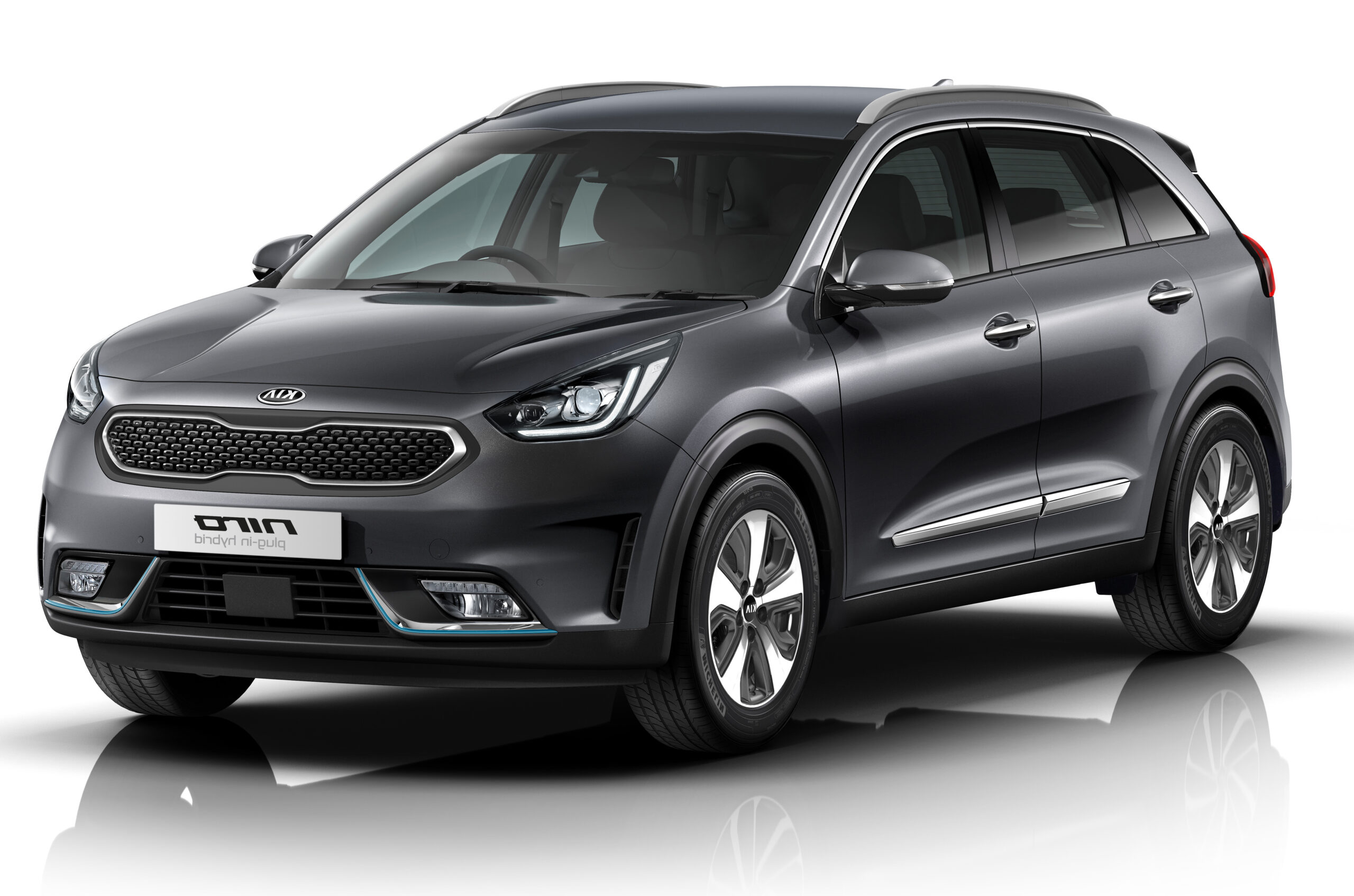
Contact a Kia dealer if DIY solutions do not work. Persistent navigation errors, recurring screen freezes after resets or safety-related faults require professional diagnosis. Dealers have access to more advanced diagnostic tools and can identify hardware defects that cannot be solved via software.
For models still under warranty, software updates and repairs can be carried out free of charge, depending on the nature of the problem. Owners of older Niros from 2017–2019 report that dealers often recognise known problems and can install targeted updates.
Always report safety-related faults such as failing camera systems or incorrect warnings about the distance to other vehicles to the dealer. These issues can pose risks that should not be dismissed with a temporary reset.
Prevention and maintenance for stable technology
Regular maintenance of the infotainment system prevents many problems. Perform a quick reset once a month to remove temporary data that slows down the system. Keep firmware consistently up to date by installing new updates as soon as they become available.
Use only compatible USB devices with reliable file formats. Avoid overloading the system by having too many Bluetooth devices paired at the same time. If you experience navigation problems, check whether the map data is up to date via the update portal.
With hybrid Niro models, pay extra attention to the ISG battery. A sensor check at the dealer prevents battery drain from affecting the infotainment system. This preventive inspection can prevent costly repairs.
‘ Some problems require hardware replacement of the entire infotainment unit, which dealers do not always propose straight away. ’
When a second opinion is needed
If your dealer does not provide a satisfactory solution for recurring infotainment problems, consider an independent automotive electronics specialist. Some issues require hardware replacement of the entire infotainment unit, which dealers do not always propose straight away. Technical forums and owner groups can put you in touch with specialists who have experience with specific Niro model years. Record all updates, resets and repairs carried out in detail so that a subsequent visit to a specialist or dealer can be more effective. For persistent warranty claims, contacting the Kia importer can increase the pressure for a structural solution.
Would you like to know more about other common Kia Niro problems? Read our articles on battery issues in hybrid models, typical brake system wear or frequently asked questions about charging capacity in the electric version. Also discover how the Niro performs in terms of long-term reliability compared to competitors such as the Toyota C-HR and Hyundai Kona.
Frequently asked questions
You can recognise common infotainment and technology faults in your Kia Niro by a freezing or stuttering screen, incorrect navigation (e.g. the car “drives” next to the road) and coloured dots on the display. No or very low audio, Bluetooth or USB devices that are not recognised and media sources that suddenly cut out are also typical symptoms. In addition, unexplained dashboard warnings about, among other things, ISG/stop-start and occasional non-starting due to electronic relays can point to this type of fault. Resetting the system, pairing devices again and updating the software often improve these problems.
The most common causes of infotainment and technology problems in the Kia Niro are software bugs and memory overload in the infotainment ECU, especially with older firmware versions. In addition, hardware glitches such as wiring errors, defective relays and non-compatible USB devices play a role. External factors, such as low (ISG) battery voltage and specific transport situations, can also trigger faults. Problems occur mainly in models from 2017–2022, although more recent models are still affected by navigation and sensor glitches.
You can fix many minor infotainment problems in the Kia Niro yourself, for example by performing a soft reset, a factory reset or installing a software update. Re-pairing Bluetooth devices or correctly formatting a USB stick are also typical do-it-yourself solutions. If the fault keeps coming back, there are dashboard warnings or the car starts poorly, then a visit to the dealer is recommended.
Infotainment faults in the Kia Niro can significantly worsen the driving experience due to a frozen screen, failing audio and incorrect navigation, which leads to frustration and distraction. Incorrect or stuttering navigation can mislead drivers when choosing lanes, exits or speed adjustments. Freezing or unpredictable systems increase the likelihood that drivers will keep looking at the screen or start fiddling with it while driving, which takes their attention away from the road. In addition, related electronic problems, such as battery or relay faults, can indirectly create safety risks if the vehicle then starts poorly or not at all.
You can limit faults by always keeping the infotainment software and navigation maps up to date via the Kia update portal or OTA. Use only properly formatted, compatible USB sticks (FAT32) and remove unused paired Bluetooth devices to reduce the load on the system. Prevent voltage problems by keeping the 12V/ISG battery in good condition and not leaving the car in ACC mode with the system switched on for long periods. In the case of recurring or odd faults, have the dealer carry out a diagnosis and, if necessary, a firmware update or hardware check.