
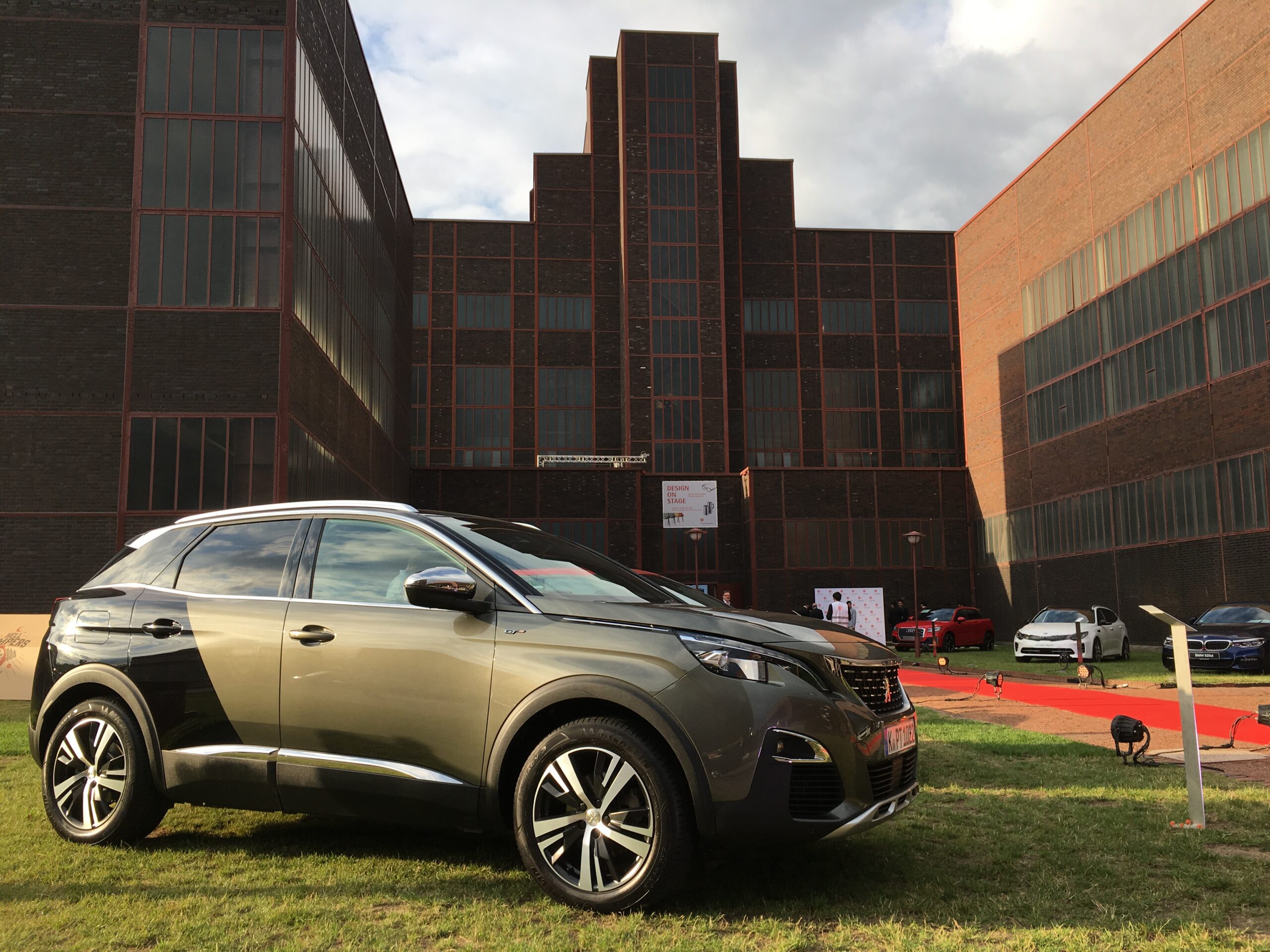
Faults in the infotainment and navigation system of the Peugeot 3008 are common and often lead to a black screen, unresponsive controls or driver assistance systems cutting out. In most cases these issues can be traced back to a faulty microSD card in the navigation unit or software errors in the system. The good news is that many of these faults can be solved with a simple reset or targeted intervention.
Owners of the Peugeot 3008 mainly report problems with first-generation models. In addition, hybrid versions from 2014 are extra prone to navigation errors due to software issues in the engine management computer (ECU, or Engine Control Unit, which controls the operation of the engine and electronics). What can you do yourself and when is help from a specialist really necessary?
Recognisable symptoms of infotainment faults
The first sign is often a screen that suddenly freezes or stays completely black. The system no longer responds to touch input and there is no obvious reset button visible. This makes it difficult to take quick action yourself. The navigation can freeze while driving, with maps no longer loading or route calculations becoming impossible.
Bluetooth connections regularly drop out or refuse to pair. For some owners, CarPlay suddenly stops working. This is caused by overload of the multimedia system. In addition, driver assistance systems such as the blind spot monitor sometimes give false warnings or stop working altogether. In extreme cases the message “Electrical system fault: have vehicle repaired” appears. This points to a broader problem in the electronics.
The navigation flap on the dashboard may move jerkily or get stuck in the open or closed position. This is often a mechanical or electrical problem linked to the central infotainment system.
‘ “This memory card was never designed for years of intensive software use and will eventually fail.” ’
Causes behind the faults
The main culprit is wear of the microSD card in the navigation or radio unit (the component that houses the radio and audio system). This memory card was never designed for years of intensive software use and will eventually fail. As a result, the system can no longer load files and the navigation stops working.
Software bugs in the infotainment system are a second very common cause. This mainly affects older models that have not been updated or have been updated insufficiently. In hybrid versions, incorrect programming in the engine management computer (ECU, the computer module that controls the engine and electronics) sometimes plays a role, meaning navigation and driver assistance systems do not communicate properly. The Body Protection Acquisition Gateway (BPAG unit, the central fuse and relay module that distributes electrical power to different systems) can also fail, causing faults in all connected systems.
Navigation no longer works – what now?
Start with a reset of the complete infotainment system, which restarts all software and memory. Switch the car on and hold the phone button for 15 seconds. The system restarts automatically and in many cases the navigation then works normally again. This is the quickest way to fix temporary software glitches.
Does the navigation keep stuttering? Does the system not start up at all? Then check the fuses in the engine bay. Open the black fuse box and consult the diagram on the lid. Replace any damaged fuses or check the relays linked to the navigation system.
If the reset is not sufficient and the problem keeps coming back, the microSD card is often defective. This card is hidden in the navigation unit and has to be replaced. After replacement, the firmware (the basic operating software that allows the system to function) must be flashed again and the navigation map updated, for example for the eMyWay RT6 system (the navigation and multimedia platform Peugeot uses in this generation). This requires technical knowledge and is preferably a job for a specialist garage.
Solving Bluetooth problems
Bluetooth connection problems are often related to overload of the multimedia system (the central screen and operating system for navigation, radio and phone connections). First make sure that your phone is not paired with several devices at the same time. Remove old or unused Bluetooth connections from the car to keep the list manageable.
Carry out a system reset. The procedure for this is described earlier in this article. In many cases this resolves connection problems because memory and temporary files are cleared. Make sure CarPlay or Android Auto is properly installed on your phone and that you are using the latest software version.
Does Bluetooth still not work afterwards? Then have the car read at a garage with an original diagnostic tester. Fault codes in the BSI (the Body Service Interface module, the central computer that controls body systems such as lighting, central locking and controls) can indicate whether there are hardware issues that a simple reset will not fix. Sometimes a software update or resetting the engine management computer (recalibration: adjusting settings and parameters in the ECU so it functions correctly again) is needed to restore Bluetooth functionality.
‘ Note that all stored preferences, paired phones and navigation history will be lost in the process. ’
Carrying out an infotainment reset
The basic reset is simple and can be done without tools. Make sure the car is switched on or in accessory mode. Press and hold the phone button on the touchscreen for 15 seconds. The screen goes black and the system restarts. This process takes about a minute.
Does the phone button method not work? Then you can try switching the car off completely, removing the key from the ignition and waiting 10 minutes. Then open the door so that all systems fully reset. This can help with stubborn software errors.
For a full factory reset you need to go to the settings menu of the infotainment system. Look for the option “Reset system” or “Restore factory settings”. Note that all stored preferences, paired phones and navigation history will be lost in the process.
Tackling faults in driver assistance systems
The blind spot monitor and other driver assistance systems are controlled via the engine management computer (ECU). That same module also manages the infotainment system. Faults in one module can therefore lead to problems in the other. In the event of false warnings or assistance systems cutting out, it is sensible to first check the fuses and perform a system reset.
Do the problems persist? Then have the BSI read out. Fault codes indicate whether sensors are defective, wiring is damaged or there is a software problem in the engine management computer. In hybrid models it is sometimes necessary to reprogram the engine management computer (reprogramming: installing updated software on the ECU to fix faults and improve operation). This resolves structural errors.
Prevention and maintenance
Regularly update the navigation software via official Peugeot channels. This minimises wear and prevents outdated software from overloading the system. Check whether there are any recalls for your model year, especially for electrical components and infotainment modules.
Avoid running the infotainment system for long periods with the engine off. This can put strain on the battery and lead to voltage fluctuations that damage the system. Also avoid connecting too many devices at the same time via Bluetooth or USB to prevent overload.
If faults persist, it is sensible to call in a specialist garage. Fiddling with the navigation unit yourself can cause further damage, especially if the modules are not correctly coded in. Professional diagnosis often saves time and costs in the long term.
‘ Dealers advise against fixing this yourself, as incorrect interventions can trigger chain reactions in the electrical system. ’
When to go to the garage
If resets and fuse checks do not help, professional help is required. This is especially true if the message “Electrical system fault: have vehicle repaired” appears or several systems fail at the same time. An original diagnostic tester can read fault codes and indicate exactly where the problem lies.
Replacing the microSD card and flashing firmware are jobs that require expertise. Replacing the BPAG unit or reprogramming the ECU must also be done by a specialist. This ensures that all modules are correctly coded in and continue to communicate with each other.
For navigation flap problems, mechanical repair may be necessary. Dealers advise against fixing this yourself, as incorrect interventions can trigger chain reactions in the electrical system.
Discover more on Carnews
On the Carnews website you will find much more information about common car problems, maintenance advice and tips for different makes and models. Electrical faults, engine issues or maintenance questions: with us you will find practical answers and solutions. Discover more and stay up to date with everything that is happening in the automotive world.
Frequently asked questions
The most common causes are wear or failure of the internal microSD card in the navigation/radio unit and software bugs in the infotainment or ECU system. In addition, faults or failures in the BPAG unit (fuse and relay module) and general electrical faults in the BSI/ECU often cause problems with the screen, navigation and connectivity. Overloading the system (for example through CarPlay/Bluetooth) can cause the screen to freeze or go black. For certain model years (especially earlier and hybrid versions) incorrect or outdated ECU programming and firmware also play an important role.
You can first reset the infotainment system yourself by switching the ignition on and holding the phone button on the steering wheel or panel for about 15 seconds until the screen restarts. Then check in the owner’s manual which fuses relate to the radio/navigation and see whether a fuse has blown. Remove paired phones from the system and from your phone (Bluetooth/CarPlay) and set up the pairings again. Test after each step whether the problem has disappeared; if the fault keeps returning, then go to the garage.
Infotainment and navigation faults are a known and relatively common problem with the Peugeot 3008. The first generation (especially the earlier model years) is most susceptible, including the hybrid versions around 2014. Complaints range from a black or frozen screen to navigation that keeps hanging or no longer starts up. Later model years seem to be affected less often, although occasional software and connectivity issues still occur there as well.
Simple infotainment and navigation faults (resetting the system, software update, fuse check or replacement of the microSD card) usually cost from a few tens of pounds up to a couple of hundred pounds, depending on the workshop and required parts. More complex problems such as a defective head unit, BPAG unit or ECU recalibration can run to several hundred pounds. A visit to the dealer is necessary if a reset does not help, the screen stays black or repeatedly freezes, or if related electrical warning messages (“electrical system fault”) appear. Also go straight to the dealer if the problem returns after an earlier repair or if updates/recalls are known for your specific model and year of manufacture.
Yes, you can limit faults preventively by regularly updating the navigation and infotainment software via official Peugeot updates and by switching the car off completely from time to time so the system can restart cleanly. Avoid switching the ignition on and off frequently during short journeys, as this puts extra strain on the electronics. During routine servicing, always have the BSI/ECU checked for fault codes so that emerging problems are detected early. Avoid unofficial modifications (such as self-cloned SD cards or non-original accessories) that can put extra strain on or damage the system.