
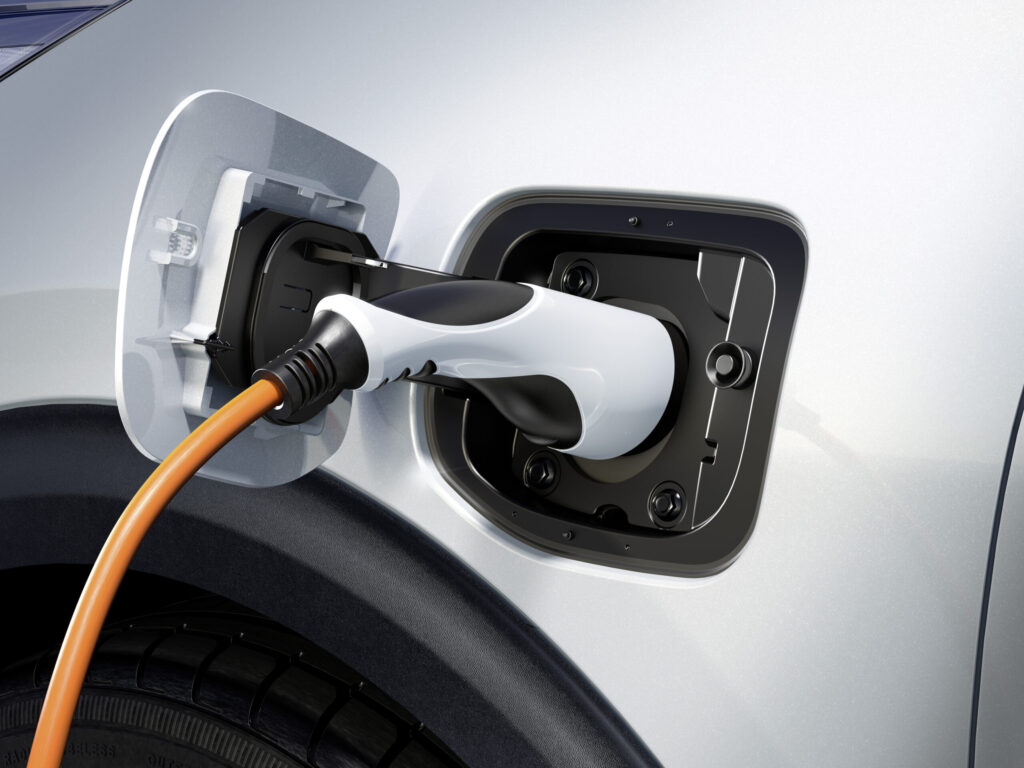
Software updates for the Kia EV6 address common faults such as ICCU errors, demisting issues and infotainment freezes, but owners report that some problems return even after installation. Updates can be performed Over The Air (OTA, i.e. wirelessly and remotely) or via USB, but the installation does not always run smoothly. For the Kia EV6, several recalls have been issued with mandatory software modifications to prevent thermal overload and voltage spikes in the charging control system. What do you need to know about these updates and how do you solve problems?
Which updates fix ICCU problems in the Kia EV6?
The Integrated Charging Control Unit (ICCU), the central control unit that manages battery charging, has regularly caused problems in 2022 to 2025 Kia EV6 models. Thermal overload and voltage spikes can lead to complete failure of the charging system. Kia has released specific software updates for this, but earlier versions such as SC 271 actually caused more defects.
For 2025 models built between 10 December 2024 and 24 June 2025, an OTA update for the Power-net Domain Controller (PDC), the central computer that manages the electrical system, is available. This update prevents damage to the pre-charge resistor and abnormal shutdown when the car is in Neutral. Owners with a recall notification can go to the dealer free of charge for a software update or replacement of the ICCU. Kia reimburses previous repair costs that owners have paid themselves.
The update installs automatically when the car is parked with the engine off for 4 hours or longer and has a network connection. If installation is successful, the process takes about 9 minutes. However, some owners report that ICCU problems return even after the update, especially on models that have already had earlier software versions.
‘ The car then remains unusable until a mechanic has manually restored the system. ‘
Common problems with software updates
Updates for the Kia EV6 can freeze or fail in different ways. Stalled OTA updates are common due to a weak mobile signal, interruptions during downloading or connected OBD devices (diagnostic dongles) under the driver’s seat. Symptoms include a black screen, error codes such as “update failed” or “error 101”, or a completely frozen system.
USB updates often fail due to incorrectly formatted USB sticks or unstable connections. Users report on forums that the car sometimes no longer starts when an update fails halfway through. Incomplete files can also prevent the installation from being completed.
Other known bugs that updates are meant to fix include active sound design errors, pre-heating issues and defrost malfunctions. Version 220211 resolves these problems, but the release notes are not always updated on official portals. This makes it difficult for owners to check exactly which update addresses which problem.
Why do updates fail at dealers?
Owners share experiences on forums about updates at dealers that fail due to network outages. The car then remains unusable until a mechanic has manually restored the system. This can take hours. An OTA update at home, when the car is standing quietly in the garage with a stable signal, often delivers better results than an update at a dealership workshop.
How do you update the software of the Kia EV6 at home?
You can update the software of the Kia EV6 at home in two ways: via OTA or via USB. For OTA updates you need an active Kia Connect subscription and a sufficiently strong mobile signal. For USB updates you download the files via the Kia portal and put them on a correctly formatted USB stick.
Step-by-step plan for a successful OTA update
- Make sure you have a strong mobile signal and park the car with the engine off for at least 4 hours.
- Disconnect all OBD devices connected under the driver’s seat.
- Drive for 30 minutes if the download does not start automatically.
- Install the update when the system prompts you; this takes about 9 minutes for recent PDC updates.
If an OTA update freezes, you can reset the system by holding down the power button for about 10 seconds. This often resolves minor freezes without data loss. In the menu, under settings, you will also find a tool to force a restart of an update, allowing you to try to restart a failed update.
Performing a USB update
- Download the update files via the official Kia portal.
- Format a USB stick to FAT32.
- Copy the files to the USB stick and insert it into the car’s USB port.
- Make sure the battery is fully charged and the car is in Park.
- Follow the loading animation on the screen until installation is complete.
If the latest version causes problems, you can try rolling back to a previous stable version. This is especially useful when updates introduce new bugs instead of solving issues.
Does the update fix heating failures?
According to Kia, update version 220211 resolves pre-heating and defrost problems. Before this update, some owners reported that the heating did not work properly or that the demisting system responded slowly. The update adjusts the control of the climate system, but not all owners notice an improvement.
On forums, EV6 drivers share mixed experiences. Some see a clear improvement after the update, while others report that the heating still does not function optimally in extreme cold. This may be because the performance of the heating system also depends on the ambient temperature and the battery level.
If heating problems persist after a successful software update, it is wise to contact the dealer. It may then be a hardware problem rather than a software fault. For certain models, Kia offers replacement parts if the update does not solve the problem.
What to do about persistent problems?
When updates do not help or cause new problems, you can perform a factory reset. Go to Settings > General > System Info > Reset. This deletes all stored data and restores the system to factory settings. A factory reset takes about 5 minutes and often resolves persistent errors that keep returning despite normal updates.
For ICCU recalls where the software does not solve the problem, the dealer will replace the ICCU free of charge. Check via the VIN whether your car is part of a recall. Kia also reimburses repair costs you have previously paid yourself for ICCU problems.
Tips from owners to prevent problems
- Only update with an active Kia Connect subscription; some features require this.
- Park in a garage for a stable signal; avoid updates in areas with a weak network.
- Remove OBD dongles during the update process.
- Record video of the update process as evidence in case of any damage.
The owner of a 2022 GT-Line with 62,000 miles (around 100,000 kilometres) reports no problems after several successful OTA updates, but advises being patient and not forcing updates when conditions are not ideal. It is better to wait an extra day until the signal is good than to risk a half-finished update.
Future improvements for more reliable updates
Kia is working with Harman on self-healing OTA systems that are expected to be available by 2027. These systems use more reliable cloud infrastructure and can automatically fall back to a previous version when an update fails. This should reduce the risk of unusable cars due to frozen updates.
On the Carnews website you can find more information about software problems in electric cars, update strategies and practical tips for maintaining your EV. Discover how to keep your electric car running smoothly and what developments are coming in the world of automotive software.
Frequently asked questions
Software updates for the Kia EV6 tackle, among other things, stalled or failing OTA/USB updates, black screens, error codes and various infotainment bugs. They also correct issues relating to the Integrated Charging Control Unit (ICCU) and the Power-net Domain Controller (PDC), which can cause thermal overload, voltage spikes and potential damage to components. Errors in active sound simulation, pre-heating and demisting are also resolved. Together, these updates improve reliability, safety, control and comfort while driving.
Kia EV6 owners can receive software updates via over-the-air (OTA) updates or manually using a USB stick with software from the Kia update portal. OTA updates are downloaded automatically via the built-in data connection and the car then asks for permission to install when it is stationary. This requires a good network or Wi‑Fi signal and the vehicle must be in “Park” with sufficient battery charge. If OTA updates fail or are not available, the dealer can also perform the update during a service visit.
Yes, there are some potential risks and side effects to software updates for the Kia EV6. Updates can freeze or fail, which can lead to a black screen, error codes or temporary inability to start or operate certain functions. With incorrect or interrupted updates (OTA or via USB), the system can “go haywire” and sometimes can only be restored by the dealer. In the past, there has also been software (such as certain ICCU updates) that actually caused additional problems and later became the subject of a recall.
The software updates for the Kia EV6 mainly improve the reliability and safety of the charging system and high-voltage components, which indirectly supports performance and service life. They also fix bugs in, among other things, active sound functions, pre-heating and de-icing functions, thereby improving functionality and user experience. Efficiency can increase because problems with, for example, the Integrated Charging Control Unit (ICCU) and Power-net Domain Controller (PDC) are resolved, limiting energy losses and malfunctions. However, some intermediary software versions can actually introduce new problems, so the actual impact may differ from update to update.
Kia informs customers about relevant software updates via official communication channels, such as recall and service notifications, Kia Connect/OTA notifications and documentation for specific actions (for example ICCU or PDC updates). Dealers receive technical bulletins and guidelines from Kia and then inform customers during servicing, recalls or when problems are identified. In practice, dealers explain during workshop visits which updates are necessary (safety, reliability) and which are optional or comfort-related. They also refer customers to the online Kia portal for information and possible manual (USB) updates.