
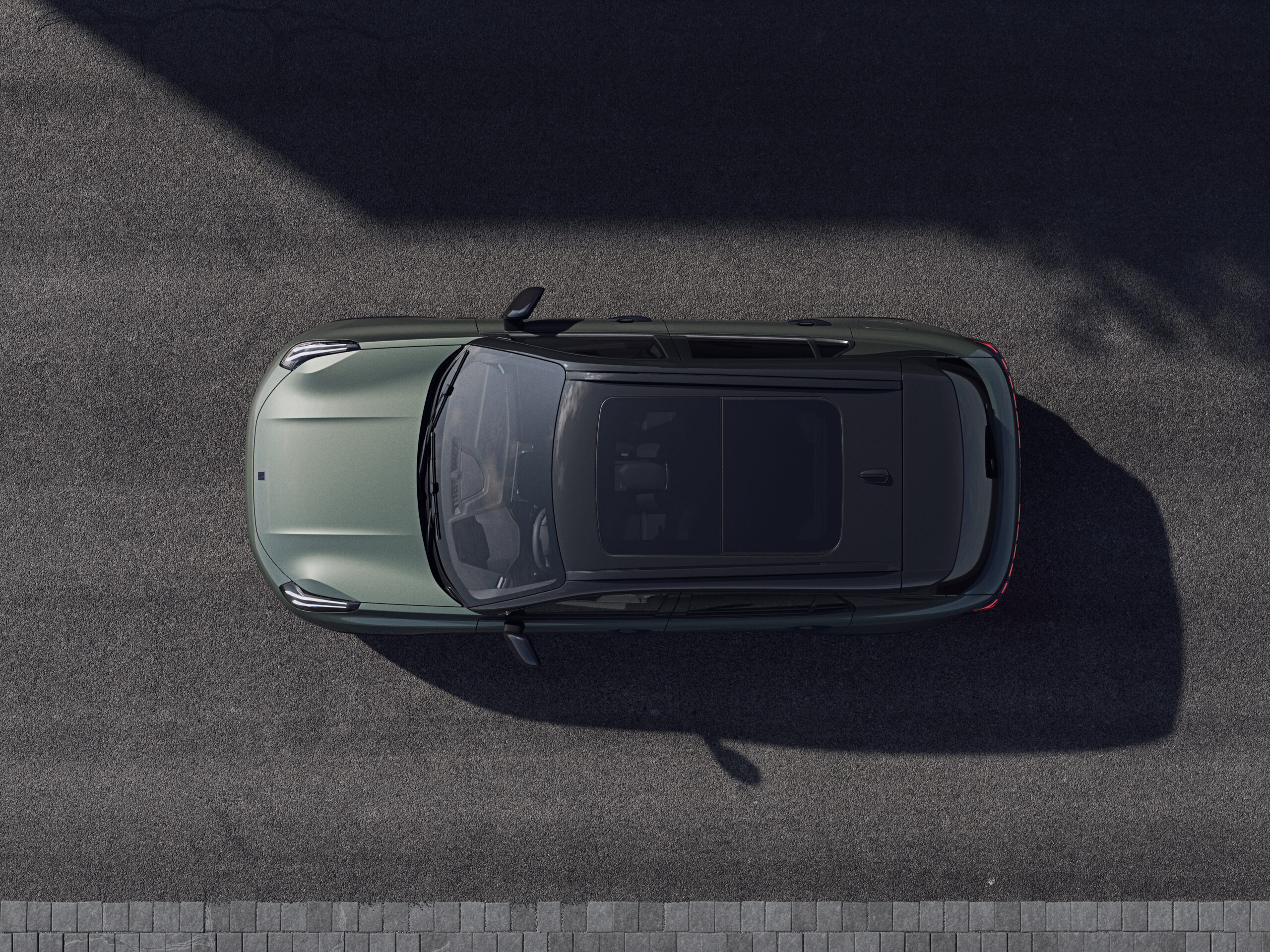
The infotainment system of the Lynk & Co 01 suffers from persistent faults after around two years of use, such as a slow touchscreen response, software glitches, loss of internet connection and failure of user profiles. These issues significantly affect everyday driving enjoyment and the car’s functionality. Want to know why this happens and what you can do about it?
The Lynk & Co 01 combines modern technology with a sleek design, but the infotainment system in particular turns out to be a weak spot for many owners. While you may initially enjoy a fast-responding interface, more and more users notice over time that the system slows down and even freezes while driving.
These faults occur regularly and are caused by a mix of hardware and software problems. It is important to understand what the causes are and which practical solutions are available. By taking the right steps you can avoid a lot of frustration and get the system working optimally again.
Which faults occur most often
Owners of the Lynk & Co 01 report various complaints about the infotainment system. These issues range from annoying to genuinely problematic while driving. The most common faults are:
- Touchscreen responds slowly or stops responding altogether
- System shuts itself down at random while driving
- Black screen when using the 360-degree camera
- Bluetooth connection frequently drops out
- Apple CarPlay or Android Auto takes an extremely long time to start up
- User profiles no longer load correctly
- Internet connection does not work or constantly cuts out
- Software shows glitches after updates
The system shutting down randomly is particularly frustrating when you are in the middle of a navigation route or on an important phone call. The black screen with the 360-degree camera can even create dangerous situations when parking or reversing.
‘ Bugs in the new software can disrupt existing functions. ’
Why do these infotainment problems occur
The causes of infotainment faults in the Lynk & Co 01 are varied and often difficult to predict. Some problems are hardware-related, while others are due to software instability. This makes it difficult to immediately arrive at the correct diagnosis.
Hardware-related causes are diverse. Electronic components can fail. Connectors in the dashboard can vibrate loose. Circuits can also fail due to vibrations while driving. Water ingress sometimes causes damage to the internal circuits of the infotainment system. With the 360-degree camera specifically, dirt, mud or dust on the lenses can cause a black screen.
Software problems often arise after updates that are installed over the air (wirelessly via the internet). Bugs in the new software can disrupt existing functions. Incompatibility with recent iOS or Android updates on your smartphone also causes connection problems with CarPlay and Android Auto. The system can become overloaded. The cause is often that too many background processes are running at the same time.
External factors such as extreme temperature fluctuations can cause electronic components to expand and contract, which in the long term leads to faults. In addition, a blown fuse can switch off the entire infotainment system or specific functions such as the camera.
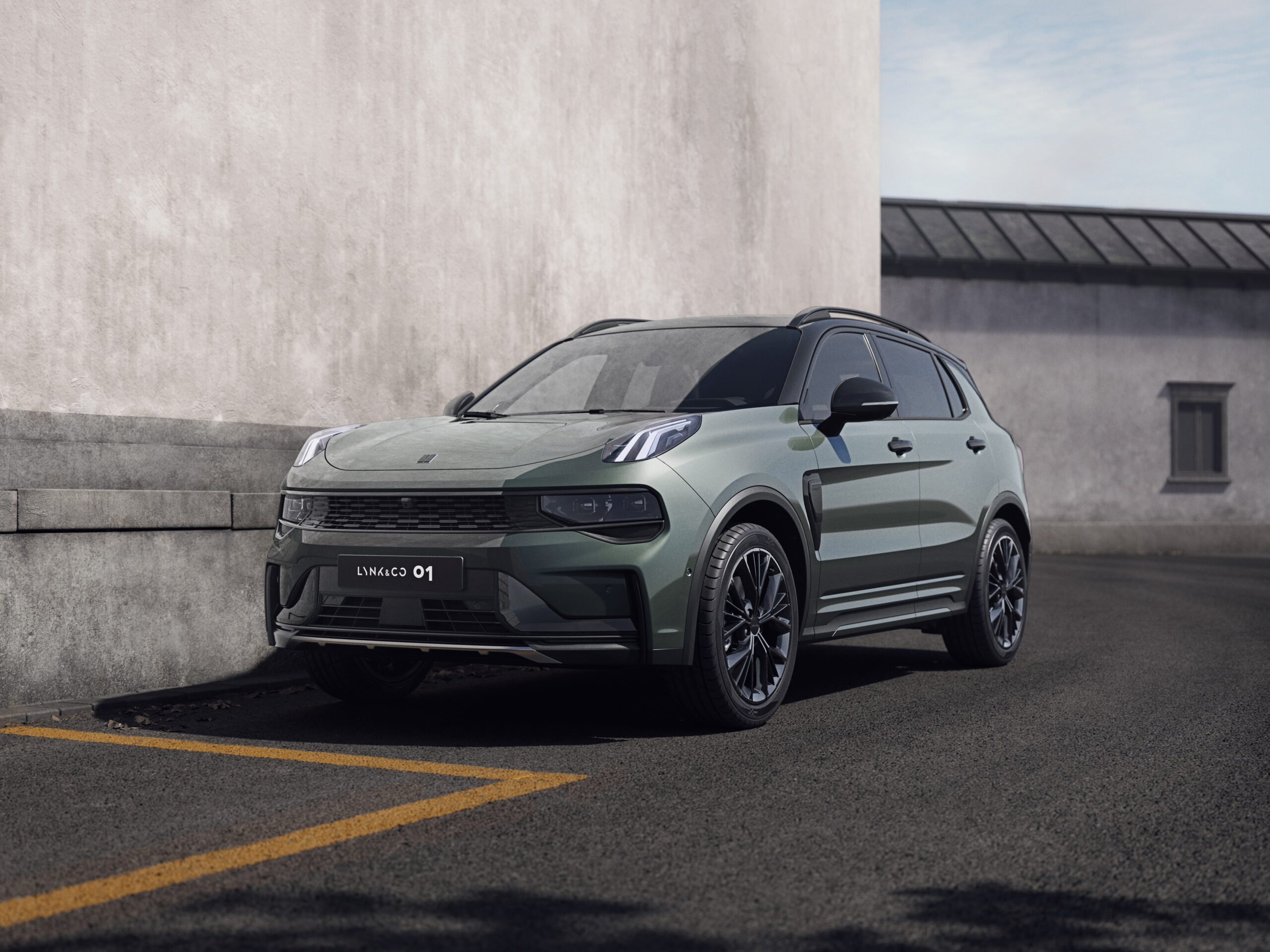
Practical solutions for a slower system
Is your infotainment system responding slowly or freezing? Then take several steps. Always start with the simplest solutions before calling in professional help.
Restart the system as a first step. Switch the car off completely, open the door and wait about 30 seconds. Then start the car again. This ensures that the infotainment system reboots and often clears temporary software glitches.
Check whether software updates (updates for the system) are available. You will usually receive a notification on the central display when an over-the-air update is ready. Download and install these updates when the car is stationary and the battery has sufficient charge. Software updates fix known bugs and sometimes add new functions.
Having problems with Bluetooth or CarPlay? First remove the pairing on both your phone and in the car. Then reconnect. Also check whether your phone has the latest software version, as outdated phone software can cause compatibility problems.
Specific solutions for a black camera screen
The black screen with the 360-degree camera is a common problem that often has a simple cause. Clean the camera lenses with a soft cloth and some water. Dirt, mud and dust easily build up while driving, especially in bad weather.
Clean the lenses regularly to prevent build-up. This not only increases the reliability of the system, but also your safety while manoeuvring. If the screen remains black after cleaning, there may be loose wiring behind the cameras or a faulty driver in the system itself.
Check the fuses that are responsible for the camera system. You will find these in the fuse box, usually under the dashboard or in the engine bay. A blown fuse is easy to replace. If the problem persists, have the wiring and connectors checked at an authorised workshop.
‘ These functions are designed to prevent accidents, so a faulty system increases the risk while parking and manoeuvring. ’
When should you go to the garage
Some faults cannot be resolved with simple actions and require professional diagnosis. When the infotainment system suddenly goes black while driving and restarting does not help, it is wise to stop driving and make an appointment with the dealer.
Have the system checked when problems recur despite performing updates and restarts. Hardware defects such as a faulty touchscreen, defective electronic components or damaged wiring can only be resolved by a professional.
With recurring problems within the warranty period you are entitled to free repair. Carefully document the faults and report them to the dealer. Some issues may indicate a manufacturing defect that is covered under warranty.
Do not wait too long to visit a workshop when safety functions such as the 360-degree camera fail. These features are intended to prevent accidents, so a faulty system increases the risk while parking and manoeuvring.
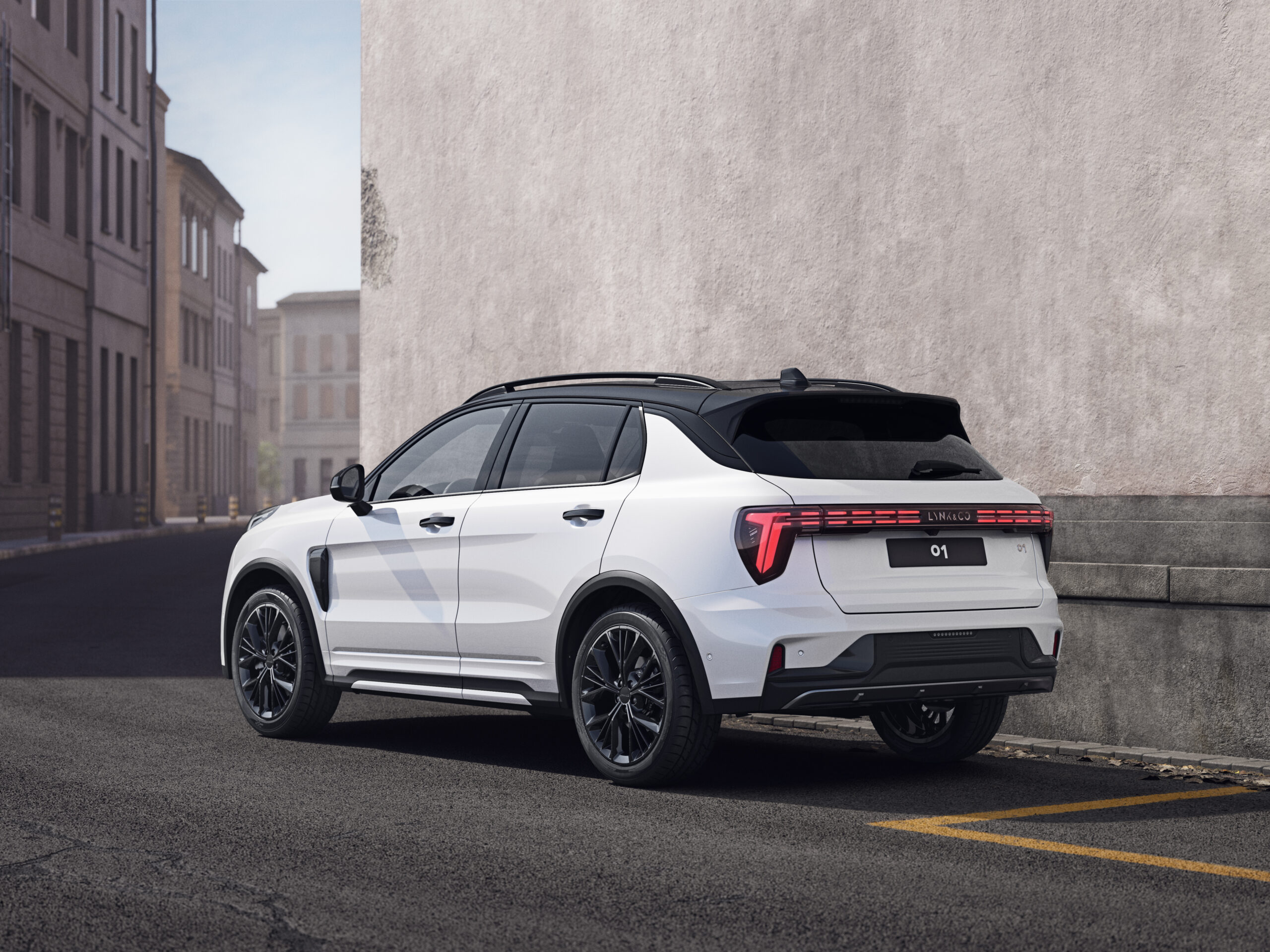
Software updates as a structural solution
Lynk & Co regularly offers over-the-air updates to resolve known software issues and improve compatibility with new phone versions. These updates are automatically offered via the central display when the car is connected to the internet.
You can manually check whether updates are available via the infotainment system settings. Go to the system settings and look for the option for software updates. Make sure the car is stationary and has sufficient battery charge before installing an update, as the process can take some time.
Are over-the-air updates not available or not working? Then go to an authorised workshop. Here, technicians install updates manually for a service fee. This is especially useful when the system has become so unstable that wireless updates fail.
Bear in mind that not all problems are solved by software updates. Hardware defects require physical repair or replacement of parts. However, an update can improve performance and eliminate bugs that slow the system down.
Preventive maintenance for a reliable system
Regular maintenance helps to prevent infotainment problems or to detect them at an early stage. Clean the camera lenses at least once a month, or more often if you frequently drive in muddy or dusty conditions. This simple step prevents a lot of frustration.
Update the system as soon as new software becomes available. Postponed updates can lead to incompatibility with newer smartphone versions and an increase in bugs. Do not postpone updates for months, but install them within a few weeks of release.
Avoid overloading the system by not using too many apps and processes at the same time. Close apps that you are not actively using and only pair the devices you really need. This helps the system to run smoothly.
During services, also have the infotainment system included in the inspection. Ask the mechanic to inspect the wiring, connectors and fuses. Early detection of loose connections prevents more serious faults later on.
‘ Even so, many problems can be solved with the right approach and timely updates. ’
Owners’ experiences with infotainment problems
Many owners report that infotainment faults only occur after around two years of intensive use. The system often starts up without problems, but over time shows increasingly slow responses and random dropouts. This gradual decline makes it difficult to pinpoint one clear moment when the problem started.
The well-known 95 kilometres glitch is an example of a software bug that frustrates users. This bug displays incorrect information on the screen and can only be resolved by a software update. Owners therefore recommend always checking whether your car has the latest software before buying a used Lynk & Co 01.
Connection problems with Bluetooth and CarPlay are widespread among owners. The Bluetooth connection forms the basis for other pairings, so when it is unstable, CarPlay and telephony also do not work properly. Users report that recent smartphone updates sometimes make the problems worse.
Despite the Volvo technology in the drivetrain, the infotainment system remains a point of attention for owners of this urban SUV. Even so, many problems can be solved with the right approach and timely updates.
More information about the Lynk & Co 01
On the Carnews website you will find extensive information about common problems, maintenance tips and experiences with the Lynk & Co 01 and other models. Discover more articles about technical faults, solutions and handy tips that help you get more out of your car and spot problems at an early stage.
Frequently asked questions
The most common faults of the infotainment system in the Lynk & Co 01 are random shutdowns, black or frozen screens (particularly with the 360-degree camera) and very slow system responses. In addition, connection problems with Bluetooth are frequent, which also makes Apple CarPlay or Android Auto unstable or extremely slow to start.
The faults mean that navigation, music and phone functions are unreliable or temporarily unavailable, which makes everyday driving less comfortable and predictable. A black screen with the 360-degree camera makes it harder to park safely and manoeuvre in tight spaces. Slow responses and system dropouts lead to distraction and frustration, as drivers have to restart repeatedly or look for alternatives. Problems with Bluetooth and CarPlay also limit the use of hands-free calling and apps, further reducing functionality.
Yes, there are a few known DIY workarounds, such as completely switching the car off and on again to reboot the infotainment system when it freezes or shows black screens. Drivers regularly clean the camera lenses themselves to fix black or stuttering 360° images. Manually checking fuses and visible wiring is also sometimes done in the case of recurring faults. In addition, some users try to limit problems with sluggishness and connectivity by installing OTA software updates themselves as soon as they become available.
Lynk & Co primarily rolls out software updates for the infotainment system over the air (OTA), where the driver receives a notification on the central screen to download and install the update. In addition, updates and fault diagnosis can be carried out at an authorised Lynk & Co workshop, often for a service fee. In the case of repeated or serious faults (such as a black screen or system failure while driving), it is recommended to have the car checked by an official workshop as soon as possible. Any recalls or critical safety updates are handled via the official Lynk & Co channels and their service partners.
Based on user reports, infotainment system faults in the Lynk & Co 01 do not appear to be completely incidental problems, but rather frequent complaints. Users repeatedly report issues such as random shutdowns, black screens, sluggishness and Bluetooth/CarPlay problems. This suggests that the system is perceived as a weak point of the model. However, the severity and frequency can differ per car, partly depending on software version, maintenance and updates.
Keep the system up to date by installing OTA updates immediately and, if problems persist, asking the dealer to load the latest software version. Regularly clean the cameras and the screen, and prevent moisture and dirt getting into sensors and connectors. Minimise Bluetooth and CarPlay faults by keeping your phone’s OS current and removing unused paired devices. In the case of repeated black screens, sluggishness or system failures, have the wiring, fuses and hardware checked preventively at an authorised workshop.