
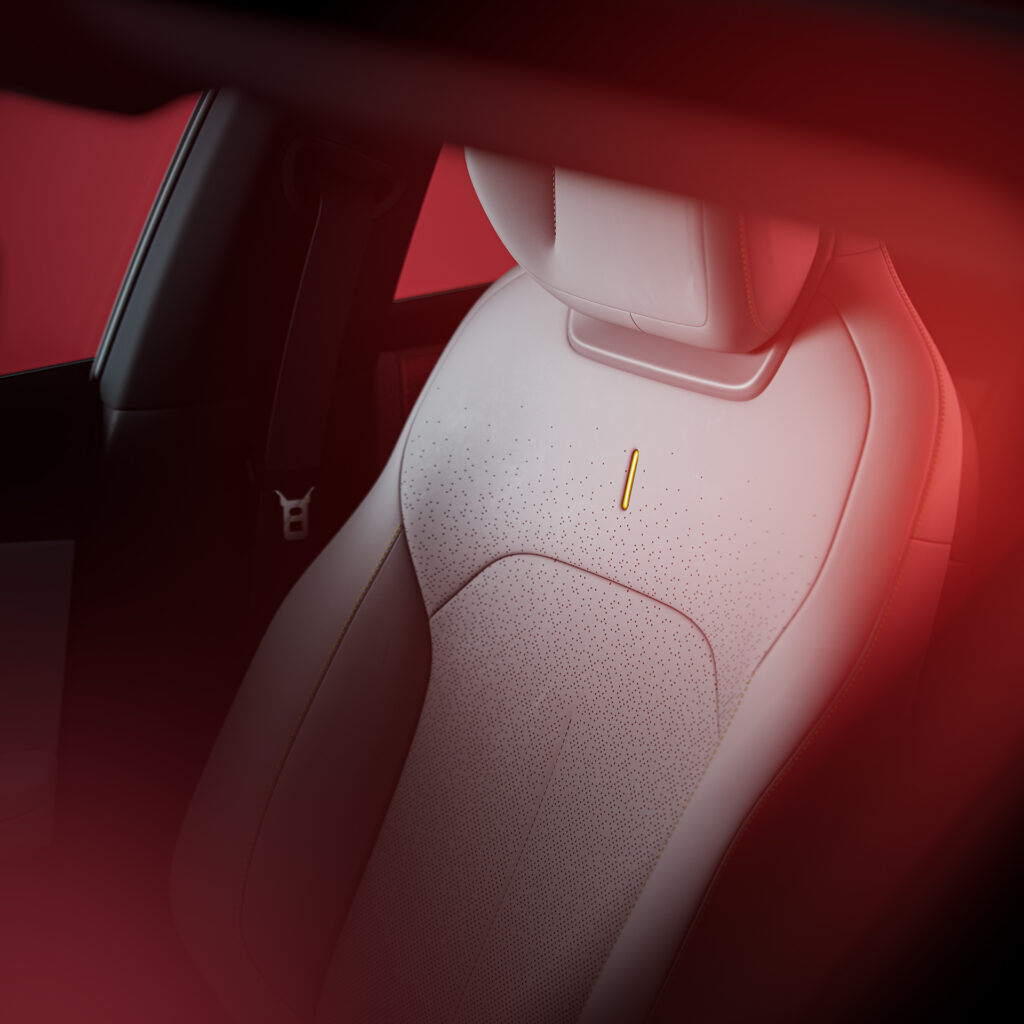
The Lynk & Co 02 is equipped with an extensive package of safety systems, but in practice these systems sometimes turn out to be set too aggressively. Automatic emergency braking functions are triggered unnecessarily, seatbelt reminders fail on the rear seat and the installation of child seats is blocked by seat cushion foam. That makes the Lynk & Co 02 a modern and safe car on paper, but in everyday use sometimes unpredictable and frustrating. How do these systems actually work, and what can you do as a driver?
Emergency braking function brakes unnecessarily
The automatic emergency braking function, also known as AEB (Autonomous Emergency Braking), ensures that the car brakes hard on its own as soon as a collision threatens and the driver does not react. In the Lynk & Co 02 this system sometimes activates without any obvious reason. Drivers report false interventions in situations where no obstacle is present or where the danger has long since passed.
This problem mainly occurs in heavy city traffic, at roadworks and on roads with unclear markings. The cameras and radar sensors at the front of the car interpret shadows, roadside furniture or pedestrians crossing nearby as an immediate threat. The result is an abrupt braking action that can be unsafe for following traffic.
Possible causes of false-activating emergency braking functions are:
- Dirt or condensation on the windscreen camera or radar sensors
- Sharp transitions between light and shadow on the road surface
- Low sun dazzling the camera
- Imperfect software calibration of the emergency braking function
- Overly tight adjustment of the sensitivity thresholds
Regularly clean the windscreen at the top edge where the camera is located. Also check whether there is any dirt or snow on the radar sensors in the front bumper. If the problem persists, a software update via the dealer may improve matters. In various updates Lynk & Co has made changes to the emergency braking logic to reduce false activations.
Child seat detection system not working properly
The Lynk & Co 02 has sensors in the seats that detect whether a passenger is seated and whether they are wearing a seatbelt. These sensors are also intended to recognise when a child seat has been installed, so that the system knows whether the rear passenger airbags need to be activated. In practice, these very sensors do not always work reliably.
Owners report that Isofix child seats are difficult to install because the seat cushion is too firm or too thick. Isofix is a universal mounting system with metal clamps that click onto fixed brackets between the seat base and backrest. In the Lynk & Co 02, the mounting points can be difficult to reach because of the hard foam, or it is not possible to click the Isofix arms firmly into place. In addition, the system sometimes reports that the seatbelt has not been fastened, even though the child seat is correctly installed.
Rear seat belt warnings unreliable
Besides issues with child seat installation, the seatbelt warnings on the rear seat also react inconsistently. The dashboard indicates that a passenger is not wearing a seatbelt while it has in fact been correctly fastened. The opposite also occurs: when the passenger is not wearing a belt, no warning is issued.
This problem is related to the pressure sensors in the seat cushions. The foam material of the rear bench is too stiff in some production series, which means the sensors do not properly register whether someone is seated. The seatbelt buckle also contains an electronic sensor that does not always communicate correctly with the main system.
What can you do if the seatbelt warnings are unreliable?
- Check whether the seatbelt buckle is fully engaged until you hear a clear click
- Ensure passengers sit in the middle of the seat, not on the edge or half on the centre console
- Check in the infotainment system settings whether there are any messages relating to seatbelt or seat status
- If problems persist, have the dealer read out and, if necessary, calibrate the seat sensors
- Ask whether there are software updates available that improve seatbelt detection
Checking airbag status
The airbag status is directly linked to the seat sensors and seatbelt detection. If these systems pass on incorrect information, the airbag controller can also make the wrong decisions about which airbags should or should not be activated in a collision. It is therefore wise to check regularly whether the airbag status is displayed correctly.
Start the car and look at the instrument cluster for any warning lights with an airbag symbol. If this light is on or flashing, the system is registering a fault. On the infotainment screen you can use the vehicle status menu to request more details about which airbag or sensor is generating a warning.
When you install a child seat on the front passenger seat, the passenger airbag must automatically be deactivated. Check whether the orange light on the B-pillar or on the dashboard indicates that the airbag is switched off. If this does not happen, the system may not be correctly recognising the child seat and there is a risk in the event of a collision.
Symptoms of airbag system faults
Watch out for the following signs that may indicate a problem with airbag detection:
- Airbag warning light stays on after starting
- Passenger airbag does not switch off when a child seat is fitted
- Fault message about seat occupancy despite an empty seat
- Inconsistent messages about seatbelt status
Do not continue driving with an illuminated airbag warning light. Have the fault read out and rectified by an authorised dealer as soon as possible. An airbag that does not work or one that is activated without good reason can have serious consequences in an accident.
Driver assistance systems sometimes too intrusive
In addition to the emergency braking function, the Lynk & Co 02 is equipped with adaptive cruise control, lane keep assist and blind spot monitoring. Adaptive cruise control automatically regulates speed and the distance to the vehicle ahead. Lane keep assist helps you stay in your lane by gently correcting the steering. Blind spot monitoring warns of vehicles next to the car that you cannot see in the mirrors. These systems are intended to support the driver, but in practice are often experienced as too sensitive. The lane-keeping system (also called lane keep assist) already tugs at the steering wheel with minimal deviations, and the blind spot warning flashes even when a car is far behind you in the neighbouring lane.
Adaptive cruise control has difficulty working smoothly together with active driver input. The system sometimes brakes abruptly when you accelerate slightly yourself, or speeds up just when you want to cautiously anticipate traffic ahead. This makes using it on busy motorways or in variable traffic unpredictable.
The lane-keeping assistant can be adjusted in the settings. You can choose warning only without steering intervention, or switch the system off completely at the start of each trip. It is advisable to gradually reduce the sensitivity of the systems until you find a balance between support and freedom.
How to use adaptive cruise control
Use adaptive cruise control mainly on quiet, well-marked motorways. At roadworks, on narrow single carriageway roads and in busy city traffic it is better to control the speed yourself. The system can struggle with incomplete road markings and changing distances to vehicles in front.
Set the following distance to the longest setting, especially at first. This gives you more time to react to unexpected braking actions. Also take weather conditions into account: in rain or bright sunshine the sensors may not function as well.
‘ Small programming errors or thresholds set too tightly can have a big impact on the driving experience. ’
Car software updates bring improvements
The Lynk & Co 02 is heavily dependent on software for the operation of its safety systems. This involves updates to the control software that operates the cameras, radars and safety assistants. Small programming errors or thresholds set too tightly can have a major impact on the driving experience. Lynk & Co regularly releases updates that correct false warnings, improve sensor calibrations and refine the algorithms for driver assistance systems.
You can usually receive updates wirelessly via the built-in 4G network. The system will notify you when an update is available. Preferably download them when the car is parked and connected to the charger. Installation can take from a few minutes up to half an hour. Make sure the car is not started or switched off during this time.
Some updates must be installed via the dealer. When your car is in for servicing, ask whether there are any important software updates available for the safety systems. Dealers have access to technical bulletins describing known faults and the corresponding software fixes.
Keeping cameras and radars clean prevents faults
Dirty cameras and radar sensors are a very common cause of false warnings and unintended interventions. This concerns the cameras that look through the windscreen and the radar sensors in the bumpers that detect obstacles. The windscreen camera sits behind the interior mirror and looks out through the glass. Water droplets, dirt or a film on the outside can reduce image quality.
The radar sensors are located in the front and rear bumpers, often invisibly behind the paintwork or the logo. Snow, mud or thick layers of dust block the radar waves and make detection impossible. During heavy rain or snowfall the systems may automatically be temporarily deactivated, with a message on the dashboard.
Therefore, clean regularly:
- The outer side of the windscreen in line with the camera
- The front and rear bumpers where sensors are mounted
- The mirror housings with blind spot sensors
Do not use aggressive cleaning agents or abrasive cloths. A soft microfibre cloth with lukewarm water is sufficient. At an automatic car wash, make sure high-pressure jets are not aimed directly at sensor areas.
Recognising a real fault
Not every warning or intervention means that something is defective. Modern safety systems are designed to err on the side of caution, sometimes at the expense of ease of use. Even so, there are situations in which you do need to take action.
Contact a dealer when:
- The airbag warning light stays on
- The emergency braking function is falsely activated several times per trip
- Seatbelt warnings are consistently incorrect
- Child seats are not detectable despite correct installation
- Software updates do not resolve the problem
Describe as precisely as possible the situations in which the fault occurs: speed, weather conditions, number of occupants and type of warning. This helps the technician to trace the fault more quickly and read it out in the diagnostic system.
‘ Software updates, regular maintenance and clean sensors help to limit false warnings. ’
More about safety systems
Keep a close eye on the safety systems of your Lynk & Co 02 and have faults checked in good time. Software updates, regular maintenance and clean sensors help to limit false warnings. If you are unable to resolve the problem, discuss with the dealer whether technical bulletins or improved parts are available. Also read our other articles about the Lynk & Co 02 for more practical tips on problems with the drivetrain, battery and electronics.
Frequently asked questions
The safety systems most often affected by faults or unwanted behaviour in the Lynk & Co 02 are mainly the driver assistance systems: adaptive cruise control and lane keep assist / lane-keeping assist. Lane departure warning and automatic emergency braking assistance are also regularly experienced as too sensitive or nervous. In addition, various warnings relating to doors and driving status (such as door and seatbelt alerts) relatively often cause irritation or error messages.
The most common “symptoms” are excessive or overly frequent warnings from driver assistance systems such as lane keep assist and lane departure warning, especially with small steering movements or unclear road markings. Drivers also sometimes notice abrupt or illogical braking and acceleration by the adaptive cruise control. There are also (subjectively) over-alarmist door and status warnings that light up or beep sooner than expected. Finally, after certain software versions, incorrect or unnecessary messages may appear that give the impression that there is a fault.
When a safety system in the Lynk & Co 02 fails, the risk increases that the driver will be warned less quickly about dangers such as unintentionally leaving the lane or not keeping sufficient distance. The absence of automatic emergency interventions (such as emergency braking or steering corrections) can also lead to longer reaction times and therefore a greater chance of collisions. In addition, the driver may have felt a false sense of security and not immediately adjust their driving style, which temporarily increases the risk further. If several systems fail at the same time, the full responsibility for observation and intervention lies entirely with the driver again, which can reduce driving safety, especially in complex traffic.
Owners can first check whether all driver assistance systems are set correctly and, if necessary, reduce the sensitivity or (temporarily) switch off some functions. Make sure the car has the latest software update, as updates often resolve error messages and faults in safety systems. Clean cameras and sensors (windscreen, bumpers, mirrors) so they are not affected by dirt, dried rain or condensation. If the warning keeps returning or the system intervenes in an illogical way, contact the dealer or service partner for diagnosis and possible recalibration.
Several software updates have been released for the Lynk & Co 02 that address, among other things, false warnings, synchronisation issues and minor software errors in the safety systems. These updates have, among other things, affected the sensitivity and operation of driver assistance systems and certain warnings (such as door and status messages). There is no information available about large-scale, specific recalls focusing solely on safety system faults. However, it is clear that later software versions can noticeably improve the reliability and user experience of the systems.