
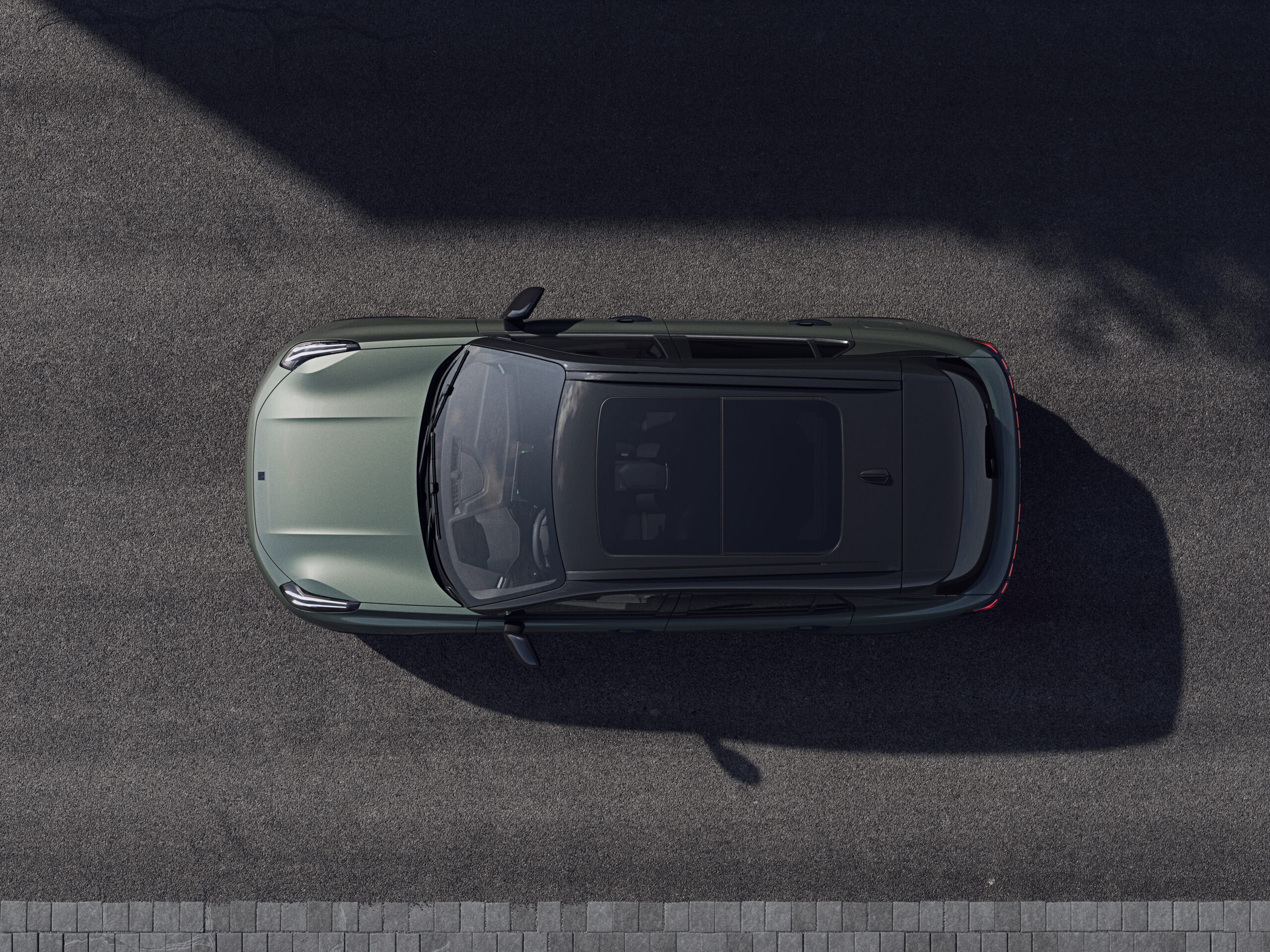
From day one, your Lynk & Co 01 has remained cut off from contact with the app, despite repeatedly logging reports with no response or solution from the manufacturer. This communication problem between car and smartphone affects many owners and causes frustration, because smart functions such as remote control or status checks do not work. Discover what may be causing this and which steps you can take to restore the connection.
Common causes of connection problems
Most connectivity problems with the Lynk & Co app have a technical or network-related cause. These factors often play a part:
- Poor network coverage: In underground car parks, near schools or under high-voltage power lines the mobile signal is weak. This prevents successful communication between car and app.
- Data settings: The data bundle in the infotainment system may be switched off. In used cars, the eSIM may also have expired or been blocked due to provider restrictions.
- Outdated software: Both an outdated version of the app and the system in the car can lead to error messages or a complete lack of communication.
- Hardware or account issues: The car does not recognise the account from delivery, or there is a fault in the car’s communication module itself.
- Regional differences: In some countries the 4G or eSIM connection no longer works due to provider changes or limitations, especially with second-hand models.
‘ This is a simple but effective first step that many owners overlook. ’
Check network coverage and location
Always start by checking your location. Drive to an open area with good mobile coverage and test the connection again. Some car parks or areas with a lot of concrete structures almost completely block the signal. This is a simple but effective first step that many owners overlook.

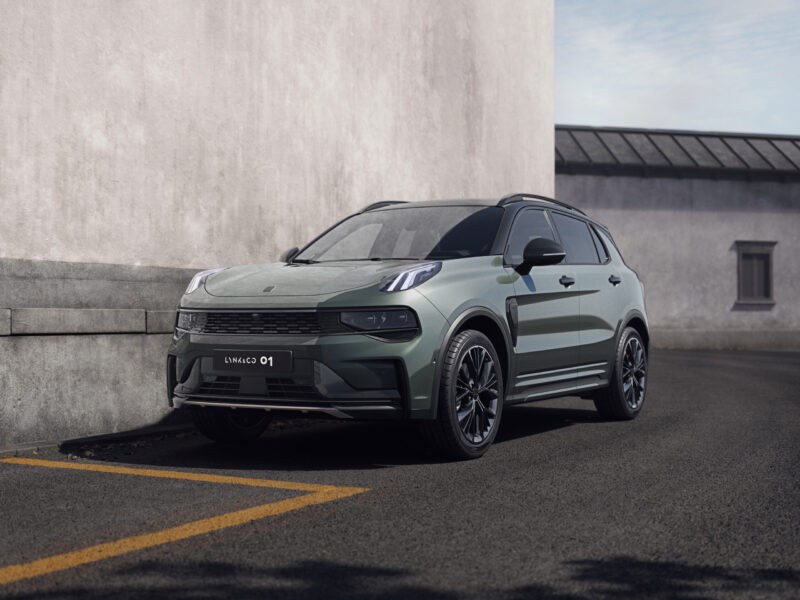
Fully restart car and app
A complete restart will temporarily solve the problem. Follow these steps:
- Switch off mobile data in the car via the infotainment screen.
- Turn the car completely off and wait 30 seconds.
- Restart the car and switch the data back on.
- Completely close the app on your smartphone and log in again.
This procedure restores wireless connections such as Bluetooth and CarPlay. These regularly drop out due to software conflicts.
Check the data settings in the system
The data flow in the infotainment system has to be active in order to communicate with the app. Go to the settings of your Lynk & Co 01 and check whether mobile data is switched on. In some cars, this option is switched off by default after a factory reset or software update.
Also check whether there is an active data bundle or eSIM connection. You can check this in the connectivity menu of the infotainment system. If the eSIM has expired or is inactive, you will need to contact the dealer or provider to have it reactivated.
‘ A software upgrade at the dealer is often free during the warranty period. ’
Use a diagnostic tool for deeper faults
When standard steps do not work, an OBD diagnostic tool helps track down software errors or hardware defects. Some owners report that the communication module of the car is defective or that there is a fault in the system which requires an update.
A software upgrade at the dealer is often free during the warranty period. Outside the warranty, the costs vary per job.
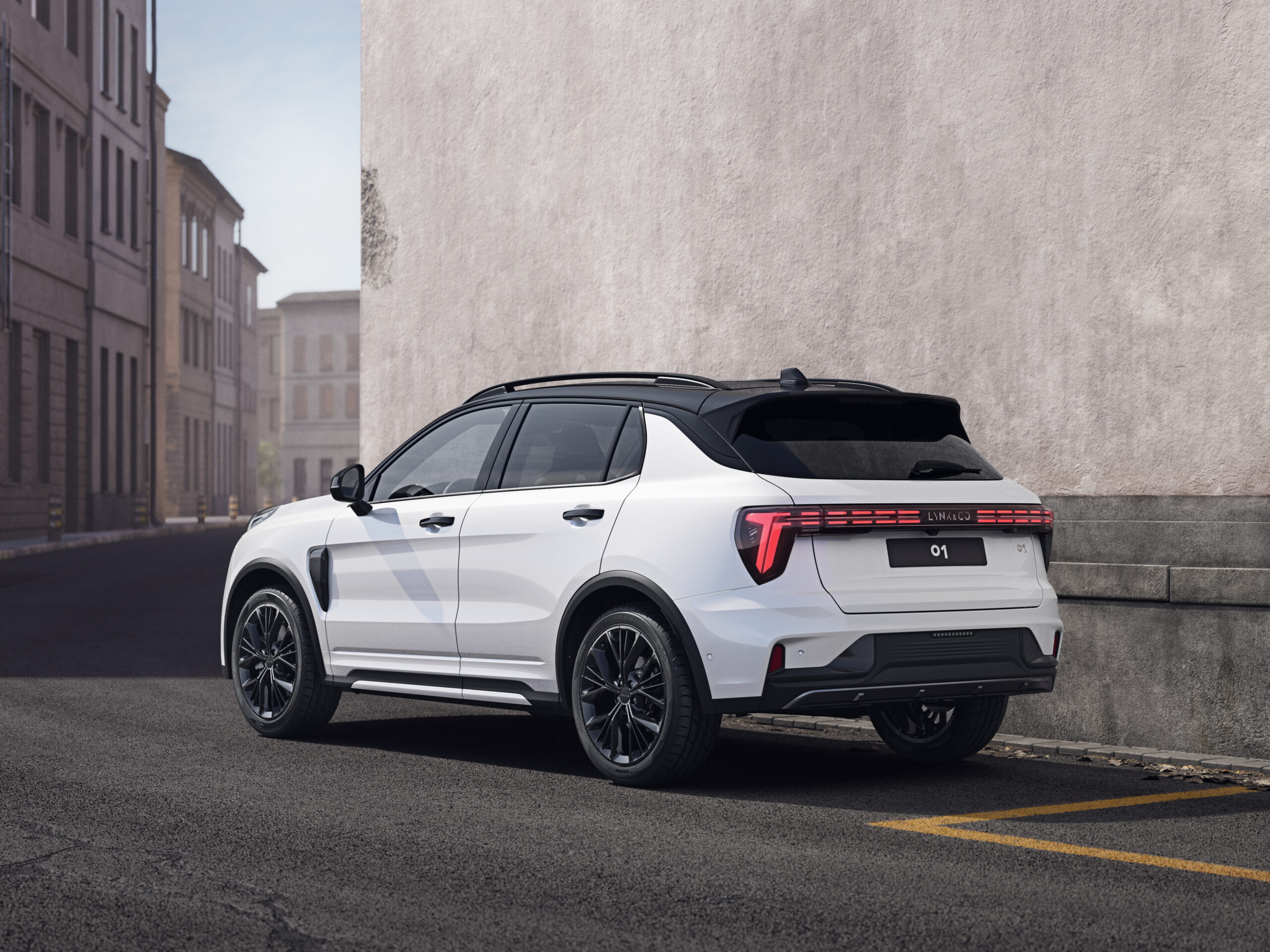
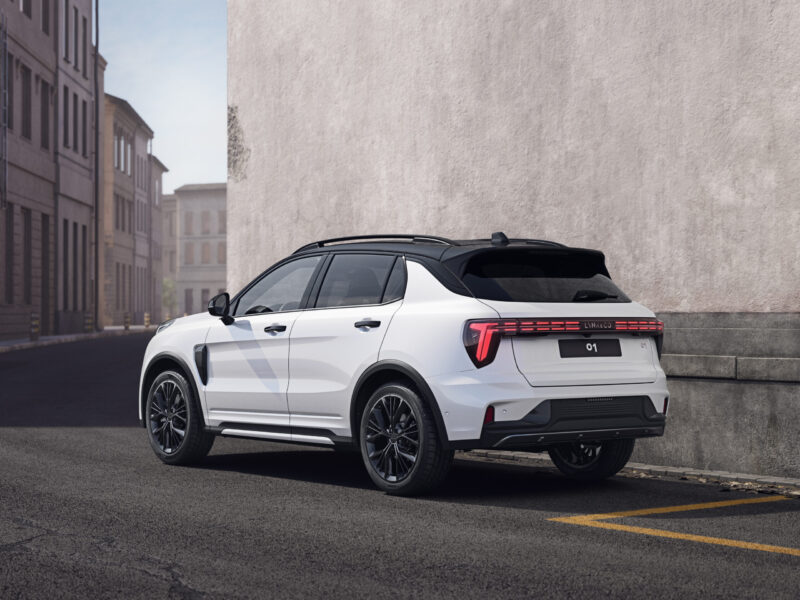
Try reinstalling the app
Remove the Lynk & Co app completely from your smartphone and install it again. Then log in with your account details. Make sure you do this in an area with a strong mobile signal, because the initial pairing requires a stable connection.
Some owners report that a fresh installation of the app resolves issues. These problems stem from corrupted cache or outdated app versions.
Owners’ experiences with no connection from delivery
Many Lynk & Co 01 owners find that the car does not communicate with the app from day one. Reports are logged with Lynk & Co but remain without response or solution. This lack of support causes extra frustration, because the functionality that is promised simply does not work.
In used cars the 4G connection sometimes suddenly disappears. Provider changes or regional restrictions are usually behind this. Simple restarts provide temporary relief for wireless connections such as Bluetooth. The root of the problem often remains unresolved.
‘ Some owners recommend calling in professional help straight away, because attempts to fix it yourself rarely solve much when there are hardware defects or complex software issues. ’
When professional help is needed
If the above steps do not deliver any result, it is time to visit a dealer. Problems with the recorder, the communication module or persistent system errors require inspection by a specialist. During the warranty period, upgrades and repairs are often free of charge.
Contact Lynk & Co support or visit the nearest 4S store (authorised sales and service location) for a thorough diagnosis. Some owners recommend calling in professional help straight away, because attempts to fix it yourself rarely solve much when there are hardware defects or complex software issues.
Keep software up to date for optimal connectivity
Regular software updates help prevent connectivity problems. Check in the infotainment system whether any updates are available and install them preferably in an area with excellent mobile coverage. Updates can fix bugs that block communication between car and app.
Also make sure that the app on your smartphone is always running the latest version. Outdated combinations of system and app versions often lead to incompatibility and error messages.
Discover more car facts and solutions
Problems with app connectivity are more common than you might think, and not only with Lynk & Co. On the Carnews website you will find many more practical tips, experiences and facts about car technology and common faults. Explore our extensive collection of articles and stay up to date with everything to do with modern cars and smart features.
Frequently asked questions
First check whether your phone and car are in an area with good mobile coverage and whether mobile data/Wi‑Fi are working. Then restart the Lynk & Co app, log in again and restart the car as well (completely off and back on). In the infotainment system, check whether the data/internet options are enabled and whether there are any notifications about expired data or eSIM. If this does not help, delete and reinstall the app and, if problems persist, contact Lynk & Co or a dealer for diagnosis and a possible software update.
Common causes of connection problems with the Lynk & Co app include poor network coverage, for example in underground car parks or areas with a weak signal. Incorrect or disabled data settings in the infotainment system or an expired eSIM can also block the connection. In addition, outdated software versions of the car or the app regularly cause error messages and failed updates. Finally, hardware or account issues, such as faults in Bluetooth/CarPlay or communication that has never worked properly from the start, can be at the root of the problems.
First check whether your smartphone has a good internet connection and whether other apps are working. Then test in another location with better coverage to rule out network issues. In the car, see whether mobile data/eSIM and connectivity settings are enabled and whether the infotainment system is up to date. If nothing works, the problem is probably with the Lynk & Co services and you can contact Lynk & Co support or a dealer.
Yes, certain network and privacy settings can affect how the Lynk & Co app works. A weak mobile or Wi‑Fi signal, blocked mobile data or a disabled data setting in the infotainment system can prevent the app from connecting to the car. Restrictions on the eSIM or regional provider settings can also disrupt connectivity. Always check network coverage, data access and the data settings of both phone and car.
It is advisable to call in professional help if the basic steps (restarting car, app and data, and checking the signal) do not solve the connection problem. In the case of recurring system or recorder faults, or when the car has not communicated properly with the app from purchase, dealer support is recommended. Contact Lynk & Co support or a 4S dealer if updates keep failing or the 4G/eSIM connection repeatedly drops out. During the warranty period they can usually carry out software upgrades and diagnostics free of charge.