
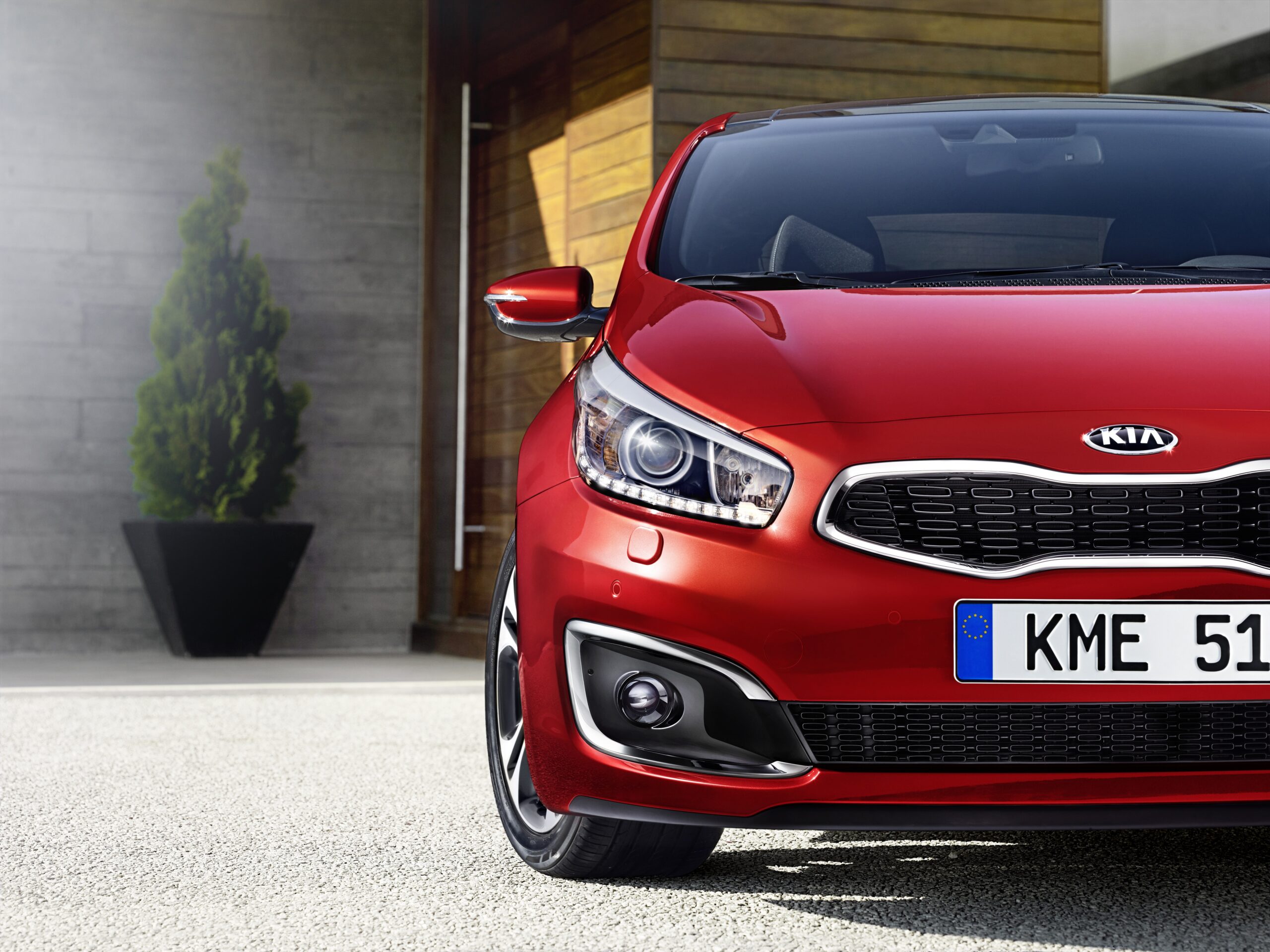
The driver assistance systems of the Kia XCeed fail more often than owners would like, especially in bad weather. Collision warning and Auto Hold switch themselves off and constantly require manual reactivation, while the lane assist steers so pushily that it irritates more than it helps. These problems are familiar to many XCeed drivers and have concrete causes. Read on for practical solutions and tips to keep these faults under control.
sensors give up in rain and snow
The cameras and radar sensors feed the driver assistance systems. These sensors are sensitive to dirt, snow and rain. The windscreen, bumper or sensors can become covered. Systems such as the collision warning then switch off temporarily. You will then see warning messages such as “Check forward safety system” appear in the display. This happens because the sensors literally no longer have a clear view of the surroundings.
Many owners of the Kia XCeed report problems in dense fog or snow showers. This occurs particularly in this kind of weather. The car detects that the input is not reliable. The system therefore switches off as a safety precaution. That is sensible from a technical point of view, but annoying if you are relying on the assistance precisely in difficult conditions.
The solution is usually simple. Clean the windscreen thoroughly on the inside where the camera is. Clean the front and rear bumper of snow, mud or leaves. The sensors will then have a clear view again. Systems often restore themselves automatically. Also check that no foreign objects, such as leftover snow, remain stuck to the bumper.
‘ This behaviour is not a defect but a deliberate choice by Kia. ‘
collision warning and Auto Hold constantly ask to be switched back on
Owners have to reactivate the collision warning and the Auto Hold function every time. This happens after starting the car. This behaviour is not a defect but a deliberate choice by Kia. The systems do not automatically remember your preferred settings and by default start in off mode. Some drivers see this as a safety measure. For others it is sheer irritation.
The collision warning has another extra characteristic. The system can switch itself off while driving if there are sensor errors. This happens, for example, when the radar is dirty or when the camera is temporarily dazzled by low sun. You will then see a yellow warning light. The fault must first be rectified. After that you have to switch the system back on manually.
Auto Hold keeps the brake applied automatically when stationary. This system resets itself after every engine-off cycle. This is a design choice by Kia. Do you want to change this behaviour? Then discuss with your Kia dealer whether a memory option could be made available via a software update. Some models and software versions already offer this possibility.
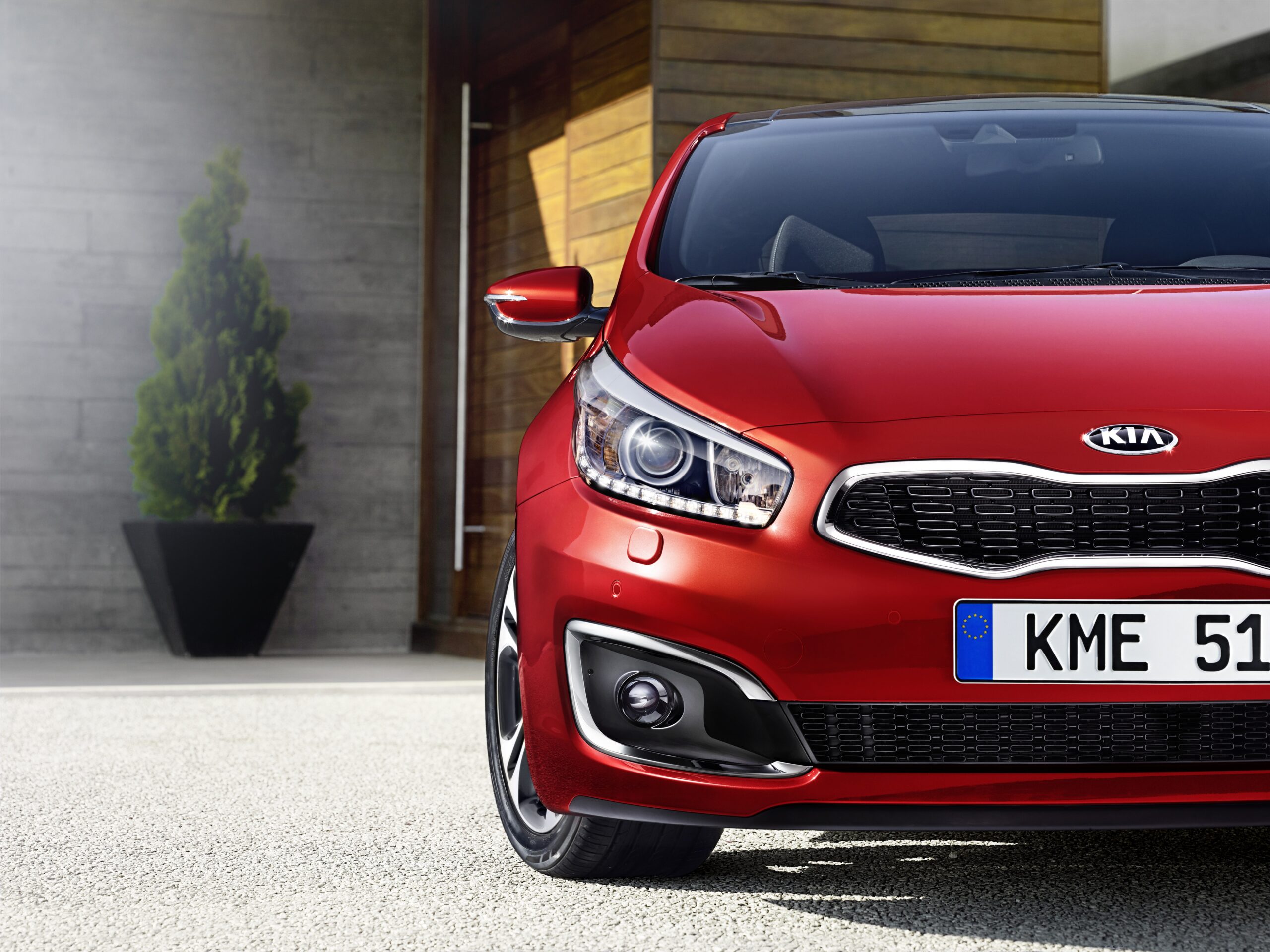
lane assist pulls too pushily on the steering wheel
The XCeed’s lane keeping assist is intended to keep you within the lines. For many owners, the system stands out because of its overly forceful steering corrections. It feels as if it is constantly pulling on the steering wheel. You make a slight change of course deliberately. Even then the system pulls. This can lead to a restless driving experience, especially on narrow roads or where the road is winding.
The intensity of the lane assist often cannot be adjusted via the infotainment screen. However, you can switch the system off. Look for the button with the road marking symbol on the steering wheel or dashboard. One press deactivates the system for the current journey. After restarting the car, the lane assist will be automatically activated again.
Do you want permanently less steering assistance? Then consider a visit to the dealer. Sometimes a software update helps reduce the sensitivity. A software update can fine-tune the behaviour of the sensors and cameras by means of a technical adjustment in the system. Also check that the camera on the inside of the windscreen is clean. A dirty lens can lead to inaccurate detection. This can in turn result in unintended steering movements.
why do the sensors fail so often
The causes of sensor faults are varied. External factors such as weather and dirt play a role. Internal technical defects can also play a part. Cameras and radar sensors are vulnerable to electronic faults, especially during cold starts. The voltage can also temporarily drop. This explains problems when starting the engine. Some owners report that all assistance systems then fail sporadically.
Internal faults occur more often with older software versions. There are also cars that have not had regular servicing. Internal faults occur more often in those cars. Fault codes in the electronics can permanently switch sensors off. The fault must first be read and rectified. A dealer can use diagnostic software to determine whether there are defective components. A software update may also be sufficient.
Accessories on the bumper, such as towbar constructions or extra brackets, can interfere with detection by radar sensors. Radar uses radio signals to measure distance and speed. Objects on the bumper can block these signals. Check whether such additions are correctly mounted. Also check that they do not block signals. With persistent warnings, a professional diagnosis remains necessary. This helps to rule out hidden electronic or sensor damage.
how to reset sensor faults yourself
When you get a sensor warning, first try these steps:
- Clean the windscreen, front and rear bumper thoroughly of dirt, snow and leaves
- Switch off the engine, wait 30 seconds and restart
- Press the reset button of the infotainment system with a paperclip if the display responds slowly
- Check whether all driver assistance systems need to be reactivated manually after the reset
Warning messages disappear in many cases after a cleaning session. A restart often helps as well. Does the warning remain? Then a fuse may be defective. There may also be a deeper electronic problem. Check the fuse box according to the manual. If necessary, replace defective fuses with equivalent ones.
After a reset, systems sometimes need a little time to recalibrate. Take that into account. Drive a short distance on a straight road. The camera and radar can then scan the surroundings. This is particularly helpful for the lane assist and collision warning to function stably again.
when should you go to the dealer
Temporary solutions you carry out yourself work well for faults caused by weather or dirt. Do warnings keep coming back after cleaning and resetting? Then professional diagnosis is needed. A dealer can read fault codes and test sensors. The dealer can also determine whether cameras or radar are defective. If you act early, you prevent small electronic problems from growing into expensive repairs.
Do you recognise the following signs?
- Assistance systems fail at every cold start
- Warning lights stay on
- Systems no longer respond at all when switched on
In that case, go to a Kia service partner. They have the right diagnostic software. They can replace defective components if necessary. They can also carry out software updates.
Also have it checked whether there are any known recalls available for your year of manufacture. Also check whether updates are available. Manufacturers sometimes solve structural software problems via free updates. Software determines how systems and sensors work together and respond to faults. Ask the dealer explicitly about these options. That way, you avoid unnecessary costs.
prevention and regular maintenance help
Regular maintenance reduces the risk of sensors and cameras not working properly. Faults with detection and warnings are therefore limited. At every service, have sensors and cameras visually inspected. Also ask about software updates. Keep the front and rear bumper clean yourself, especially in winter. Road salt and dirt build up quickly then.
Some accessories can block radar signals. These signals are needed to detect distance and speed. Avoid fitting such accessories without consulting a professional. Regularly check the camera on the inside of the windscreen. Check whether the camera is clean. Also check whether the camera is undamaged. Even a small crack can lead to inaccurate detection. Discolouration can also cause unnecessary warnings.
Keep a close eye on warning lights and messages. Do not ignore them in the hope that they will disappear on their own. Take action early at the first signs. Otherwise small faults can escalate. They then become safety risks or expensive repairs. Note when warnings appear and under which conditions. That way you can give the dealer concrete information.
‘ This way you can understand technical faults better and solve them more quickly. ‘
want to know more about the Kia XCeed
Driver assistance systems and sensor faults are only one part of the technical challenges. Some XCeed owners experience these challenges. On the Carnews website you will find extensive information. There you will find common car problems, maintenance tips and practical guides for various makes and models. Discover more articles and expand your knowledge. This way you can understand technical faults better and solve them more quickly.
Frequently asked questions
Failing driver assistance systems in a Kia XCeed can mean that important functions such as the forward collision warning and automatic emergency braking do not intervene when needed, increasing the risk of a collision. Failed or faulty parking sensors and driving aids can also mislead the driver about distances and obstacles. If several assistance systems fail at the same time, the driver may wrongly rely on warnings or interventions that are not working. In addition, unpredictable switching on and off of these systems can cause distraction and unexpected reactions while driving.
You can recognise common sensor faults in your Kia XCeed by warnings on the dashboard such as “Check forward safety system”, “Systemfehler” with the parking aid or the sudden failure of several assistance systems at the same time. As a first step, check whether cameras and sensors (windscreen, front and rear bumper) are clean and carefully clear them of dirt, snow or ice. Then restart the car and see whether the warnings disappear or stay away for a while. If warnings keep coming back or systems repeatedly fail, have a fault diagnosis (reading error codes) carried out by a Kia dealer.
Specific average costs for repairing sensor faults on a Kia XCeed are not clearly stated, because they depend heavily on the type of sensor (for example camera, radar, parking sensor) and the exact cause (dirt, software problem or an actual hardware defect). Sensor faults caused by dirt, snow or weather conditions generally do not lead to repair costs and disappear after cleaning or a restart. With a genuinely defective sensor or camera, the costs can be considerable and only become clear after diagnosis at the dealer. Whether it is covered under warranty depends on age/mileage and the terms of the Kia factory warranty; manufacturing or material defects are usually covered, damage from external influences usually is not.
Yes, regularly keep the cameras and sensors (windscreen, front and rear bumper) clean from dirt, snow and ice to prevent error messages and failure of driver assistance systems. Do not fit accessories or films on or in front of bumpers or logos behind which radar or parking sensors are located. During servicing, explicitly have the sensors, cameras and software (updates) checked by a Kia dealer, especially if there have been warning messages. If error messages keep coming back despite cleaning and restarting, go straight to the dealer to avoid damage or safety risks.
In the Kia XCeed it is mainly the front driver assistance systems, such as Front Collision Avoidance Assist (emergency braking system) and the parking sensors/park assist, that are most sensitive to sensor faults because they constantly rely on cameras and radars in the windscreen and bumper. These systems scan the surroundings for obstacles and vehicles, calculate distance and relative speed and intervene with warnings or automatic braking. In the event of dirt, snow, heavy rain or a fault in the camera or radar electronics, they switch themselves (temporarily) off and a message such as “Check forward safety system” or “Systemfehler” appears. In some XCeed models, the entire assistance electronics can also temporarily fail when starting, after which a software update or sensor check at the dealer is required.