
The 15.4‑inch touchscreen of the Lynk & Co 02 crashes regularly, driver assistance systems such as lane assist fail randomly and OTA updates by no means fix all bugs. These software issues make the electric crossover less reliable than you might reasonably expect. How do you recognise the problems and what can you do about them?
Infotainment screen regularly freezes
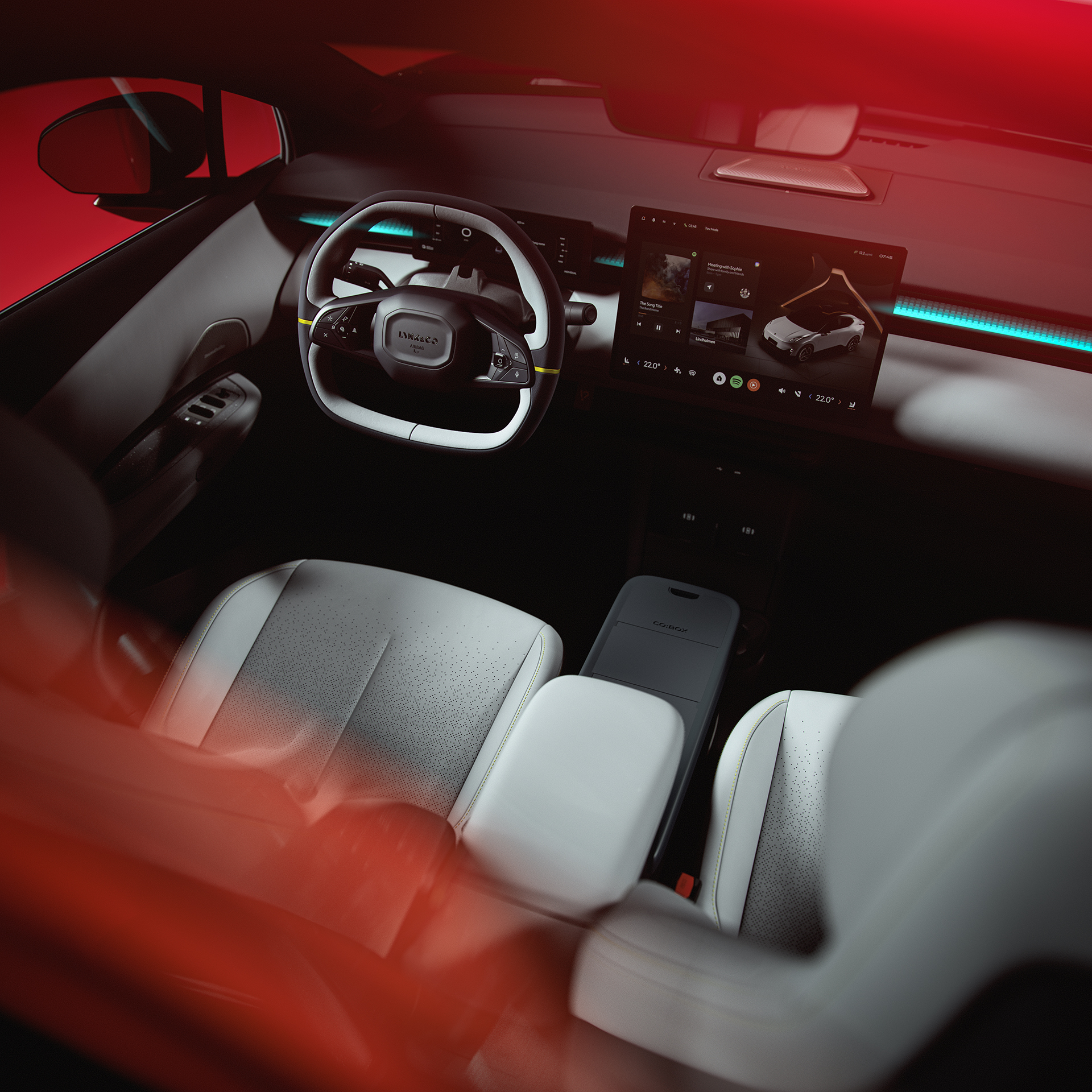
The large touchscreen of the Lynk & Co 02 is the central control point for navigation, climate control and driving settings. The screen runs on LynkOS, a system that turns out to be particularly unstable in version 1.2.0. Owners report that the screen suddenly freezes or goes black while driving.
This often happens after starting the car or when switching between menus. The system sometimes shows error messages without any clear cause. In particular, switching between apps such as Spotify and navigation leads to crashes. When the screen freezes, the touch buttons stop responding. This limits access to important functions of the Lynk & Co 02.
A hard reset temporarily solves the problem. Press and hold the on/off button of the screen for a few seconds until the system restarts. This takes around 30 seconds. Also regularly check whether new software updates are available via the settings menu.
‘ If problems persist, it’s best to contact the dealer. ’
How do you reset a frozen screen?
If the touchscreen no longer responds, follow these steps. Park the car safely and put it in park. Press and hold the physical power button of the infotainment system for at least ten seconds. The screen turns black and restarts automatically. The start‑up process takes about half a minute.
If this does not help, you can switch the car off completely and wait a few minutes before starting it again. This forces a full restart of the electrical system. Keep in mind that you may need to re‑enter your radio and climate settings after a reset.
If problems persist, it is best to contact the dealer. Document the crashes with photos of error messages via the car status menu. This helps technicians diagnose the problem.
ADAS systems switch off unexpectedly
The driver assistance systems of the Lynk & Co 02 suffer from software bugs that affect safety. Lane assist, the system that keeps you within your lane, switches off randomly without warning. The adaptive cruise control also sometimes drops out while driving on the motorway.
This mainly happens in changing light conditions or when road markings are unclear. In those cases, the system no longer detects the lines and hands control back to the driver. Some owners report that the sensors are sensitive to dirt or moisture. A dirty camera behind the windscreen can already cause lane assist to stop working.
The safety systems are linked to the LynkOS platform. Software errors in the platform have a direct impact on the functioning of these features. Therefore, regularly check whether the cameras and sensors are clean. Clean them carefully with a soft cloth and do not use aggressive products.
Why does the autopilot switch off?
The Lynk & Co 02 does not have full autopilot, but it does have a set of driver assistance systems. These systems rely on cameras and radar sensors that continuously scan the surroundings. Software updates can change the sensitivity of these sensors.
After certain OTA updates, users report that the systems react more strictly to environmental factors. Snow, rain or bright oncoming headlights then cause the functions to switch off more quickly. The system usually gives a visual or audible warning before it deactivates, but not always in time.
This is not a hardware defect, but a calibration error in the software. Dealers can use diagnostic tools to check whether your car has the latest version of the ADAS software. In some cases, a manual update at the workshop is required.
OTA updates do not fix all bugs
Lynk & Co offers wireless software updates to fix problems. These over‑the‑air updates download automatically when the car is connected to Wi‑Fi. However, these updates do not fix all known bugs.
Users complain that new updates sometimes introduce new problems. Charging limits that you set via the menu no longer work properly after an update. Journey statistics also show incorrect data or do not load fully. The system lacks official changelogs, so you do not know exactly what has been improved.
LynkOS is evolving quickly, but early adopters recommend waiting for version 1.3 or higher for a more stable experience. Before installing an update, check whether other users on forums are reporting new problems. Make sure that the car remains connected to a stable internet connection during the update and that the battery is at least 50 per cent charged.
‘ This can lead to an unexpectedly empty battery if you assume the car will charge overnight. ’
Known problems after recent updates
After the most recent updates, owners report several new bugs. The charging settings menu loads slowly or shows incorrect information about charge limits. The scheduled charging times you set are sometimes ignored. This can lead to an unexpectedly empty battery if you are counting on the car being charged overnight.
The range display is also affected. You can choose between dynamic and certified range mode, but after updates both sometimes show incorrect kilometres. The system does not always calculate consumption accurately, especially in cold weather or when the heater is used.
The graphical interface sometimes shows stuttering animations or incorrect colours in the menu. These are cosmetic issues that do not affect driving performance, but they do worsen the user experience. According to dealers, Lynk & Co is working on patches for these problems.
Practical tips for more stability
Although you cannot fix all software errors yourself, there are ways to increase stability. Restart the infotainment system regularly, even if it has not frozen. This prevents temporary errors from building up.
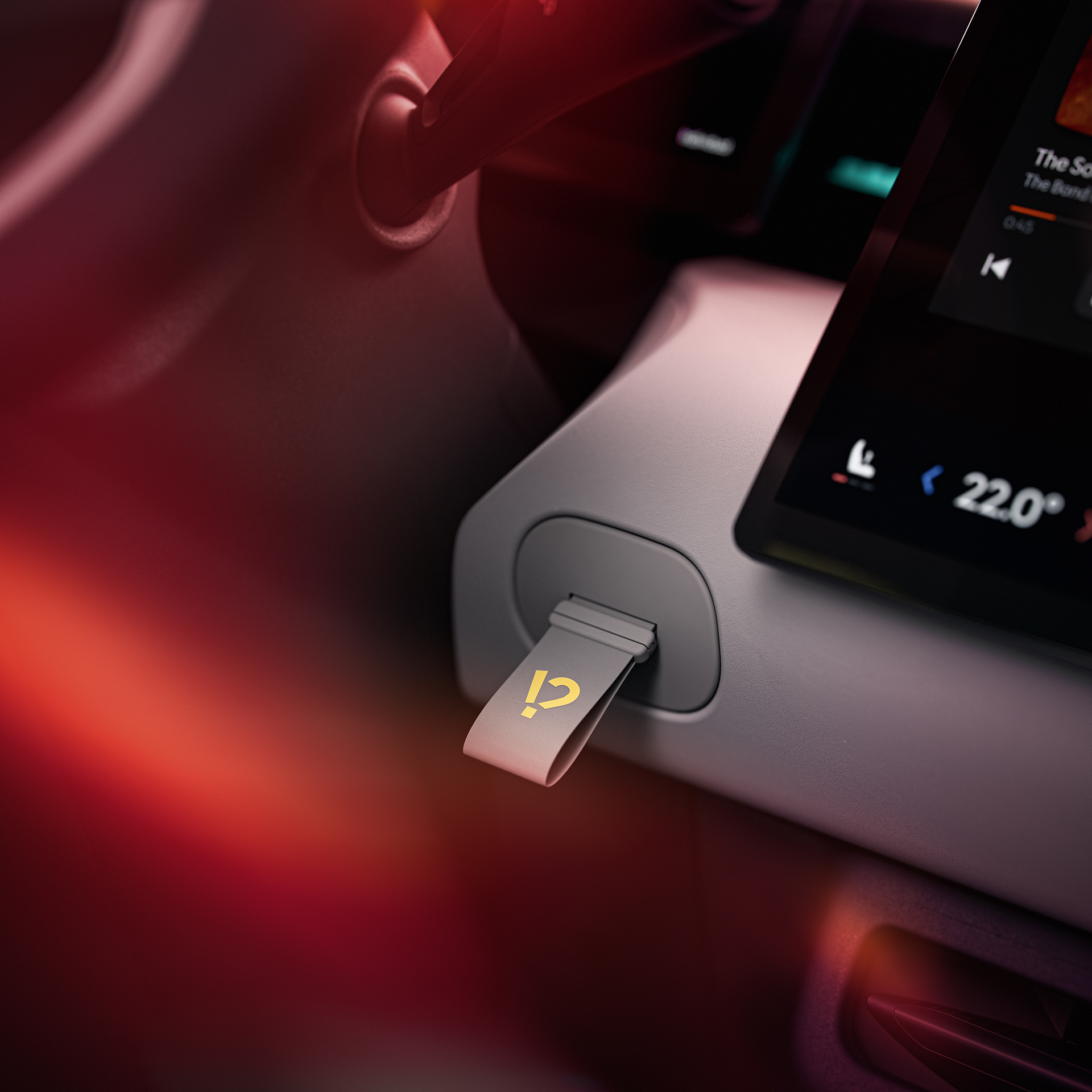
Adjust the brightness and sound settings via the main menu to minimise minor glitches. Use the centre button on the steering wheel for quick access to important functions without having to navigate through several screens. Switch off features you do not use to save system resources.
Pay attention to which apps you keep running. Spotify and other streaming services use bandwidth and processing power. Close them when you are only navigating. Only connect your smartphone via Bluetooth when necessary. This reduces the risk of conflicts between devices.
For the best result, you can wait until LynkOS 1.3 or higher is available. This version promises more stable graphics and better connected features. Despite the software issues, the Lynk & Co 02 remains a powerful electric car with 272 hp and fast charging up to 150 kW.
Where can you find more information?
On the Carnews website you will find extensive articles about car problems, maintenance tips and experiences with different makes and models. Whether you want to know more about electric cars, common faults or practical solutions, there is relevant information for every type of car enthusiast. Discover more and stay up to date with the latest developments in the automotive world.
Frequently asked questions
The most prominent software errors on the Lynk & Co 02 are in the LynkOS system, in particular instability in version 1.2.0, unexpected error messages in the dashboard and malfunctions in charging settings and trip statistics. These bugs can cause confusing warnings, non‑functioning charge limits and frozen schedules, which reduce predictability and confidence while driving. The multimedia system itself remains fast and functional, but sometimes requires restarts to clear faults. As a result, the driving experience is technically smooth and powerful, but depends on frequent software updates and resets for optimum ease of use.
Lynk & Co mainly offers software solutions via LynkOS updates and advises users to restart the system regularly and keep it up to date. In addition, it is recommended to document error messages (for example with screenshots) and report them via the app or customer service so that they can be resolved through official patches. User experiences show that some problems are indeed solved over time, but that this can be slow and not all bugs disappear immediately. As a result, the solutions offered are partly effective, but not yet fully adequate.
The reported software errors on the Lynk & Co 02 appear on several forums and from several owners, and therefore do not seem to be completely isolated. They mainly concern instability of LynkOS, error messages in the dashboard and problems with charging and statistics functions. At the same time, many cars remain perfectly usable and the complaints can often be (temporarily) resolved by updates or resets. The problems are therefore better described as “regularly occurring” than as either rare incidents or a completely widespread, disruptive fault.
The software errors can affect long‑term reliability because crucial functions (charging, statistics, error messages) sometimes work unpredictably and reduce the driver’s confidence. If LynkOS problems remain structural or are poorly resolved, this can damage the car’s image and thus push down the residual value compared with similar, more stable competitors. At the same time, many faults can be solved in software via updates, so the negative impact on reliability and residual value can remain limited if Lynk & Co continues to patch actively and quickly. The strong performance and safety equipment offset part of the impact, but still depend on the continuity and quality of software support.
Yes, as a potential buyer you should take a few software‑related risks into account with the Lynk & Co 02, especially around the LynkOS system (slow or unstable updates, error messages and frozen charging/statistics settings). These issues are usually not dangerous, but they can cause irritation and temporary loss of functions (for example charge limits or journey statistics that do not work properly). It is sensible to check which software version is installed and whether recent updates have resolved most bugs. Also bear in mind that solutions sometimes take time via customer service and future software updates.