
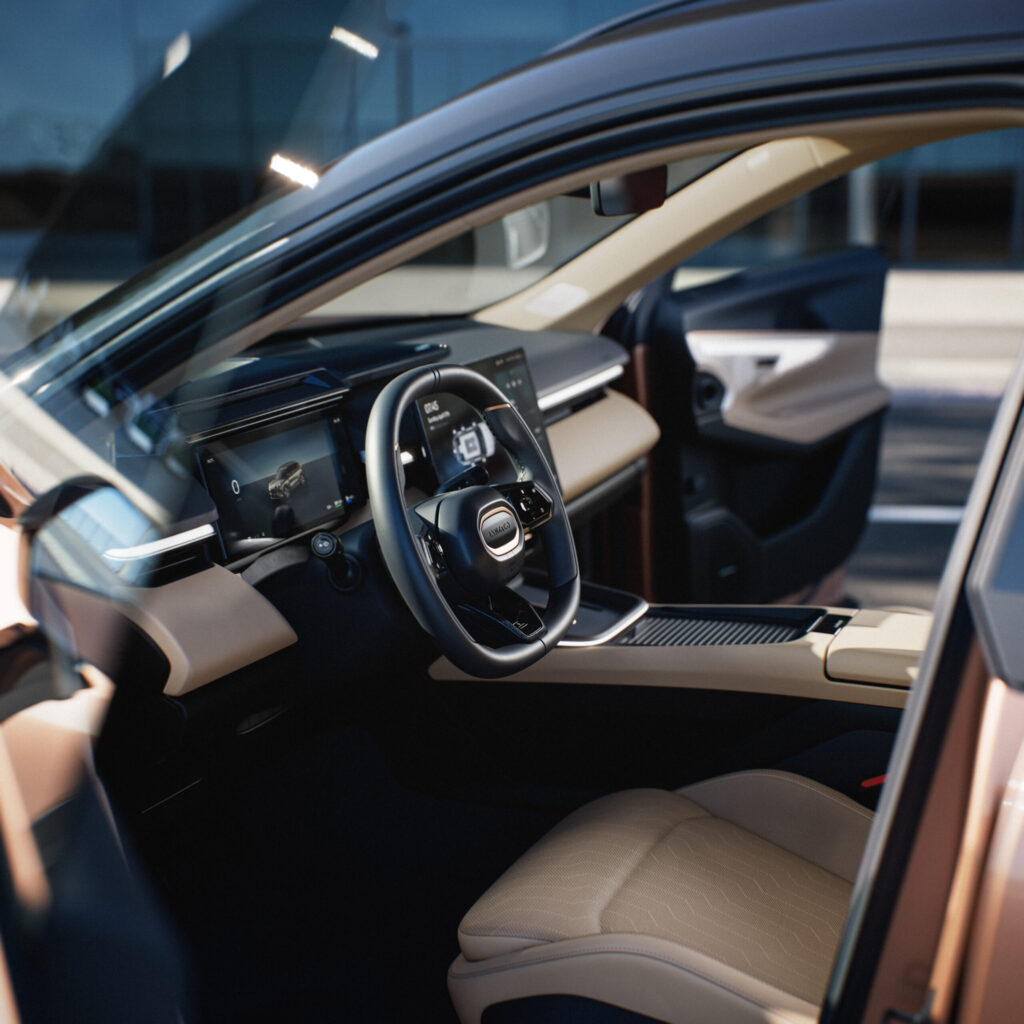
Older software versions in the Lynk & Co 08 cause faults that significantly affect day-to-day use. Fortunately, upgrading the vehicle software solves many of these problems. In many cases, you won’t need to go to the service centre. The Lynk & Co 08 supports over-the-air updates (wireless software updates via the internet) that allow your system to be updated remotely. Read here how to check and update the software, and why this is important for your car’s performance.
Why software updates are important for your Lynk & Co 08
The Lynk & Co 08 is an SUV packed with advanced electronics. Updates not only add new features, but also fix known bugs and optimise existing systems. Think of improved safety alerts, more accurate battery range display and smoother operation of the Bluetooth key.
Owners report that many minor irritations disappear after an update. The Apple CarPlay connection becomes more stable, the CoLab app works more reliably and voice commands respond faster. The dual Dragon Eagle 1 chips work more efficiently after an update, making the various screens and systems run more smoothly.
Some updates address specific safety issues. Previously, the door warning stayed yellow. It now turns red at speeds above 10 km/h when a door is open. Improvements like these make everyday use safer and more comfortable.
‘ You don’t need to go to the dealer. ’
How do I check the software version of my Lynk & Co 08
You can check the current software status directly via the multimedia screen in your car. Swipe right from the home screen and go to Settings. Select System and then System updates. Here, you can see which version you are currently running and whether a newer one is available.
The system performs a self-diagnosis and indicates whether there are errors or available fixes. This makes it easy to stay proactive. You don’t need to go to the dealer. Check this regularly, for example weekly when your car is parked at home or at the office and you have access to Wi‑Fi.
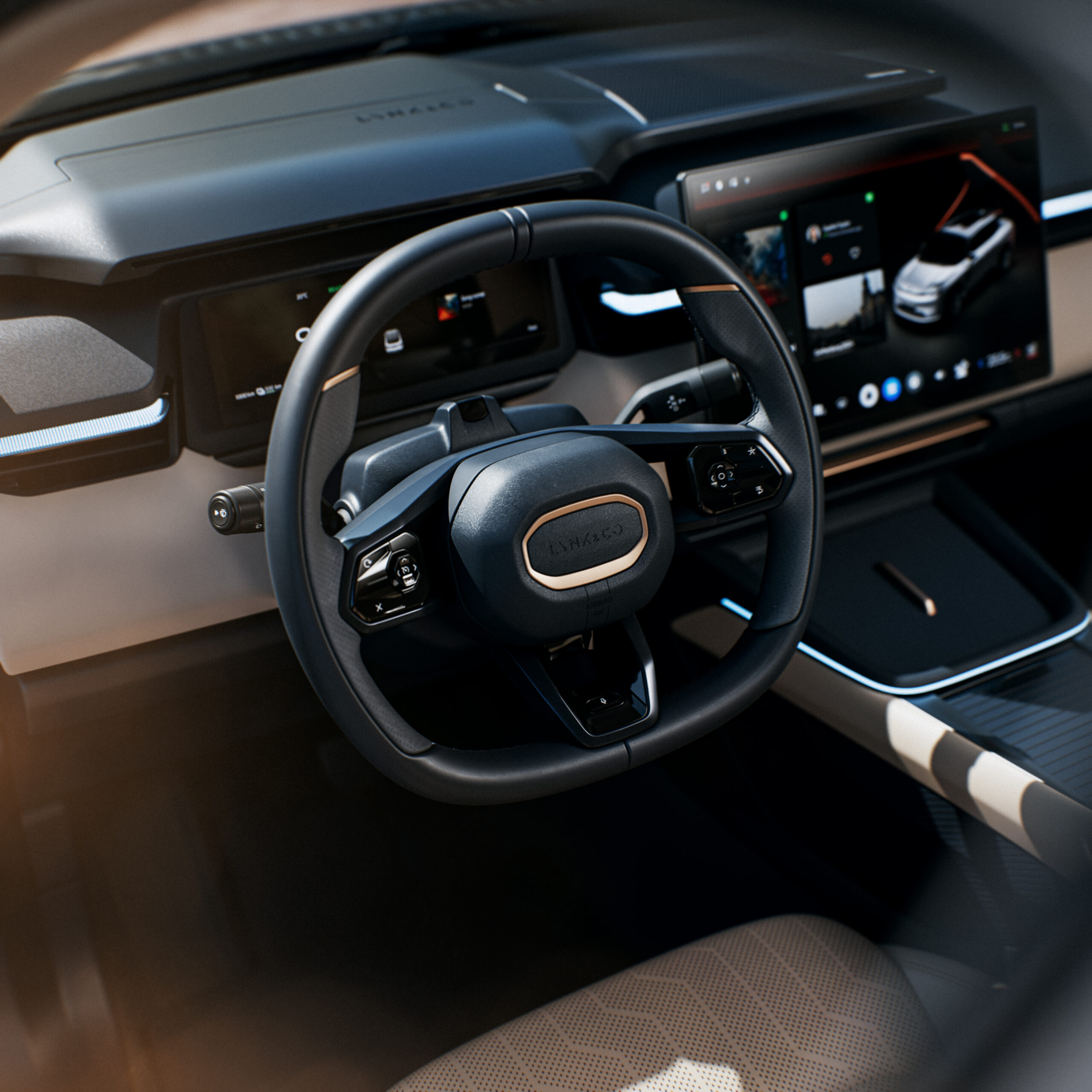
How do I update the software of my Lynk & Co 08
The Lynk & Co 08 offers two methods for updating software: over-the-air updates and an authorised workshop. Each has its own use case.
OTA updates via Wi‑Fi
The easiest way is with a Wi‑Fi connection. Connect your car to a stable network, for example at home or at the office. The system automatically detects available updates and offers to download and install them.
Allow enough time and space. An update takes 30 to 60 minutes. It’s best not to drive while the installation is in progress. Also make sure there is at least 40 GB of free space on connected devices. This helps prevent issues.
Updates via the workshop
For more in-depth diagnostics and more complex updates, a dealer can use special tools. One example is Pass Thru Pro (a diagnostic and programming interface for vehicle software). This method uses an interface and laptop, allowing the dealer to apply detailed schemes and system fixes. This method is suitable when OTA updates are unsuccessful or for specific hardware-related problems.
What are the benefits of software updates for the Lynk & Co 08
Updates bring tangible improvements in various areas. The benefits are immediately noticeable in everyday use:
- Safety: more robust door warnings at speed and improved alerts via the AR‑HUD (a head-up display with augmented reality projection)
- Comfort: optimised pre‑heating, demisting and seat adjustment
- Connectivity: better synchronisation with the mobile app, photo albums and voice commands
- Electric driving: improved battery saving in stationary mode and better performance in cold weather
- Infotainment: more stable pairing with smartphones and faster multi‑screen integration
The AR‑HUD with a 92‑inch diagonal image becomes more accurate for navigation and warnings after an update. Calibrate the system again after the update for optimal performance. The Bluetooth key often works up to 3 metres away after updates, making getting into the car much easier.
‘ Avoid driving during installation, as some systems may be temporarily offline. ’
How long does a software update for the Lynk & Co 08 take
An average OTA update takes around 30 to 60 minutes. This depends on the size of the update and the speed of your Wi‑Fi connection. Larger package updates with new features may take longer than small bug fixes.
Plan the update for a time when you won’t need the car. Ideally start it in the evening or at the weekend when you’re at home. Avoid driving during the installation, as some systems may be temporarily offline.
Updates performed at the workshop vary in duration. This depends on the complexity of the diagnostics and the type of update. Allow at least an hour to several hours for an appointment at the dealer.
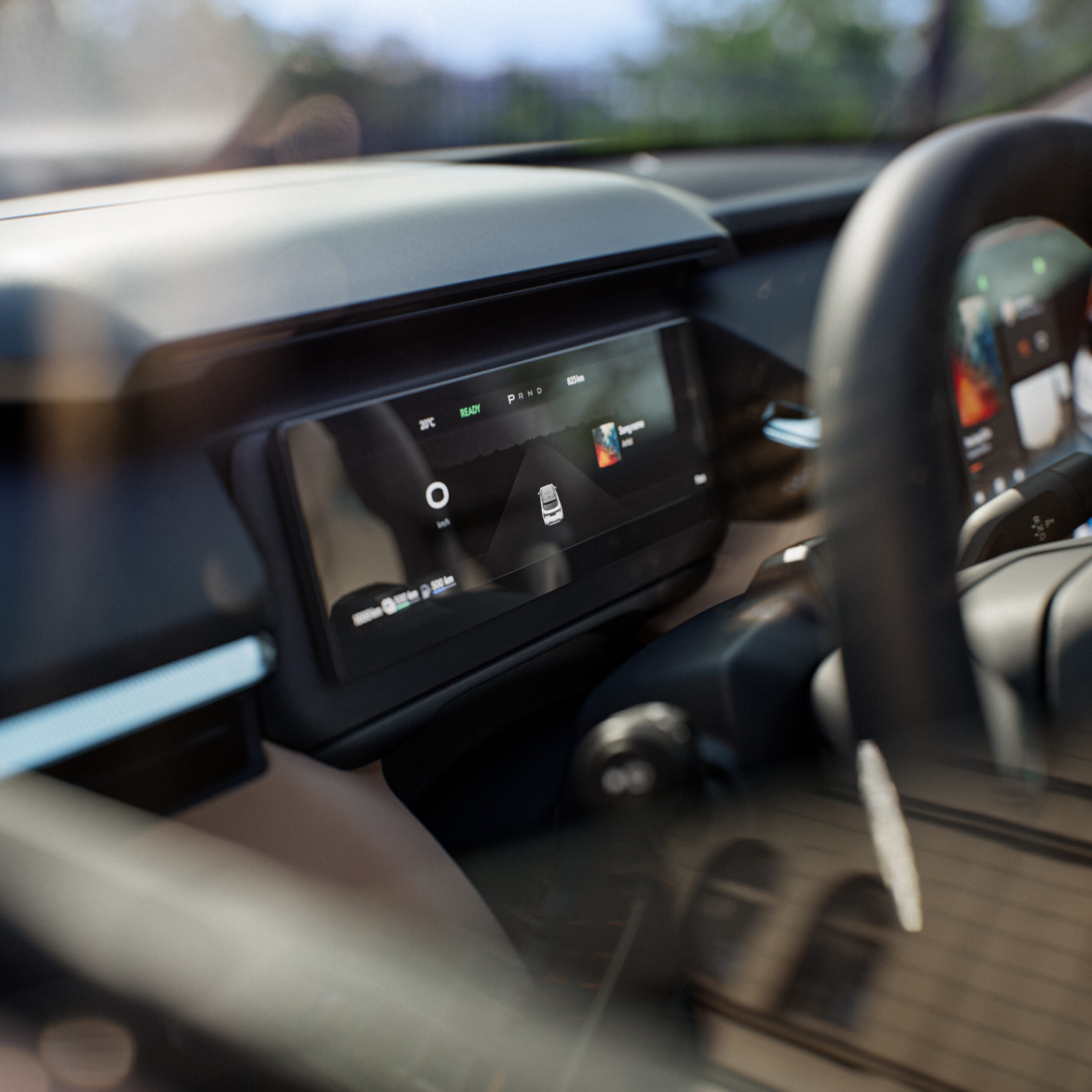
Common problems that updates fix
Known problems resolved by updates include frozen apps, slow response from the infotainment system and incorrect battery range display. Some owners reported issues with the CoLab app that synchronised correctly again after an update.
Smartphone linking often improves after updates as well. Is pairing with your phone failing? Restarting the system via the settings can help after installing new software. In many cases, this solves Bluetooth issues.
Some problems are not caused by software. If an update doesn’t bring any improvement, there may be a hardware fault. This requires attention from a specialist.
Practical tips for updating your Lynk & Co 08
Make sure you have a stable Wi‑Fi connection with sufficient bandwidth. Weak signals interrupt downloads, meaning you have to start again. Ideally, use your home network rather than public hotspots.
Check for updates regularly, even if the system doesn’t display a notification. Manually go to the settings and check for new versions every week. This prevents you falling months behind.
Do you experience freezes or sluggishness after an update? Then force a system restart. Go to settings and choose a soft reset. This can help the new software load correctly without losing your data.
After each update, test the most important functions. Check the AR‑HUD. Check the Bluetooth connection. Check the navigation. Check the app synchronisation. This confirms that everything is working properly and helps you quickly spot any unexpected problems.
‘ Get to know your car better. ’
Discover more about the Lynk & Co 08 on Carnews
On the Carnews website you’ll find much more information about the Lynk & Co 08 and other models, from maintenance tips to troubleshooting and owner experiences. Get to know your car better and stay up to date with the latest developments in automotive technology.
Frequently asked questions
The latest software update for the Lynk & Co 08 focuses on improved safety signals, such as clearer door warnings at speeds above 10 km/h. In addition, comfort features such as pre‑heating, demisting and seat control have been further optimised. Connectivity has also been improved, with a more stable link to the mobile app, photo albums and voice control, plus smoother‑running Apple CarPlay and CoLab app. Finally, the electric performance has been refined, with a more accurate battery range display and better cold‑weather performance.
The Lynk & Co 08 searches for and installs OTA updates via the multimedia screen: swipe to the right and go to Settings > System > System updates to check whether an update is available. Connect the car to a stable Wi‑Fi network (for example at home or at the office), start the download from there and then select Install when the car is parked. It’s best not to use the car during the installation; allow around 30–60 minutes. Restart afterwards if prompted and check that features such as AR‑HUD and the Bluetooth key are working correctly.
Regular software maintenance ensures a smoother and more comfortable driving experience, because functions such as AR‑HUD, connectivity, safety systems and climate control are continuously improved and operate more reliably. Updates resolve faults and bugs (for example in app connectivity, Bluetooth key and battery range display), which increases confidence and ease of use while driving. By keeping the car technically up to date with the latest features and safety improvements, it remains more attractive to future buyers. All of this helps support a higher residual value for your Lynk & Co 08.
From the diagnostics, you can mainly see whether software updates are available, which systems are reporting errors, and which functions have recently been improved or adjusted. This data shows whether you should update directly yourself via OTA, or whether more in‑depth diagnostics at the dealer are needed (for example in the case of recurring fault codes or complex malfunctions). Information about battery performance, connectivity and safety features helps determine whether preventive maintenance is useful, such as a software reset, recalibration of the AR‑HUD, or checks on the battery and electronics. By checking the diagnostics regularly, you can plan maintenance better and avoid unnecessary workshop visits.
After a software update of the Lynk & Co 08, owners sometimes report temporary freezes or connectivity issues (for example with the Bluetooth key or Apple CarPlay), which usually disappear after a restart of the multimedia system. The AR‑HUD or smartphone connection may also need to be recalibrated or re‑paired after an update. Perform updates with the car stationary and on a stable Wi‑Fi connection where possible, and then check the System updates menu for any error messages. Persistent issues can be resolved by a dealer via a workshop update and more in‑depth diagnostics.