
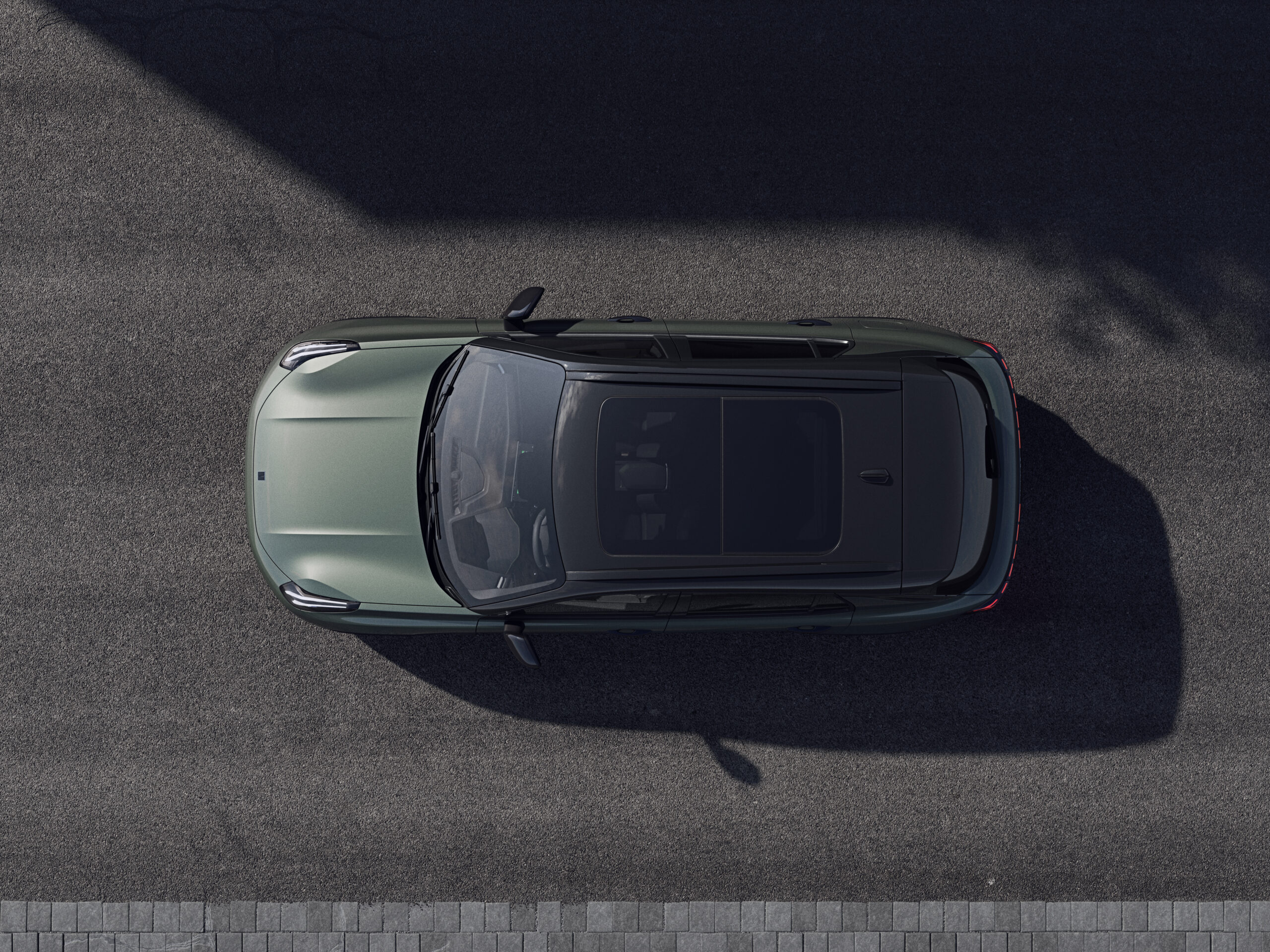
Software updates for the Lynk & Co 01 regularly bring bugfixes that improve the performance of the infotainment system and other digital functions, but the update process comes with its own challenges. Updates via an internet connection (also known as over-the-air updates) are not always reliable and require a stable internet connection, which causes problems for many owners. The Lynk & Co 01 uses an advanced digital system that depends on regular software updates to continue performing at its best. Find out how to install these updates safely and which improvements you can expect.
How to receive software updates for the Lynk & Co 01
The Lynk & Co 01 receives software updates in two ways: via wireless updates over the internet (over-the-air, abbreviated to OTA) or at an authorised workshop. You will receive a notification on the central display when an OTA update is available. You can download and install these updates directly from the car, provided you have a stable Wi-Fi connection.
OTA updates are not available for every update. The nature of the update determines whether it can be carried out over the air. More complex vehicle software updates sometimes require a visit to a Lynk & Co dealer. This involves service costs, whereas OTA updates are free.
Check for updates manually on a regular basis. To do this, navigate to Settings and then Car System updates. This is especially important for new models from early 2025 onwards, as they sometimes do not show automatic notifications.
‘ The car needs a strong and stable Wi-Fi connection that remains active throughout the entire update process. ’
Common problems during the update process
Many owners report that the update process itself regularly causes problems. Error messages such as “Oops, something…” often appear while downloading or installing updates. These messages usually indicate an interrupted internet connection or a temporary problem with the update server.
Connection problems during OTA updates are very common. The car needs a strong and stable Wi-Fi connection that remains active throughout the entire update process. This can be difficult when the car is parked in a location with weak Wi-Fi coverage.
If an update fails, try again later. First check your internet connection and make sure the car is in a safe place where you can comfortably leave it for a while. Updates can take up to 30 minutes. The size of the update determines the exact duration.
Which bugfixes and improvements do updates bring
Software updates for the Lynk & Co 01 focus mainly on stability and performance improvements to the infotainment system. Owners report that updates often restore missing functions or optimise options that were not fully working, such as CarPlay.
Recent updates bring important improvements:
- Optimisation of the Car Guide app for a better user experience
- Improved default settings for the Co:lab app
- Expanded multilingual text and voice packages
- Stabilisation of media controls on the central display
- Fix for slow touchscreen responsiveness
For the updated Lynk & Co 01 (the model update of the original model), updates are necessary to ensure that functions such as cruise control, tyre pressure display and dark mode work properly. Some owners report that these functions were not fully operational after purchase until an update was installed.
Does an update improve the efficiency of the hybrid drive
User experiences show that software updates also affect the efficiency of the hybrid drive in the Lynk & Co 01. Owners report improvements in fuel consumption of up to around 1 litre per 100 kilometres after certain updates. This is due to optimisations in the energy management system.
The updates refine the interaction between the petrol engine and the electric motor. As a result, the system switches more smoothly between different driving modes and uses the battery’s energy more efficiently. This leads to noticeably more economical driving, especially in town.
Not every update brings visible changes in efficiency. Many updates focus on minor improvements and general optimisations that you will not notice immediately while driving, but which increase the overall reliability of the system.
How to install OTA updates safely
Make sure the car is connected to a reliable Wi-Fi network and park it in a safe location where you can leave the car for the entire process. This prevents interruptions while installing an OTA update.
Check the battery status before you start. The battery must be sufficiently charged to complete the update. If the battery voltage is too low, the update may be interrupted, which can cause problems with the system.
Follow these steps for a safe installation:
- Park the car in a safe location with stable Wi-Fi coverage
- Make sure the battery is sufficiently charged (preferably above 50%)
- Start the update via the central display under Settings
- Stay near the car during the update process
- Do not switch the car off during installation
An OTA update can repeatedly fail. In that case, consider visiting an authorised Lynk & Co dealer. They can carry out the update manually via a direct connection. This keeps your warranty intact and prevents possible system errors caused by incomplete updates.
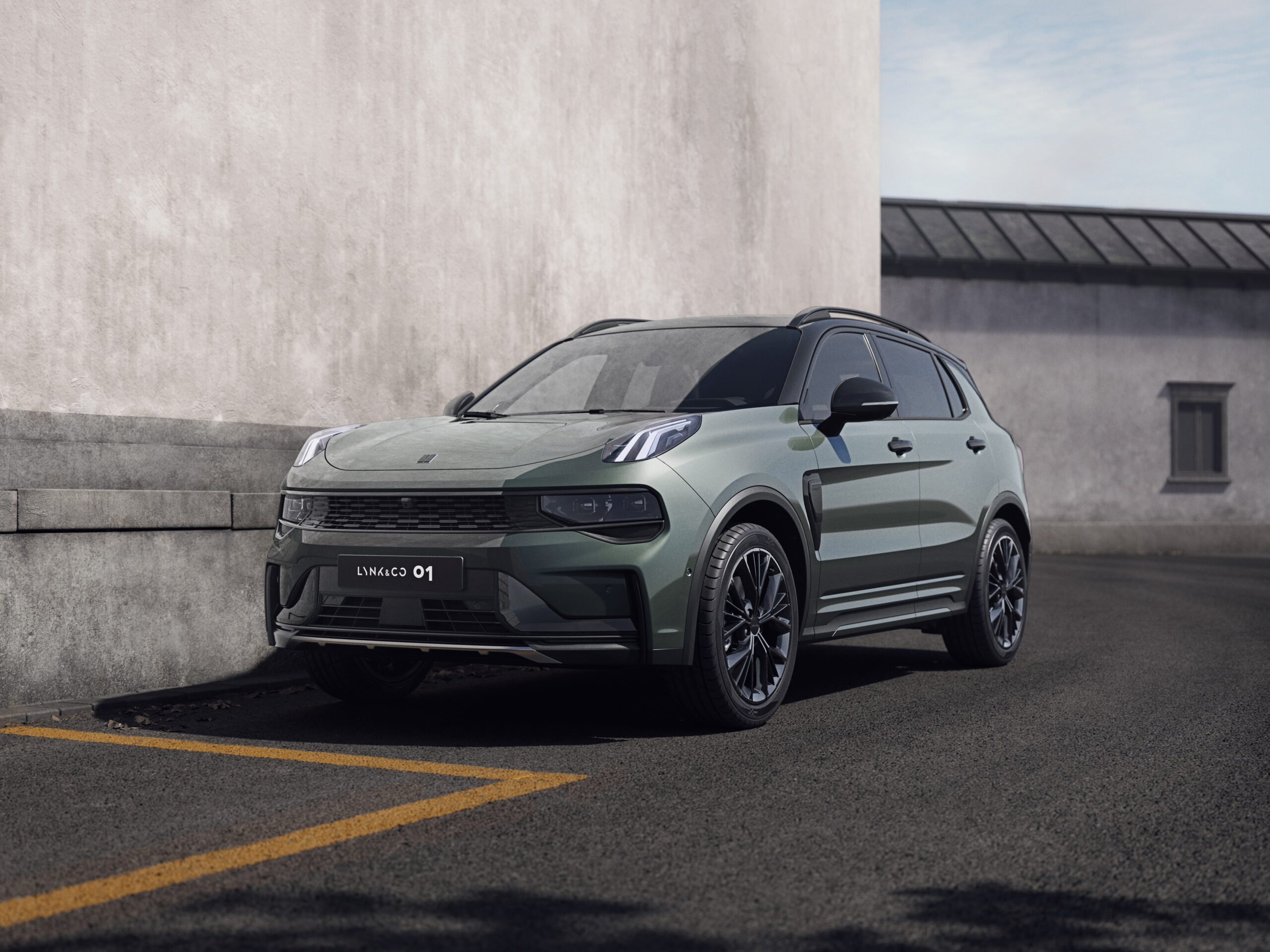
What to do in case of persistent software problems
If updates do not solve the problems with your infotainment system, there are other steps you can take. A full reset of the system sometimes helps to remove persistent software faults. You can do this via the settings under system or factory reset.
A factory reset deletes all personal settings and paired devices. Note down important settings before taking this step. After the reset you will need to set all preferences again and reconnect devices such as your phone.
Report persistent bugs via the Lynk & Co Co:lab community. This feedback helps the brand to prioritise issues for future updates. Provide as many details as possible about when the problem occurs and which functions are involved.
When to opt for a workshop update
More complex updates sometimes mean that you need to go to the workshop. This applies to updates that affect certain systems more deeply. Think of safety electronics, engine management or the hybrid drivetrain. These updates cannot always be carried out over the air because of the critical nature of these systems.
OTA updates can repeatedly fail. In that case, choose an authorised Lynk & Co dealer. Even when specific problems persist after several update attempts, a visit to the dealer is sensible. Dealers have specialist diagnostic equipment and can identify problems that cannot be solved via OTA.
Workshop updates involve costs, but they do provide peace of mind. During the update process, the technicians also check whether other systems are functioning correctly and can take immediate action if additional problems are detected. This prevents you from having to come back again later.
‘ Bear in mind that updates sometimes change the controls. ’
Tips for optimal performance after updates
After a successful update, it is wise to check all important functions. Test the infotainment system, navigation, voice control and the connection with your smartphone. This helps you verify that the update has been installed correctly and that all functions are working properly.
Some owners report that certain user preferences need to be set again after an update. Check settings such as dark mode, display brightness and favourite radio stations. These may have been reset to factory defaults after an update.
Bear in mind that updates sometimes change the controls. In some updates, swipe gestures have been replaced by on-screen buttons. This takes some getting used to, but is often done to make operation more intuitive or to resolve bugs with touchscreen responsiveness.
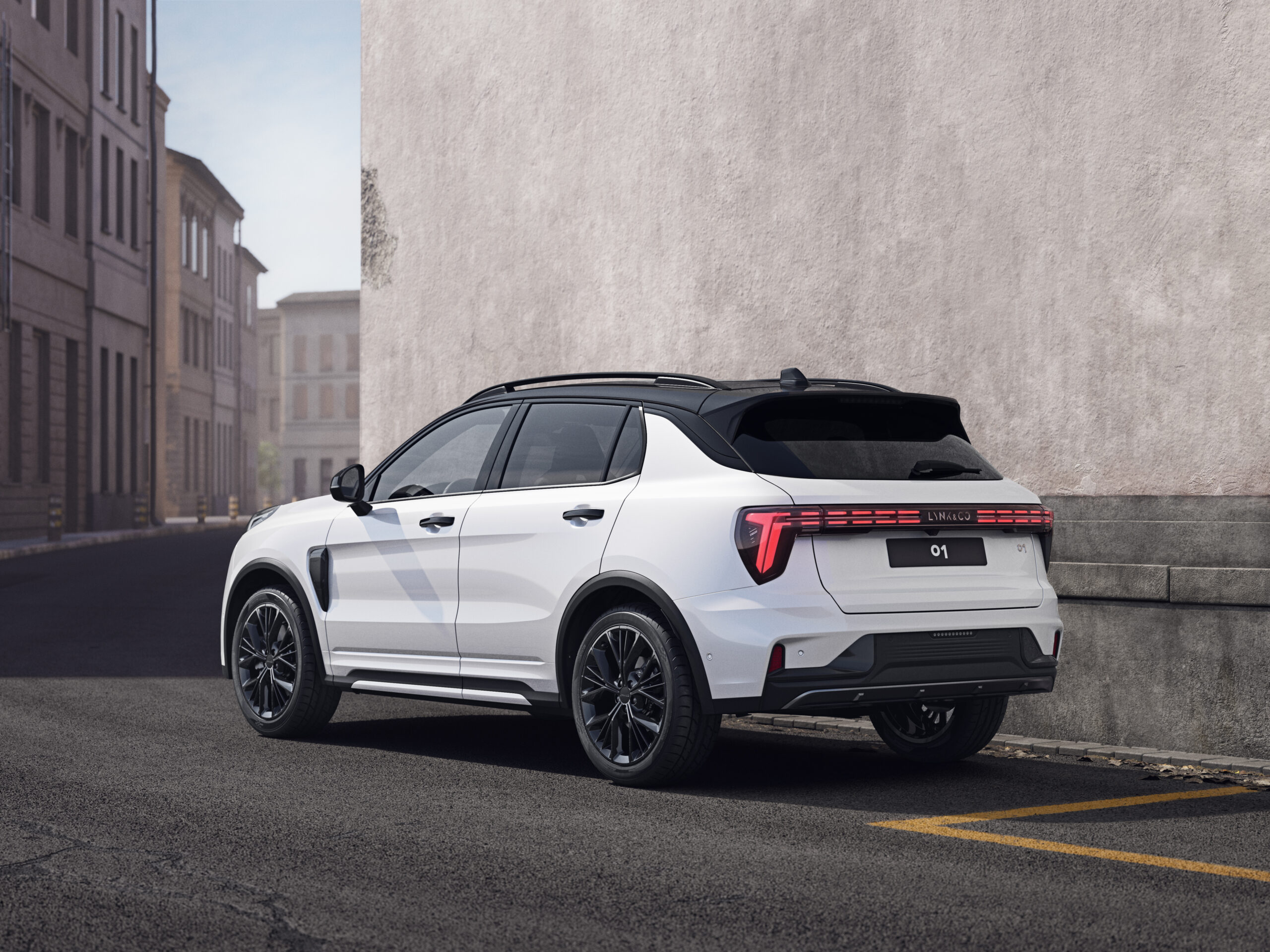
Stay up to date with new updates
Regularly checking for updates ensures that your Lynk & Co 01 continues to perform at its best. Software updates do not only bring bugfixes, but also new functions and improvements to existing systems. At least once a month, navigate to the update settings to see whether new versions are available.
Updates increase the safety of your car. Software that becomes outdated can cause vulnerabilities in digital systems. Recent updates often contain security improvements that protect your car against digital risks.
On the Carnews website you will find much more information about maintenance, common problems and practical tips for the Lynk & Co 01 and other models. Discover useful articles about car technology, software and everything you need to know as a car enthusiast to enjoy your car to the fullest.
Frequently asked questions
The latest software updates for the Lynk & Co 01 mainly provide greater stability and faster, more reliable operation of the infotainment system (such as CarPlay and the Car Guide app). You may experience improved hybrid efficiency, which in practice can lead to lower consumption (towards around 1 l/100 km). For the New Lynk & Co 01 (facelift), functions such as cruise control, tyre pressure display, dark mode and media controls are better integrated and refined. There are also improvements in multilingual voice and text packages, making navigation and voice control smoother.
Software updates and bugfixes resolve errors and stability issues in, among other things, driver assistance systems, infotainment and connectivity, which directly contributes to safety. They optimise, for example, functions such as cruise control, tyre pressure display and hybrid efficiency, making the car more predictable and reliable. Through regular updates the software remains better protected against vulnerabilities and compatible with new services. In this way, updates ensure that the Lynk & Co 01 remains up to date, safe and functional in the long term.
Yes, recent software updates for the Lynk & Co 01 mainly bring improvements to the Car Guide app, default settings of the Co:lab app and additional multilingual text and voice packages. In addition, there are optimisations to infotainment stability and functions such as CarPlay, navigation and voice control. For the New Lynk & Co 01, functions such as dark mode, extended media controls on the display and improved tyre pressure display have also been refined via updates. Overall, the focus is on stability and ease of use, with gradual expansions of functionality rather than large, new infotainment platforms.
The Lynk & Co 01 receives over-the-air software updates via a notification on the central display, after which you can download and install the update directly via the menu system (for example Settings > Car System updates), preferably with a stable Wi-Fi connection and the car safely parked. If an OTA update does not succeed or is not available, the software can be updated at a Lynk & Co workshop. The frequency of OTA updates is not fixed and depends on the availability of new versions and the type of improvements or bugfixes.
In the most recent update for the Lynk & Co 01, bugs have been fixed, among other things, in the Car Guide app, default settings of the Co:lab app and multilingual text and voice packages. Stability issues and minor glitches in infotainment functions (such as CarPlay and media controls) have also been addressed. As a result, the system is more stable, menus respond more quickly and functions that were previously missing or stuttering now work more consistently. This improves everyday usability, especially for navigation, media and app integration.