
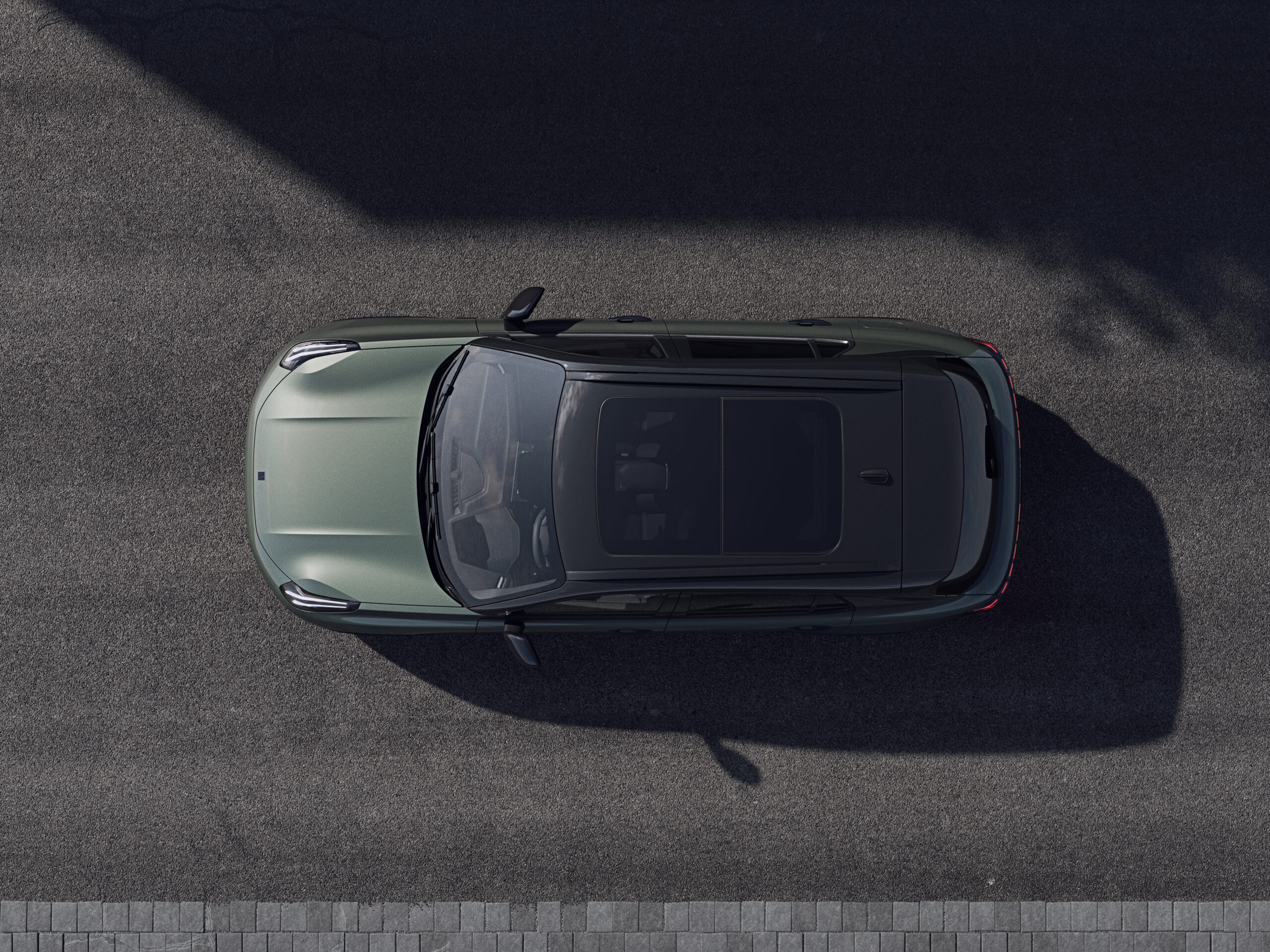
The infotainment system in the Lynk & Co 01 regularly suffers from sluggishness, delays when starting up and sporadic response interruptions. These problems limit the ease of use while driving and make functions such as navigation, phone synchronisation and multimedia unreliable. What causes these stuttering screen responses and how can you fix them?
Why is the touchscreen of the Lynk & Co 01 so slow to respond?
The Lynk & Co 01 shows several forms of touchscreen sluggishness. The system starts up slowly, especially after a period of inactivity. Touch inputs are processed with a delay, which makes operating navigation and climate functions difficult. The problem gets worse when the system is heavily loaded, for example when navigation and media players are used at the same time.
Software issues are at the root of this sluggishness. The infotainment system does not have enough processing power to run all functions smoothly. This leads to lag and delays in the screen response. In addition, connection dropouts via Bluetooth and Wi-Fi block communication with phones, making CarPlay unreliable.
Owners report that touch buttons do not always respond immediately. Sometimes the screen freezes completely or gives no feedback when touched. This disrupts the user experience and can cause distraction while driving.
Common problems with the infotainment system
Besides sluggishness, owners experience various technical complaints with the infotainment system of the Lynk & Co 01. These problems appear in several areas and affect the day-to-day usability of the vehicle.
Connection failures and synchronisation problems
Bluetooth and Wi-Fi connections regularly drop out. This makes pairing phones and using wireless functions such as CarPlay unreliable. Owners report that these interruptions occur particularly after services, which points to software conflicts or faulty updates. The connection often has to be manually re-established before you set off.
Some external devices such as AiBox alternatives are not compatible with the system. This lack of compatibility limits the options for expanding the infotainment with extra functions.
Camera system and safety functions
The front camera sometimes stops working, which has direct consequences for active safety features. Adaptive cruise control and lane-keeping assistance can fail as a result. This failure often goes hand in hand with a slow-responding touchscreen, pointing to a broader system fault.
The problem is not limited to software alone. The combination of camera failure and screen delay indicates an overloaded system that cannot handle multiple tasks at the same time.
Other technical complaints
- Navigation stutters and loads maps with a delay
- Multimedia apps respond slowly or do not start
- Highway assist does not work reliably
- The ICE engine keeps running too long due to software lag
- Touch feedback does not feel responsive
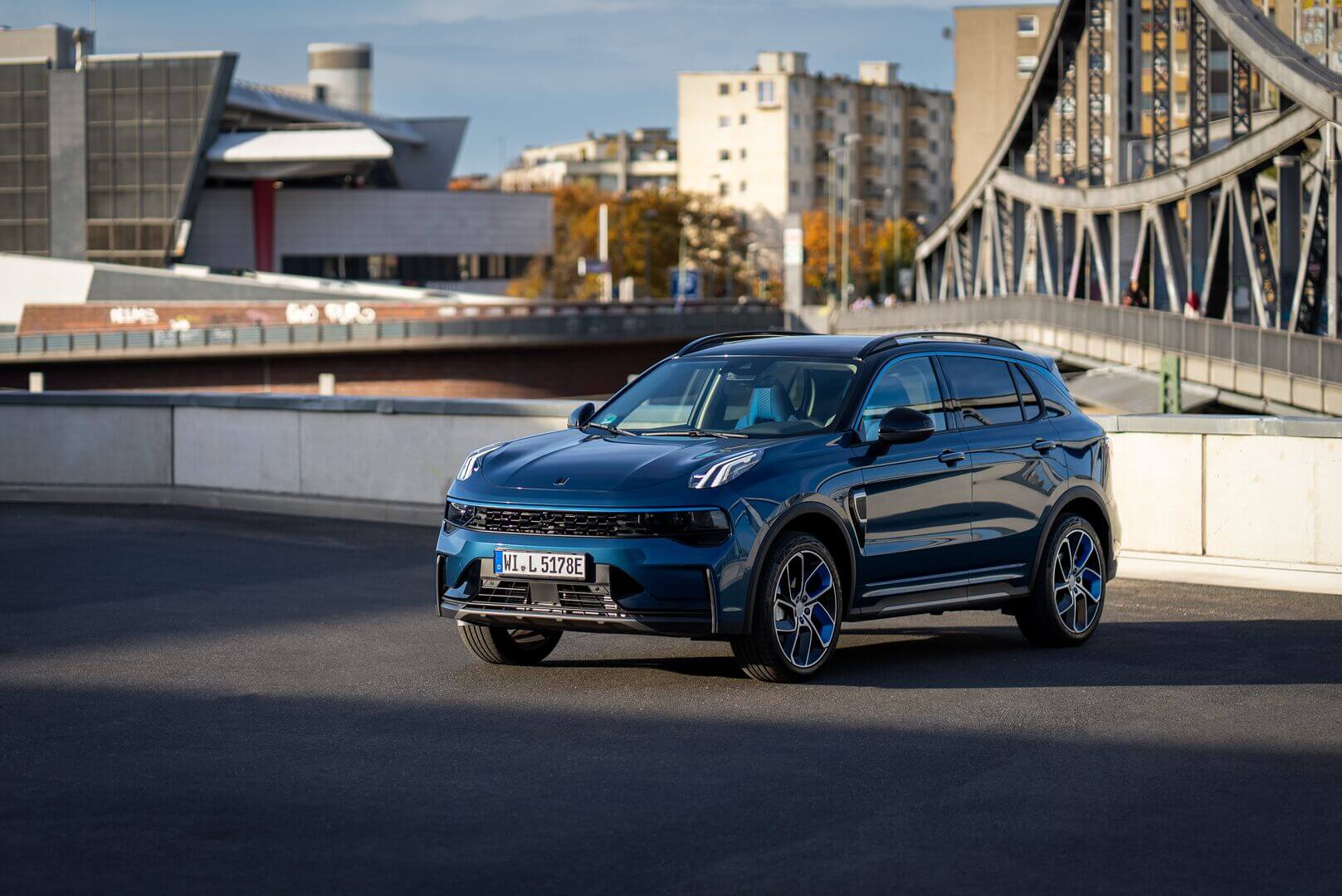
Practical solutions for an unresponsive screen
Although software problems are at the root, a number of practical steps can improve responsiveness. These tips are based on owners’ experiences and help to reduce the worst of the sluggishness.
Check the connection beforehand
Manually reconnect your phone before you set off. This prevents connection interruptions while driving. Check whether Bluetooth and Wi-Fi are active and reset them via the settings if necessary. This simple step increases the reliability of wireless functions.
Activate wireless charging
Go to Settings, choose Connect and switch on Wireless charging. Without this setting your phone will not charge in the centre console, which causes extra frustration. Activating this function ensures your device always stays charged without cables.
Clean the screen without interruption
Press and hold the media button in the centre console to temporarily lock the screen. This prevents unwanted touches while you are cleaning fingerprints. A press of play or pause restores the normal function. A clean screen responds better to touch and improves overall responsiveness.
Adjust display settings
Adjust the screen theme for better legibility. Under Settings and Display you can choose from several themes. Change the brightness and switch between black and white backgrounds depending on the light conditions. A well-adjusted screen feels faster, even though it does not change the underlying software sluggishness.
What to do if the problems persist
If the above tips do not provide enough improvement, a professional diagnosis is needed. Software problems in infotainment systems often require updates or reinstalls that can only be carried out by a dealer. Contact a Lynk & Co dealer and report exactly which symptoms you are experiencing.
Explain the situation in detail: when does the sluggishness occur, which functions do not work and are there any error messages visible? This information helps technicians identify the problem more quickly. Explicitly ask whether there are software updates available that fix known response interruptions.
Owners report that some dealer visits actually lead to worse Wi-Fi problems. Discuss this risk in advance and ask for a test drive after any software changes. Check that all functions still work before you leave the dealer.
‘ A fixed check-up routine before every trip helps to minimise problems. ’
How to prevent the problems from getting worse
Touchscreen sluggishness often gets worse through intensive use of multiple functions at the same time. Limit the number of active apps and close programmes you are not using. This reduces the load on the system and can slightly improve responsiveness.
Where possible use navigation via your paired phone instead of the built-in system when the sluggishness becomes too annoying. This circumvents the weak points of the infotainment and provides more reliable route guidance.
Always check the infotainment system before you set off. This prevents surprises on the road and gives you the chance to manually reset settings if necessary. A fixed check-up routine before every trip helps to minimise problems.
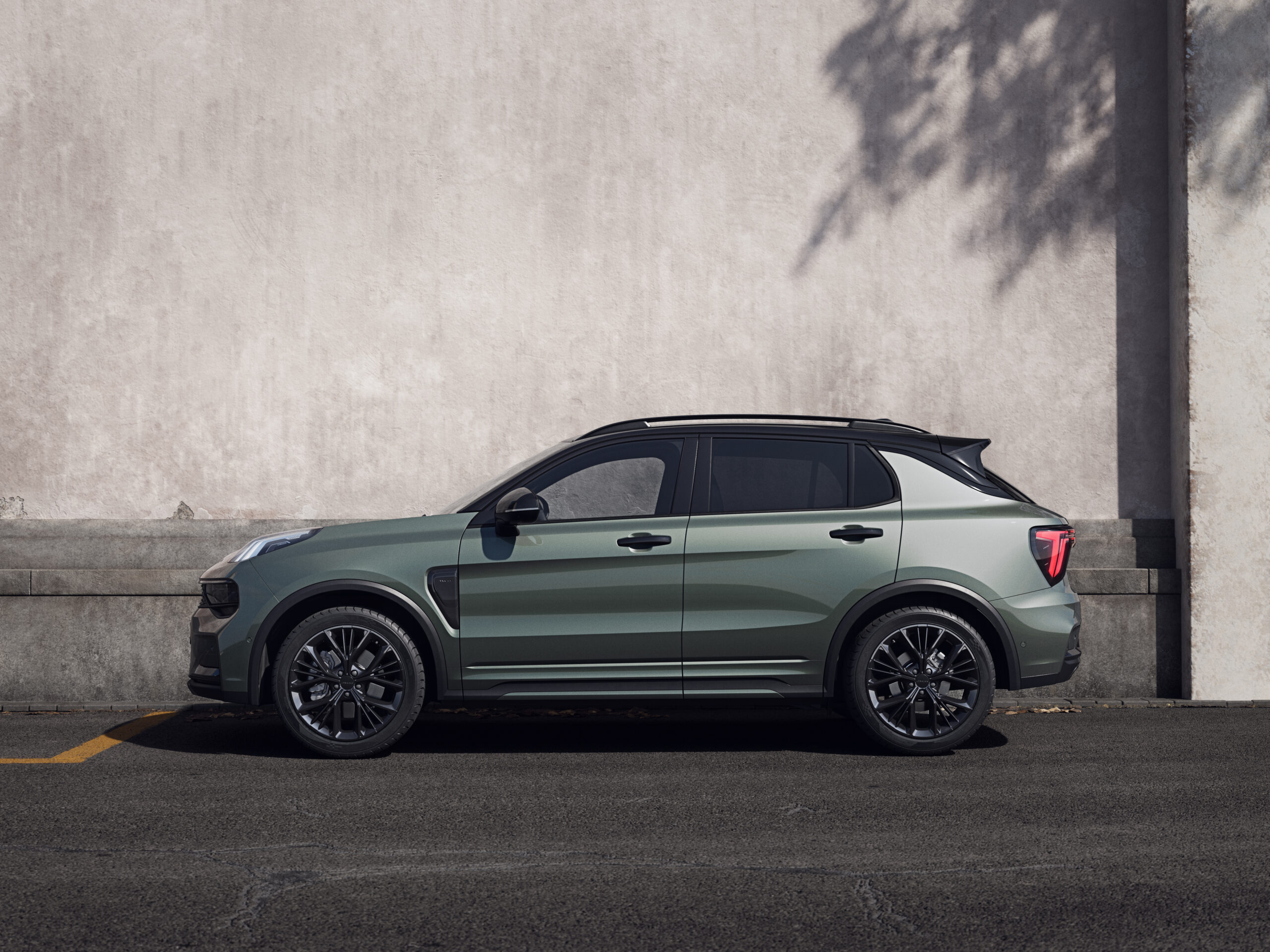
Experiences of Lynk & Co 01 owners
Owners describe the infotainment system as annoyingly slow, especially for navigation and multimedia. The combination of camera failure and screen delay makes the safety assistants unreliable. This criticism is aimed mainly at the software limitations of the system.
After services some owners report worse Wi-Fi problems. This points to possible conflicts between software updates and existing system settings. Other users share tips about theme adjustments and cleaning to improve the user experience.
Highway assist and app functionality remain points of concern. Owners recommend being patient with the system and having realistic expectations of its performance. Regularly checking connections and settings is seen as a necessary routine for an acceptable user experience.
More information about Lynk & Co problems
Touchscreen sluggishness is not the only technical problem that Lynk & Co owners have to deal with. On the Carnews website you will find extensive information about other common complaints, maintenance tips and practical solutions for various models. Discover more about other owners’ experiences and learn how best to deal with technical challenges.
Frequently asked questions
The sluggishness of the touchscreen in the Lynk & Co 01 is reported by many owners and therefore appears to be quite widespread. Users mainly experience slow start-up, delayed response to touch inputs and regularly stuttering or dropping connections, including for Bluetooth, Wi-Fi and phone pairing. This leads to problems with navigation, CarPlay/app integration and sometimes frozen screens or cameras, causing driver assistance systems to temporarily not work properly. Non-responsive touch buttons and incompatibility with certain multimedia devices are also mentioned.
The response interruptions seem to be mainly caused on the software side by insufficiently optimised firmware and infotainment software, which freezes or slows down heavily under load (navigation, cameras, connectivity). In addition, unstable Bluetooth and Wi-Fi stacks play a role, causing connections with the phone and apps to drop regularly and the system to stop responding temporarily. On the hardware side, a relatively weak or heavily loaded processor and limited memory bandwidth can cause delays with multitasking and graphics rendering. Possible issues in the camera and sensor modules (for example the front camera that locks up) also put extra pressure on the system and worsen the response interruptions.
There are no specific “official software updates” mentioned that demonstrably improve the performance or reliability of the Lynk & Co 01 touchscreen. However, a few practical tips help a little: choose a suitable screen theme and brightness, clean the screen in the special cleaning mode (hold down the media button) and check Bluetooth/Wi-Fi connections manually before departure. These measures mainly reduce the nuisance (lag, freezes and connection problems), but do not fully resolve the structural sluggishness.
The slow response of the system can negatively affect safety because drivers spend longer dealing with the screen and therefore take their attention away from the road, precisely when using essential functions such as navigation and driver assistance. If camera and assistance systems react slowly or temporarily fail, this can lead to delayed warnings or support in critical traffic situations. For ease of use, the sluggishness means frustration, delays when setting functions and an unreliable experience, for example when pairing a phone or starting apps. All of this can result in drivers relying less on the system or avoiding important functions while driving.
Compared with competing models in the same segment, the touchscreen experience of the Lynk & Co 01 is often perceived as less smooth and slower, with noticeable delays and occasional freezes. Especially for navigation, pairing phones and loading apps, the system lags behind the fluidity and stability offered by many rivals. Users expect future software updates to further reduce this sluggishness and the connection problems (such as Bluetooth and Wi-Fi). However, major structural improvements in user experience seem mainly dependent on larger software overhauls or a new generation of the infotainment system.