
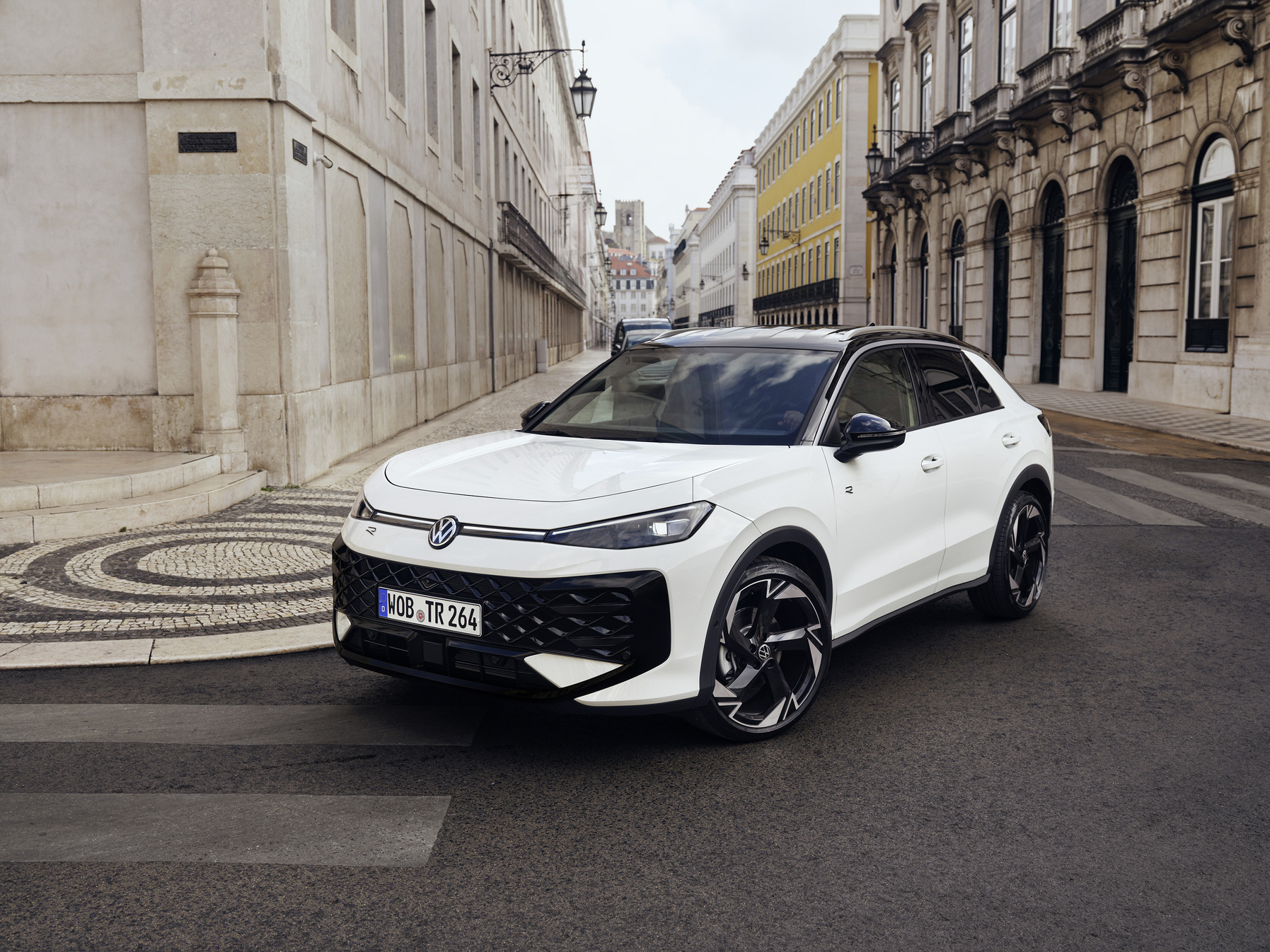
The Volkswagen T-Roc suffers from persistent faults in the infotainment system. Voice control for navigation and phone calls often does not work, screens freeze and connections with smartphones regularly drop out. These problems are mainly software-related. They get worse after updates or with intensive use. Many owners experience daily frustration while driving.
Connection problems with smartphones
Bluetooth pairing between the Volkswagen T-Roc and smartphones is often problematic. The connection regularly drops during calls or while playing music. Apple CarPlay and Android Auto frequently fail, meaning voice commands are not recognised. This leads to interrupted communication and an unreliable user experience.
Owners report that their phone is detected by the system, but that functionality quickly disappears. While driving on the motorway, calls are abruptly terminated. Music streaming stops without warning. These faults make using hands-free functions impractical and irritating.
The problems occur mainly in models from 2019 to 2021. They appear after around 75,000 kilometres. Connections also drop more often while driving. The cause usually lies in software errors within the infotainment system, not in the smartphones themselves.
‘ In some cases the audio signal disappears completely, making both radio and navigation instructions unusable. ’
Audio faults and system failures
The T-Roc’s audio system shows various faults. No sound comes from the speakers, or the sound is distorted with static noise. FM radio often does not work properly, with weak signal reception or complete signal loss. Users see error codes such as System_Audio_Error_21 appear on the screen.
Audio faults occur mainly while driving on motorways. The noise gradually builds up to a level that becomes disturbing. In some cases the audio signal disappears completely, making both radio and navigation instructions unusable.
A common cause is corrosion at the antenna earth. The antenna booster is damaged by moisture and wear, which blocks the reception of radio signals. Voice control then no longer works properly either, because the system depends on a stable audio connection.
Freezing of the screen
The infotainment screen in the T-Roc sometimes goes completely black or freezes. Touch functions no longer respond and the system displays messages such as ‘phone, audio and nav not available’. This often happens after software updates that were intended to fix existing problems.
When the screen freezes, navigation and phone functions are temporarily unusable. The driver has no access to essential functions while driving. A restart of the system is then necessary to regain functionality.
The freezing is caused by software faults. These faults mean the system can no longer process commands. The system becomes overloaded when you use multiple functions at the same time. Think of navigation, music streaming and phone calls. The screen then crashes. Only a reset brings the system back to life.
Voice control does not work
Voice commands for navigation and telephony are not recognised or executed by the system. Commands such as ‘navigate home’ or ‘call contact’ produce no response. Voice control appears to be active, but does not carry out any action.
This problem is directly linked to connection faults and audio errors. The system does not receive voice commands when Bluetooth or CarPlay are not working properly. Voice control also fails when antenna reception is weak. The system then has no stable audio channel.
Users experience this as one of the most frustrating aspects of the T-Roc. Modern cars promise hands-free operation for safe driving, but in practice the driver often has to operate the screen manually. This disrupts the driving experience and increases distraction.
‘ They have to fall back on their smartphone for route guidance, which cancels out the added value of the built-in system. ’
Navigation errors and incorrect route guidance
The navigation system sometimes gives wrong directions or cuts out entirely. Maps do not load correctly and route calculations fail without any clear message. The system displays outdated information or gives no guidance while driving.
These errors arise when the infotainment system does not synchronise properly with GPS signals. Software updates can corrupt the map data or make it incompatible with previous versions. As a result, navigation works unreliably.
For drivers who rely on built-in navigation, this is a major problem. They have to fall back on their smartphone for route guidance, which cancels out the added value of the built-in system.

Practical solutions for infotainment bugs
A soft reset fixes many problems temporarily. Switch the car off and hold down the infotainment system’s power button for 10 to 20 seconds. First disconnect all Bluetooth devices and USB cables. The screen restarts and reloads App Connect, which restores many functions.
For Bluetooth problems you can completely reconfigure the connection. Switch Bluetooth off on your phone and then back on again. Remove the pairing with the car and create a new pairing. Then restart both the phone and the car for a fresh connection. Test voice control with simple commands to check whether everything works.
Check the audio and speaker settings in the menu. Make sure the volume is not muted and that the correct audio input is selected. Update the navigation maps via the manufacturer or dealer. For persistent audio faults such as System_Audio_Error_21 you should have the antenna earth inspected.
If the screen receives no power, check the fuses for the infotainment system. These are usually located in the fuse box under the dashboard. Replace faulty fuses with ones of the same rating.
With stubborn antenna problems, replacement may be necessary. The cost for this is around €255 including fitting. This permanently resolves radio interference and associated voice control problems. A visit to the workshop is advisable for problems that return after a reset.
Software updates and maintenance
Volkswagen regularly releases software updates to fix known bugs. These updates can be installed automatically via a wireless internet connection (directly to the car). You can also have them installed manually at the dealer. Unfortunately, some updates cause new problems instead of providing solutions.
Keep track of which software version your T-Roc is running. Ask the dealer whether updates are available that specifically address infotainment problems. Some updates improve the stability of Bluetooth connections and voice recognition.
Regular maintenance helps to detect hardware problems at an early stage. At the 75,000‑kilometre service, also have the antenna and electrical connections checked. Corrosion occurs more quickly than expected and can cause many faults.
‘ The promise of modern, user-friendly technology is not always fulfilled. ’
Experiences of T-Roc owners
Owners of the T-Roc and T-Cross report similar problems. Gradually increasing static while listening to the radio, signal loss on motorways and error codes indicating antenna corrosion are common. A reset helps temporarily with black screens, but permanent improvement requires repair.
After servicing, the problems sometimes return if the antenna earth has not been checked. Forums show that voice control fails when connections are weak, but that resets restore functionality within a few seconds. Many users now regularly carry out a soft reset themselves to keep their system running.
The faults are not a safety issue, but they are a source of daily annoyance. The promise of modern, user-friendly technology is not always fulfilled. Owners have to improvise and apply workarounds to keep basic features working.
Discover more on Carnews
Infotainment and voice control problems in the Volkswagen T-Roc are common and often software-related. With practical solutions such as resets, Bluetooth reinstalls and antenna inspections, you can fix many faults yourself. For stubborn problems, a workshop visit is necessary for thorough diagnosis and repair.
On the Carnews website you will find much more information about common car problems, maintenance tips and experiences with different models. Read more about technical faults affecting your brand. Look up practical maintenance guides. Compare reliability data for models that interest you.
Frequently asked questions
The most common bugs in the VW T-Roc are related to connection problems (Bluetooth, Apple CarPlay, Android Auto), which means voice commands do not work or work poorly. In addition, users complain about audio faults (no sound, noise, intermittent sound) and error codes such as System_Audio_Error_21. Frozen or black screens and error messages such as “phone, audio and nav not available” also occur frequently. Finally, a poorly functioning or corroded antenna connection causes weak radio signals, which further impairs the voice and infotainment functions.
Well-known workarounds include a ‘soft reset’ of the infotainment system (car off, hold the power button for 10–20 seconds) and completely re-pairing the phone (delete Bluetooth profiles, restart phone and car, then pair again). It also helps to reset audio and navigation settings and update maps/software. For persistent radio or sound problems, checking the fuses and especially the antenna earth/booster is often mentioned, as corrosion here causes faults. In many cases, users report that these steps temporarily or permanently resolve most freezes, black screens and connection problems.
Start with a soft reset: switch the car off and hold down the infotainment system’s power button for 10–20 seconds until the screen restarts. Then remove the existing Bluetooth pairing both on your phone and in the car system, restart both devices and create the pairing again (for Apple CarPlay/Android Auto also check the cable and permissions). In the menu, check the audio settings (source, balance/fader, voice navigation volume) and make sure navigation maps and system software are up to date. If the screen stays black or the radio suffers from severe interference, you can check the fuses for the infotainment system yourself; for persistent faults or error codes, a visit to the dealer is necessary.
The reported infotainment and voice control bugs occur mainly in T‑Roc models from around the 2019–2021 model years, but do not seem strictly limited to one specific production year. It is a combination of software problems (updates, freezes, CarPlay/Android Auto) and hardware vulnerabilities (such as antenna/earthing), which means the problem is more widespread within this generation. As a result, T‑Rocs from several consecutive model years can show similar complaints, especially after some time and mileage. In practice, updates, maintenance and any antenna/hardware checks determine more than just the model year whether the problem occurs.
The VW T-Roc’s infotainment performance is, in practice, relatively often criticised for bugs such as frozen or black screens, connection problems with Bluetooth/CarPlay/Android Auto and audio dropouts. Compared with key rivals in the segment (such as Kia/Hyundai, Toyota and some French brands), the T-Roc seems to show an average to above-average number of software problems, especially in older model years and after updates. Faults are also reported in rival cars, but their systems are more often experienced as more stable and less prone to failure. As a result, the T-Roc generally scores below the best-performing competitors when it comes to being free of infotainment ‘bugs’.