
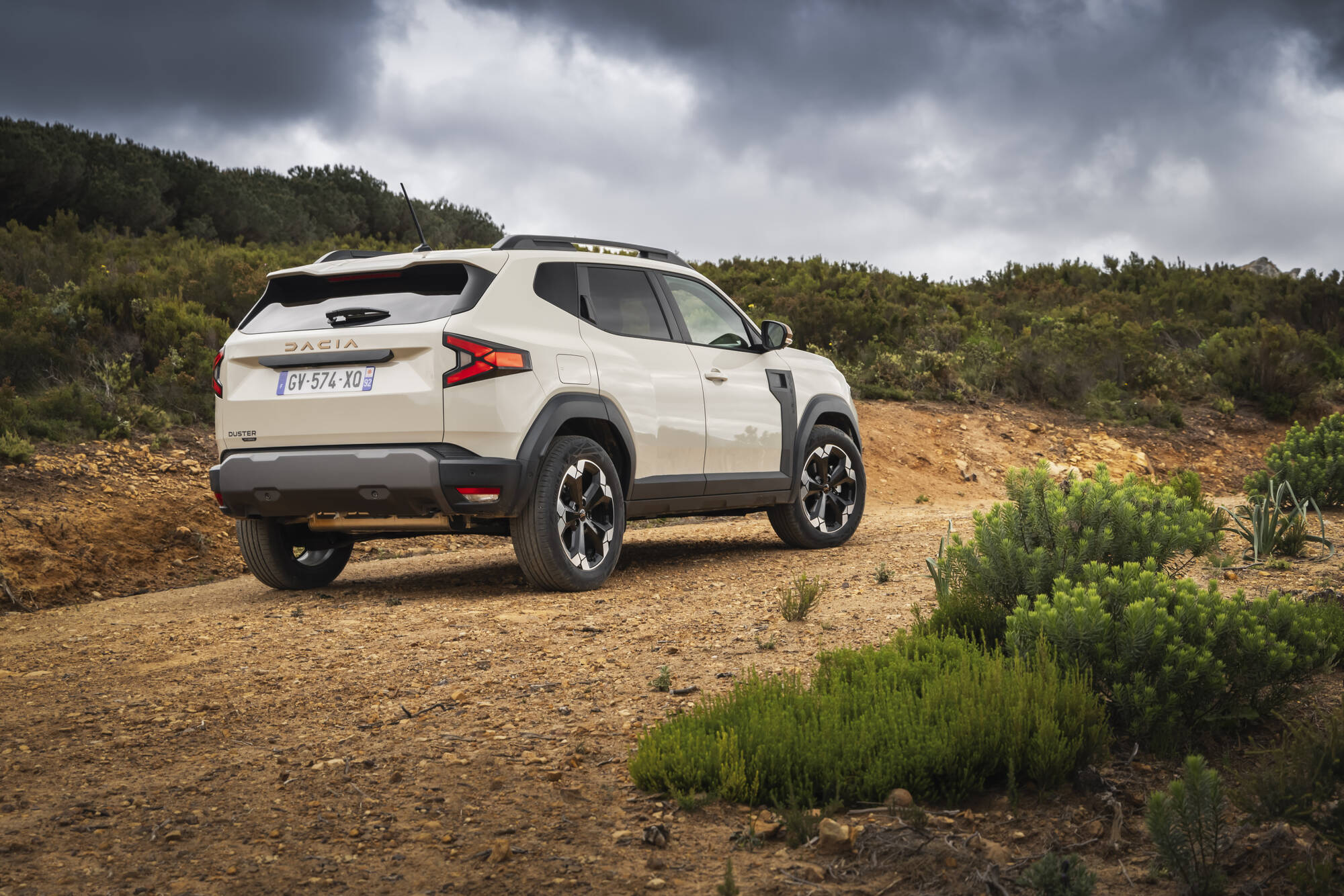
The Dacia Duster offers excellent value for money, but owners regularly struggle with annoying electronic and interior faults. An audio system that jumps to full volume every time you start, creaks caused by cheap materials and dangerous blind spots due to poorly positioned mirrors. These problems can lead to dangerous situations in traffic, hearing damage and constant irritation while driving. Read on to discover how to tackle these frustrations.
Audio system always starts at full volume
One of the most frequently mentioned complaints about the Dacia Duster is the sound system that returns to an extremely high volume every time you start the car. This problem occurs mainly in models from 2018 onwards and is related to a software error in the infotainment system. The system does not save the last volume setting, so it returns to the default setting every time you start.
This fault is not only irritating but also dangerous. The sudden explosion of sound when starting the car can cause a startle reaction. In addition, the constantly loud sound puts unnecessary strain on your hearing. The touchscreen is sometimes slow to respond, making it difficult to turn the volume down quickly.
There are several ways to tackle this problem:
- Ask your Dacia dealer about available software updates for the infotainment system
- Always turn the volume down to the lowest level before switching off the engine
- Switch off automatic volume adjustment via the settings menu if possible
- Consider resetting the infotainment system by temporarily disconnecting the battery
Some owners report that a full system reset provides temporary improvement. You can do this by disconnecting the battery for about 15 minutes. Note that this will also erase other settings. For a permanent solution, a software update from the dealer remains the best option.
Interior creaks due to cheap materials
The interior of the Dacia Duster is built with cost-saving materials, which translates into annoying noises while driving. Owners regularly report creaking and squeaking sounds from the dashboard, door panels and centre console. These noises are caused by plastic parts rubbing against each other or not being secured firmly enough.
The creaks are especially audible when the temperature changes and on uneven road surfaces. The dashboard is made of hard plastic that expands and contracts with heat and cold. This creates tension between the different components. The door panels also often do not clip tightly enough into place, so they move while driving and produce noise.
Where the noises come from
The most common sources of creaks in the Duster are found in the dashboard around the infotainment system, the connection points of the door panels and the centre console. The glovebox lid and cup holders can also make noise due to wear and looseness. In some models, the tailgate also causes creaking noises due to poorly adjusted hinges.
You can reduce these noises with a few practical measures:
- Apply felt strips or thin foam strips at contact points between plastic parts
- Manually tighten any loose screws in the door panels and dashboard components
- Use silicone spray on hinges and moving parts
- Check that all clips and fasteners on panels are properly secured
- Place sound-deadening material behind the dashboard to tackle persistent noises
Many owners have had success by fitting thin foam strips where plastic meets plastic. This prevents direct contact and dampens vibrations. Make sure you remove panels carefully to avoid damaging the clips.
Blind spots caused by poor mirrors
The exterior mirrors of the Dacia Duster create significant blind spots, especially on the passenger side. The mirrors are relatively small and not positioned optimally for good all-round visibility in traffic. This makes changing lanes and joining motorways more risky, as it is easy to overlook other road users.
The problem is made worse by the car’s wide A-pillars. These pillars on either side of the windscreen block the side view, especially when cornering and crossing junctions. In combination with the small mirrors, this creates a dangerous situation in which motorcyclists and cyclists can easily disappear into the blind spot.
Creating better visibility
Fortunately, there are several solutions for improving visibility and reducing blind spots. The most effective approach is fitting wide-angle mirrors or convex auxiliary mirrors. You simply clip these small round mirrors onto your existing exterior mirrors and they provide a wider field of view.
You can also replace the interior mirror with a wider panoramic version. These mirrors take up more space but offer significantly better rear visibility. When choosing one, do make sure that the mirror does not block your windscreen. For extra safety, you can take the following measures:
- Place convex auxiliary mirrors in the outer corner of your exterior mirrors
- Replace the interior mirror with a wider panoramic version
- Adjust your mirrors correctly according to the guidelines in the handbook
- Always turn your head to check over your shoulder when changing lanes
- Consider a dashcam with a reversing camera for extra rear visibility
Some owners opt for electrically folding mirrors with integrated heating from higher trim levels. These are larger and offer better visibility. Fitting them does require some technical knowledge or help from a garage.
Software problems in the infotainment system
Besides the volume issue, the Duster’s infotainment system suffers from additional faults. The touchscreen regularly freezes, responds slowly to touches or sometimes remains completely black. These problems occur mainly in models from 2024 and are caused by unstable software and insufficient processing power in the system.
The screen sometimes recovers by itself after a few minutes, but you often have to switch the engine off and restart it to reset the system. This is particularly frustrating when you need navigation or a phone connection while driving. Some owners report that the problem gets worse in warm temperatures.
Have this checked by your dealer, especially if your car is still under warranty. Dacia regularly releases software updates that are intended to solve these problems. A dealer can install the latest firmware and check whether there are any hardware defects in the screen or the connections.
‘ With the right approach you can reduce or solve many of these frustrations. ’
Find out more on Carnews
The Dacia Duster has its strengths, but also clear weaknesses when it comes to the interior and electronics. With the right approach you can reduce or solve many of these frustrations. On the Carnews website you’ll find plenty more useful information about common car problems, maintenance advice and practical tips for different car brands. Explore more articles and stay up to date with everything related to cars.
Frequently asked questions
For a car enthusiast, the interior materials of the Dacia Duster generally feel simple and budget‑oriented, with a lot of hard plastics and limited refinement. This can make the driving experience feel less premium and less “special” than in more expensive rivals, especially in terms of touch and sound insulation. On the other hand, the robust, easy‑to‑clean finish contributes to a practical, no‑nonsense character that may actually be appreciated by fans of functional off‑road vehicles. As a result, the driving experience is more utilitarian than emotionally luxurious.
In practice, the electronic systems and infotainment of the Dacia Duster do not always prove sufficient for the modern driver. There are frequent reports of faults and crashes of the touchscreen, as well as unexplained warning messages on the dashboard. This leads to clear, often frustrating shortcomings in everyday use.
Ergonomic problem areas in the interior of the Dacia Duster include the relatively hard and quickly wearing interior materials, which can feel uncomfortable during prolonged contact. The seating position and seat adjustment do not provide sufficient support for everyone on long journeys, which can lead to back or leg irritation. In addition, the positioning and feel of certain buttons and the infotainment screen can be awkward, meaning the driver has to make more effort to operate functions. Together, these points can lead to fatigue and irritation on longer trips.
The Dacia Duster’s user interface is functional but quite basic, with simpler graphics and a less refined menu structure than many competitors in the same price range. In practice, relatively many faults are reported with the infotainment screen (black screen, crashes), which harms the user experience compared with rivals. In terms of connectivity options, the Duster generally offers the most important functions (such as smartphone integration), but often fewer and less advanced options than competing brands. As a result, the Duster lags behind several direct competitors in ease of use and electronic reliability.
The seating position in the Dacia Duster is generally experienced as adequate and comfortable for everyday use, although the seat adjustment and lumbar support are less refined than in more expensive competitors. For longer distances, this can lead to fatigue or back complaints for some drivers, depending on build and personal preference. Sound insulation is acceptable in town and at lower speeds, but at motorway speeds engine, wind and tyre noise are clearly more noticeable. For drivers who frequently make long motorway journeys and value a very quiet cabin, the Duster can therefore feel less comfortable.