
Sensus infotainment faults occur regularly in the Volvo V60. They usually show up as a frozen screen, loss of sound or stuttering navigation. The cause is often outdated software or a temporary communication fault between modules. This does not immediately point to a hardware defect. How can you solve this yourself and when is a visit to the workshop necessary?
What is Sensus in the Volvo V60?
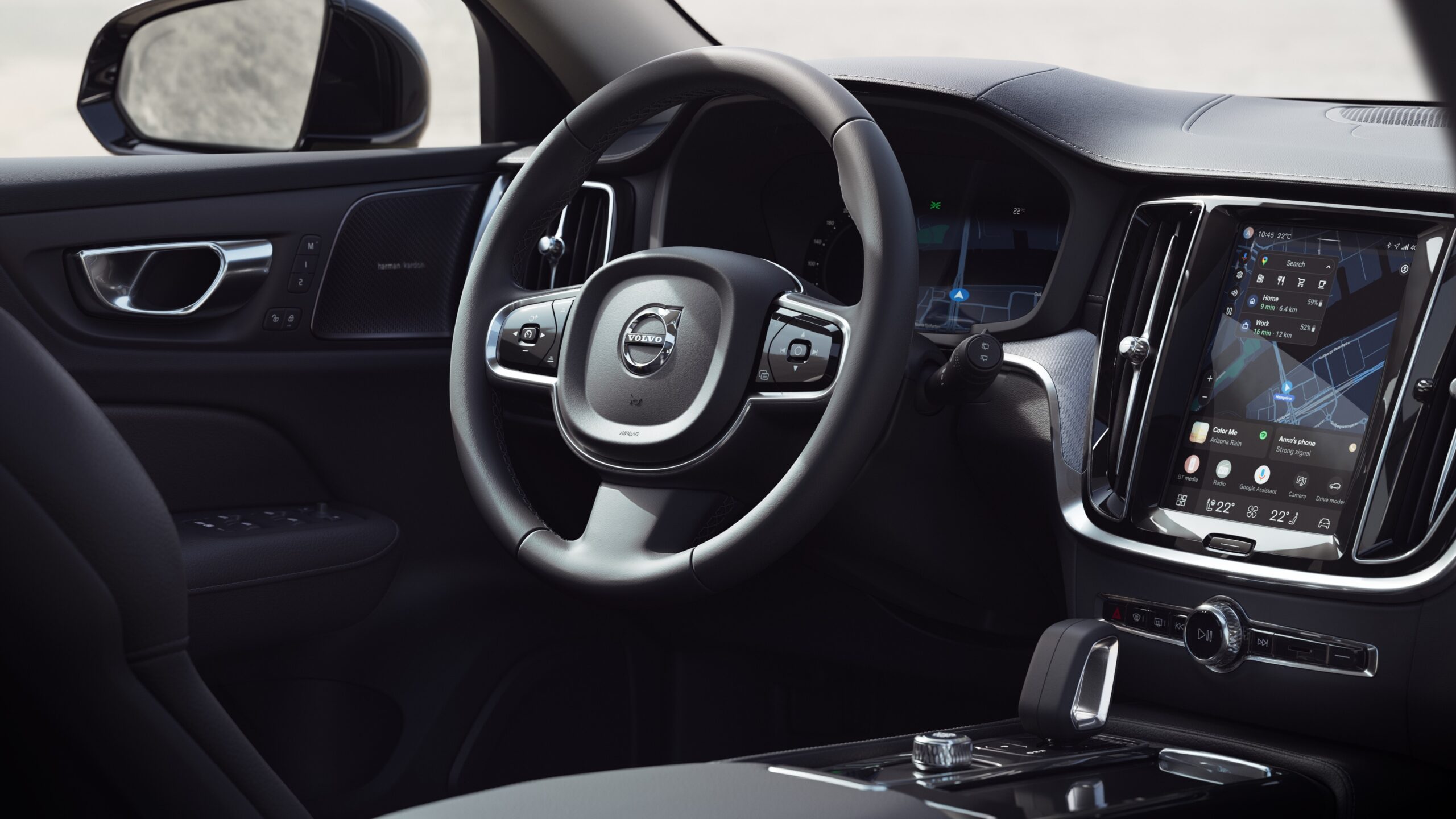
Sensus is the central infotainment system in the Volvo V60. It combines functions such as audio, phone, navigation and vehicle settings in a single display. Older V60 models and model years used this system before the switch to the Google-based version. In that period, Sensus is the main control point for comfort and infotainment. The system behaves like a small computer: it can freeze, respond slowly or temporarily shut down. Owners of a Volvo V60 report these faults more often as the car gets older. Intensive use of Bluetooth and streaming apps increases the likelihood of complaints.
Most common Sensus faults
There are a number of complaints that crop up regularly with the V60. These faults are known to Volvo and solutions are available:
- Frozen screen: the display stays stuck or no longer responds to touch or rotary controls.
- No sound or audio stuck on a single source: after starting, only a certain radio station plays or there is no sound at all.
- Volume knob does not work: the volume control responds slowly or not at all, often linked to a frozen interface.
- Phonebook poorly recognised: contact names with emojis or special characters cause issues with voice control or Bluetooth integration.
- System only restarts after sleep mode: after starting, the screen stays black or the system does not load until the car has been in sleep mode for around 30 minutes.
These faults usually point to software freezes or a temporary communication problem between modules. They do not immediately indicate a defective display module or head unit. Often they can be resolved without expensive repairs.
Official Volvo solutions for Sensus issues
Volvo has developed a standard approach for these faults. You can carry out the steps yourself before going to a workshop. How effective they are depends on the nature of the fault, but owners report good results.
Letting the car go to sleep
Switch off the engine and lock the car. Allow the system to go fully into sleep mode for about 30 minutes. This ensures all modules shut down completely and restart. This method is particularly helpful for a frozen screen or a system that does not load when you start the car.
Switching media source and switching back
Manually switch to a different audio source. For example, go from radio to USB or Bluetooth. Then go back to the original source. This resets audio processing and, according to Volvo, resolves many sound and volume issues.
Removing special characters from contact names
Remove emojis and special characters from the contact names in your phone. Then pair it again via Bluetooth. The Sensus system struggles to convert these characters into speech, which leads to synchronisation issues and a slow phonebook.
Factory reset of the centre display
Reset the screen via the system settings. Note: all personal settings will be erased and you will need to pair phones again. Volvo only recommends this step if complaints persist.
Have software update checked
Contact a Volvo workshop. Check whether a software update is available for your specific model year. Over time, Volvo has released various patches that fix known Sensus faults.
What owners and forums report
On user forums we often read that owners treat the Sensus system like a computer: a reboot solves more than endlessly clicking through. Some owners report that a long press on the volume knob switches the system completely off and on again. A short press only activates mute. In some cases, a battery or power reset also helps when the screen stays completely black. Bear in mind: other methods must then have failed.
These practical experiences confirm that Sensus faults are often related to software and memory, not necessarily to a physical hardware failure.
Tips for owners and used-car buyers
Are you considering buying a used Volvo V60? Do you already own one? Then keep an eye on the following points to prevent Sensus problems or resolve them quickly:
- During a test drive, check whether the system starts up quickly and does not stay stuck on the Volvo logo or a radio station.
- Test Bluetooth calling, audio via USB and streaming separately to see whether all functions work reliably.
- Check in the phonebook whether contact names without emojis or strange characters are recognised and pronounced correctly.
- For an approved used car, ask whether the car has recently had a software update or infotainment service.
- Be aware that a factory reset restores all settings to factory defaults and that you will have to pair your phones again.
These checks help to avoid unpleasant surprises afterwards. They give you insight into the condition of the infotainment system.
When is a visit to the workshop necessary?
Do the above steps not help and the system keeps freezing? The screen shows no image or the audio drops out for good? Then there may be a hardware problem. Think of a defective display module, a faulty aerial amplifier or a fault in CAN bus communication between modules. CAN bus is the data exchange between vehicle components. In that case, diagnosis with professional equipment is required.
Have the fault codes read. Ask specifically about known Sensus issues for your model year. Some workshops have additional software updates or technical bulletins from Volvo. These are not available through regular channels.
Good to know about Sensus in the V60
Volvo’s troubleshooting steps show that many Sensus errors do not immediately point to a hardware defect. They indicate a software freeze or temporary communication fault. Sensus has been used in several generations of the V60. As a result, complaints may differ per model year. Older systems seem more prone to freeze‑ups than later versions.
For a frozen system, the official route is sleep mode and reset first. Only then should a factory reset or workshop visit follow. This approach saves unnecessary costs and resolves many common faults without major intervention.
‘ On the Carnews website you will find extensive information about common problems, maintenance tips and owners’ experiences with this popular estate car. ’
More information about the Volvo V60
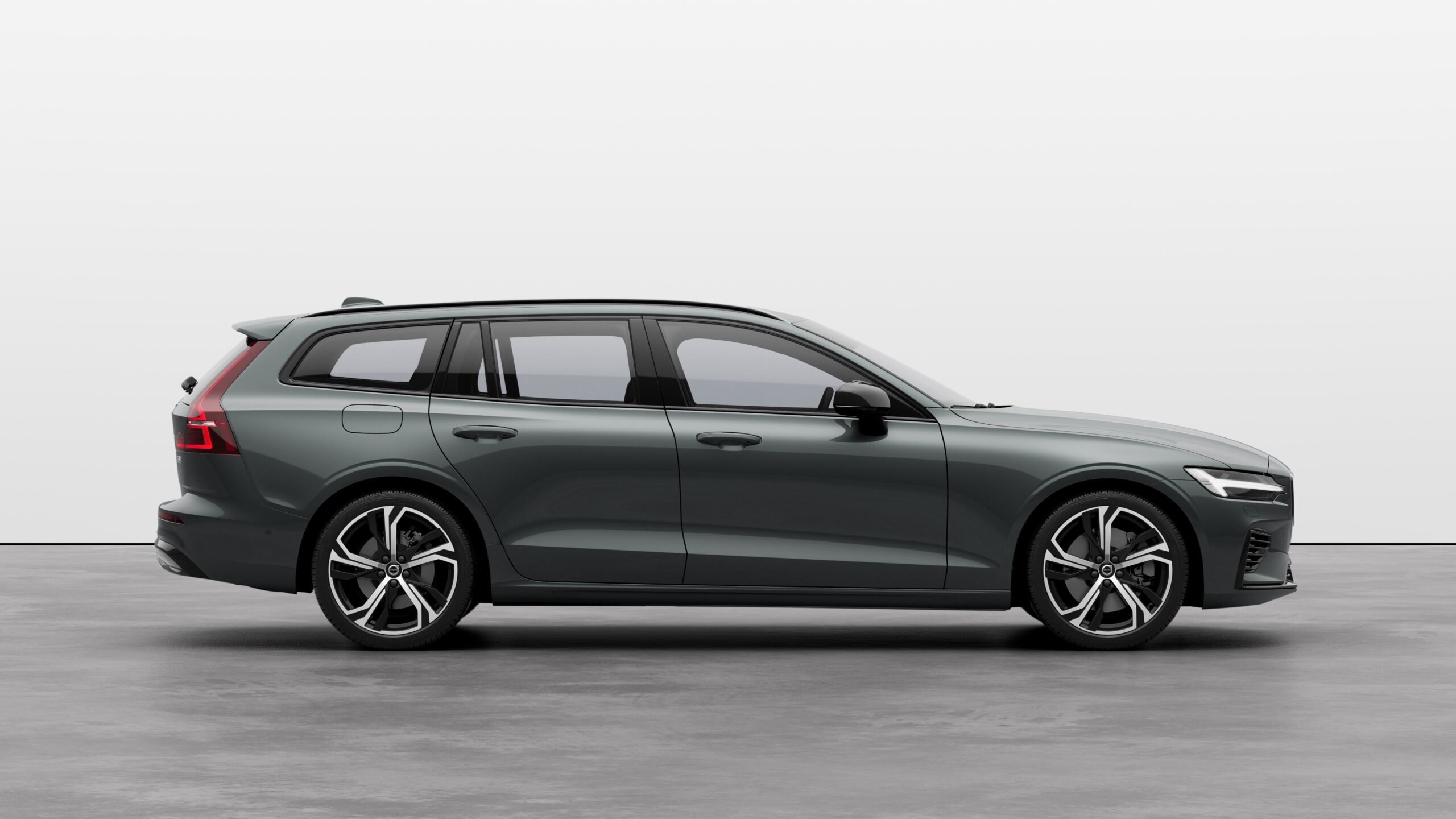
Sensus infotainment faults are one of the points to watch out for with the Volvo V60. On the Carnews website you will find extensive information about common problems, maintenance tips and owners’ experiences with this popular estate car. Discover more about the V60 and other Volvo models so you are well prepared for your next purchase or service.
Frequently asked questions
The most common Sensus infotainment faults in a Volvo V60 are a frozen or hanging screen and a system that no longer responds to input. In addition, there are often issues with sound (no audio, frozen sound or volume that does not respond) and with operation via the volume knob. Bluetooth/phone issues also occur regularly, such as a phonebook that is not recognised properly because of special characters or emojis in contact names. Finally, users report that the system sometimes only starts up normally again after the car has been in sleep mode for a longer period.
Yes, you can first switch the car off completely, lock it and leave it to “sleep” for at least 30 minutes so that Sensus restarts from scratch. Also try switching media source (for example, from radio to Bluetooth and back) if the sound or volume control has frozen. Check your phone contacts for emojis or special characters and remove them, as these can cause Bluetooth/phone issues. If that does not help, you can perform a factory reset via the centre display, but note that you will then have to set all your preferences and paired phones again.
It is advisable to consult a professional mechanic or dealer if, after sleep mode, changing source and (where possible) a factory reset, Sensus still freezes, gives no picture or sound or no longer starts up at all. If the screen stays black all the time, the system repeatedly crashes or affects other vehicle functions, specialist diagnosis is also necessary. On average, the costs for diagnosis and simple software repair/reset work are roughly from a few tens of euros up to about €150. However, if Sensus screen or module hardware actually needs replacing, the costs can rise to several hundred euros, depending on model year and parts prices.
Make sure the Sensus software is always up to date by having available updates checked during servicing. Avoid special characters and emojis in contact names to limit Bluetooth and phone issues. Regularly switch the system off completely (lock the car and let it “sleep” for at least 30 minutes) so the infotainment can reset itself. For recurring faults, have the system checked in the workshop for fault codes or have a factory reset carried out.
Specific Sensus faults are usually caused by software errors or temporary freezes in the infotainment system, causing the screen to freeze, there to be no sound, or the volume and source selection not to respond. You can recognise them by a non‑responsive or black screen, audio that remains stuck on one source, a volume knob that does nothing or Bluetooth/phone that does not work properly (for example, contact names with emojis that are not recognised). The system may also only start up normally again after the car has been in “sleep mode” for a longer period.
A recurring Sensus infotainment fault is mainly annoying in terms of comfort and operation (navigation, audio, phone), but generally has no direct impact on the driving qualities or safety systems of the V60. However, such a persistent fault can put off potential buyers, especially if the problem demonstrably persists or has not been fixed with updates or repairs. If you have ongoing complaints, have the software and system checked and document any repairs in order to limit the impact on resale value.