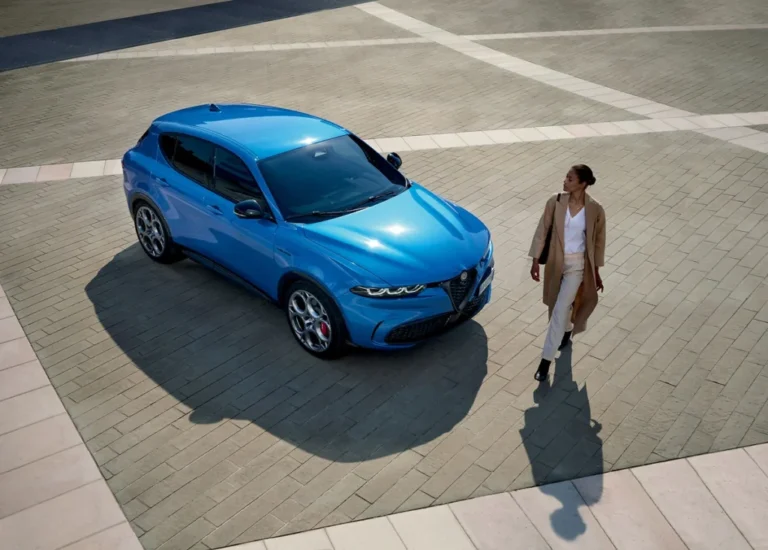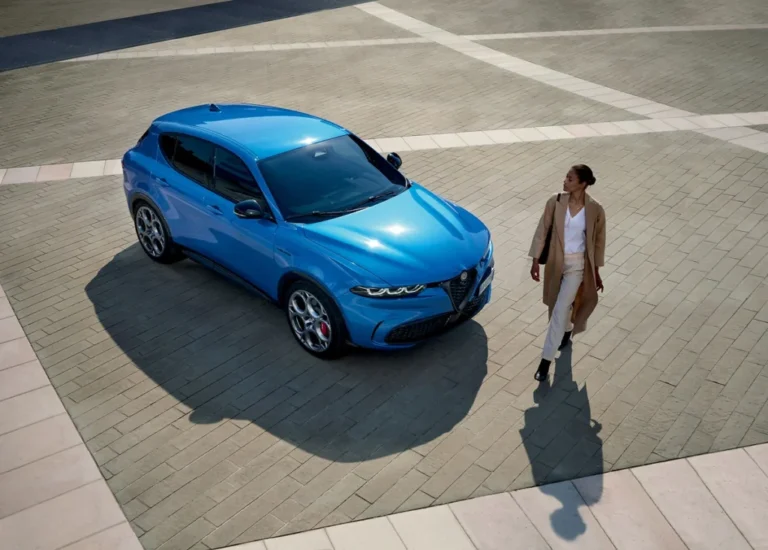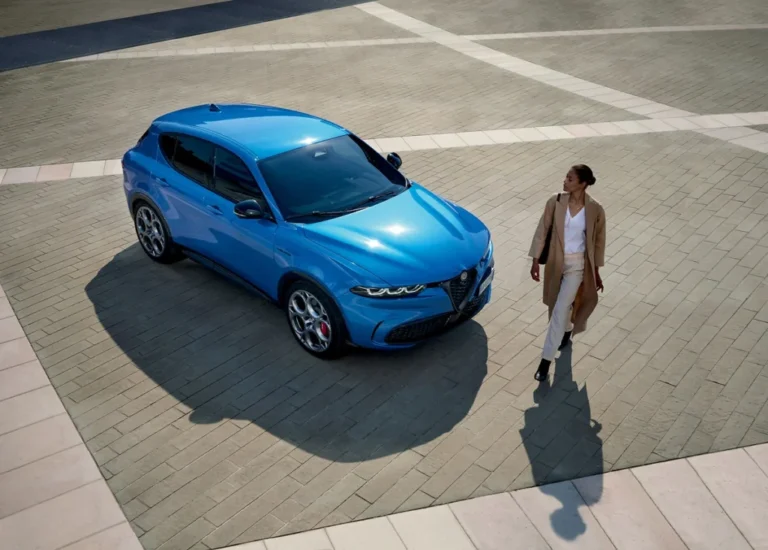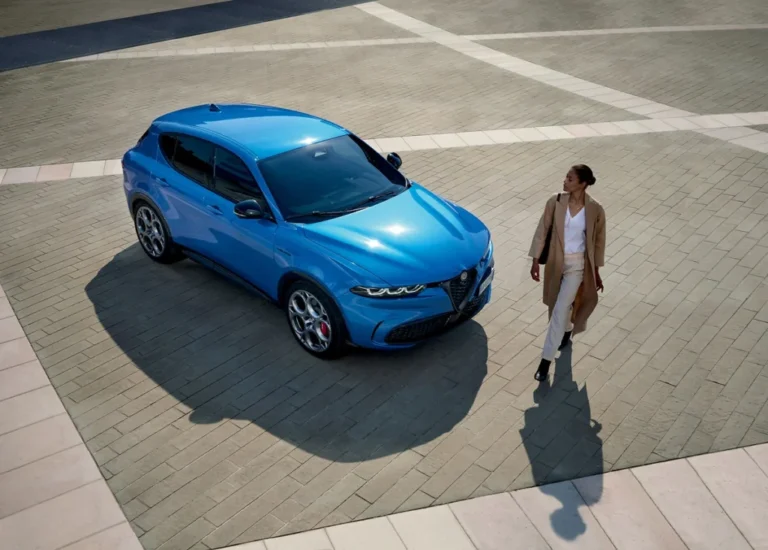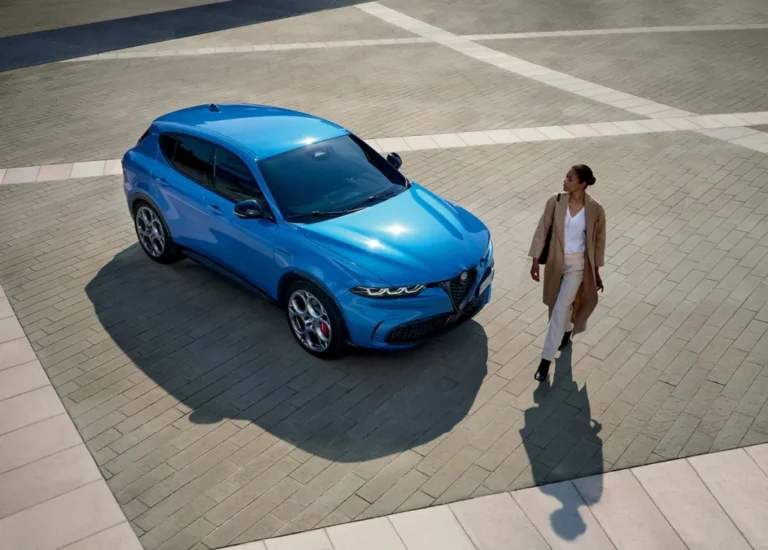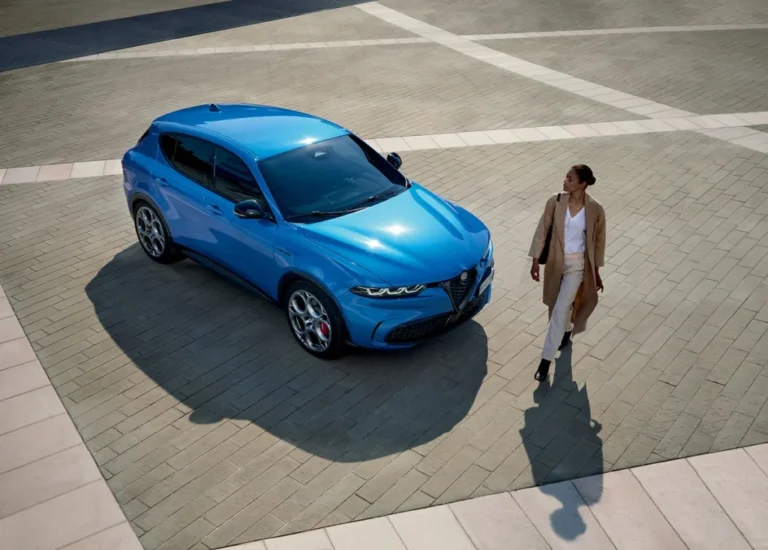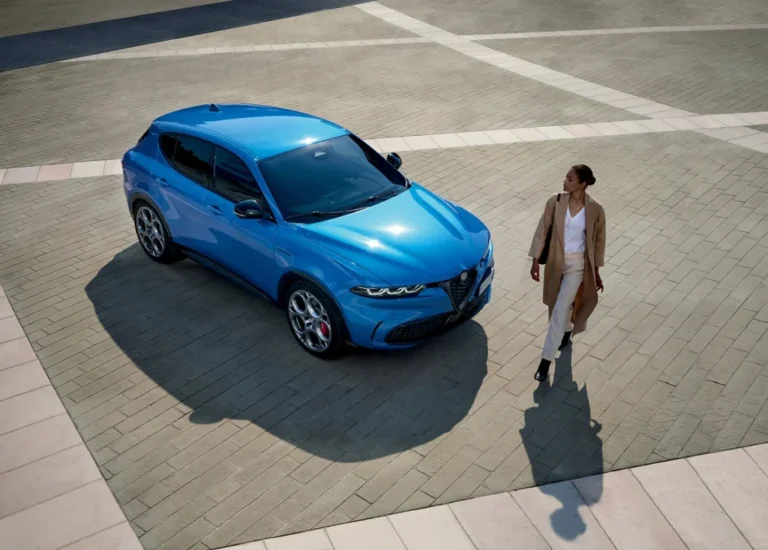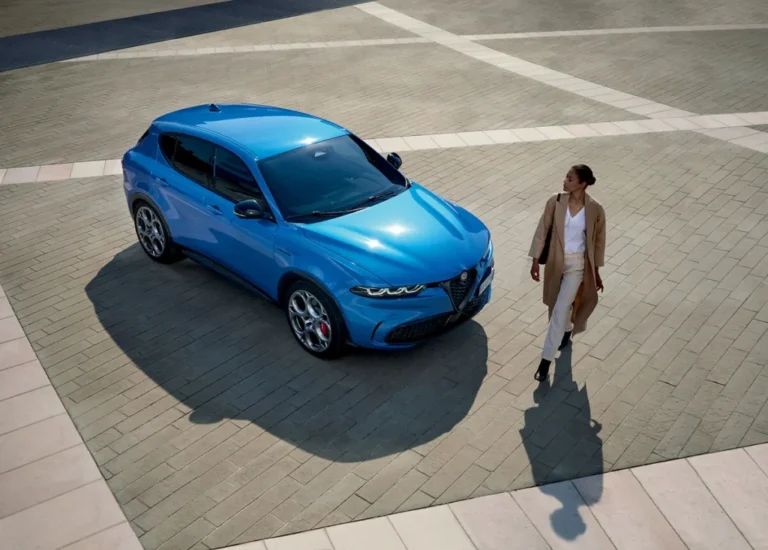
Sluggishness in the Tonale’s infotainment system is usually not just a screen issue; it is often linked to software that starts slowly, freezes or struggles with wireless connections. The Alfa Romeo Tonale has a clear interface and a 10.25-inch screen, but the experience can vary by model year and software version. If you recognise the signs and check things in a targeted way, you can avoid a lot of frustration. Read on before you book an update or make a dealer appointment.
Why is the infotainment in the Tonale so slow?
In the Tonale, slow infotainment response is mainly seen in the first few minutes after a cold start. The system then has to load several functions, such as navigation, vehicle settings, radio and any smartphone connection. As a result, a tap on the screen may be processed later than you expect. After a few minutes, the controls are smoother in many cars.
For a broader overview of known issues, you can also look at Alfa Romeo Tonale problems. Multimedia complaints rarely stand entirely on their own. An unstable phone connection, a black screen or a slow start-up may indicate software that needs attention.
The Tonale was developed during a period when FCA still formed the technical and software basis for part of the car. Since the merger with PSA, Stellantis has been working on newer systems and platforms. As a result, the Tonale does not always have the same technical foundation as later Stellantis models. That does not mean every Tonale is slow, but it does mean the multimedia system may feel less brisk than drivers of newer cars would expect.
Software often causes the delay
The touchscreen itself is not always the cause. The software behind the screen controls the display, navigation, audio, settings and the connection with Apple CarPlay or Android Auto. When parts freeze or take a long time to load, you notice it immediately in the controls. This delay is especially noticeable straight after starting the car.
Well-known signs that point to software problems are:
- a touchscreen that only responds after several taps;
- menus that open slowly or briefly hang;
- a black screen when starting the car;
- a system that restarts on its own;
- wireless Apple CarPlay or Android Auto dropping out;
- voice control that does not process commands properly.
These symptoms do not have to appear all at once. A single hiccup after starting can happen. If the screen keeps freezing or the system remains slow even after a drive, it is wise to have it checked.
‘ As a result, the Tonale may respond less smoothly when several functions are used at the same time. ’
FCA design sometimes lacks newer Stellantis technology
The Tonale has a modern look, but the infotainment does not feel equally up to date in every situation. This is partly due to the software base and the model’s development period. Newer Stellantis technologies are designed for faster processing, better connections and a different software structure. As a result, the Tonale may respond less smoothly when several functions are used at the same time.
You notice this especially when you are using navigation, streaming music and connecting your phone wirelessly at the same time. The car then has to process more data than when only the radio is playing. A weak phone signal or a phone with many active apps can also affect the experience of the wireless connection. This is not proof of a fault in the car, but it is a useful test to narrow down the cause.
Why delay while driving is so annoying
The Tonale uses a touchscreen for many functions. That means you depend on a quick response for navigation, media and some settings. If a menu is delayed, even a simple action takes more attention. That is especially inconvenient while driving.
So, where possible, use the steering wheel controls for functions you need often. Set your route before you set off if possible. Also wait a few moments after starting the car before opening several apps or menus straight away. That will not fix a structural software problem, but it does prevent the system from being unnecessarily overloaded while it is loading.
Updating the Tonale multimedia system when faults appear
A software update is often the first step for a Tonale with a slow or unstable multimedia system. Updates can address known faults, for example a non-responsive screen, freezing or problems with smartphone pairing. During a service, always check which software version the car is running and whether updates are available.
Do not assume that a car has automatically received all available updates. The trim level, production date and previous workshop visits can make a difference. So ask an Alfa Romeo dealer or specialist to check the infotainment software specifically, rather than carrying out only a general inspection.
If the complaints continue, take these steps:
- Note when the fault occurs, for example after a cold start or during wireless CarPlay.
- Check whether the problem also occurs without a connected phone.
- Temporarily test Apple CarPlay or Android Auto with a cable if the wireless connection drops out.
- Ask the workshop to check the software version and any updates.
- Have recurring black screens, restarts or freezing logged on the workshop order.
That information helps the workshop diagnose the issue. A complaint such as “the screen is sometimes slow” is difficult to reproduce. A clear description of the moment, the function used and the length of the fault makes a targeted approach more likely.
Fixing bugs on the Alfa Romeo Tonale screen
If the fault only happens once, it is sensible to first check calmly whether the system recovers after a while. If you get a black screen or a slow interface immediately after starting the car, wait until the car has fully booted up. If the controls then still hang, a simple restart of the infotainment system may sometimes be enough. For the correct procedure, always consult the manual for your version.
If you have problems with Apple CarPlay or Android Auto, also check the phone. Install any available operating system updates and remove the pairing if it keeps dropping out. Then reconnect it. If necessary, test with another phone or with a cable. That will show whether the fault is mainly in the car, the wireless connection or the phone settings.
When is a dealer visit necessary?
A dealer visit is needed if the screen often stays black, restarts regularly or hardly responds even without a phone connection. The same applies if the reversing camera does not appear reliably or settings disappear unexpectedly. These complaints may point to a software fault, but they require a professional check before parts are replaced.
Are you considering a used Tonale? Then do not test the infotainment only on a short drive. Start the car from cold, open several menus and pair your phone. Also check the navigation, audio and camera. Delays and bugs are often most visible during start-up.
A slow Tonale is therefore not automatically a reason to write the car off. Checking the software, carrying out a targeted test and keeping a good record of complaints usually provide clarity quickly. On Carnews you will find much more information about Alfa Romeo, infotainment systems, common car problems and practical buying tips. Discover more on the website and compare the points that matter for your car.
Frequently asked questions
The infotainment system responds slowly during start-up because the software, navigation and other functions are being loaded in the background at the same time. Older Uconnect software versions in particular contain bugs that can cause delays, freezes and black screens. A software update, reset or dealer intervention can usually improve performance.
Yes, software updates are available that can reduce sluggishness, freezing and black screens in the Uconnect system. Ask the dealer to check the current software version and install any updates. If the problems continue, a reset or further dealer diagnosis may be needed.
No, there is no accessible function to clear the infotainment system cache yourself. You can restart or reset the system, but the main thing is to check for software updates. If sluggishness or freezing continues, a dealer visit is advisable.