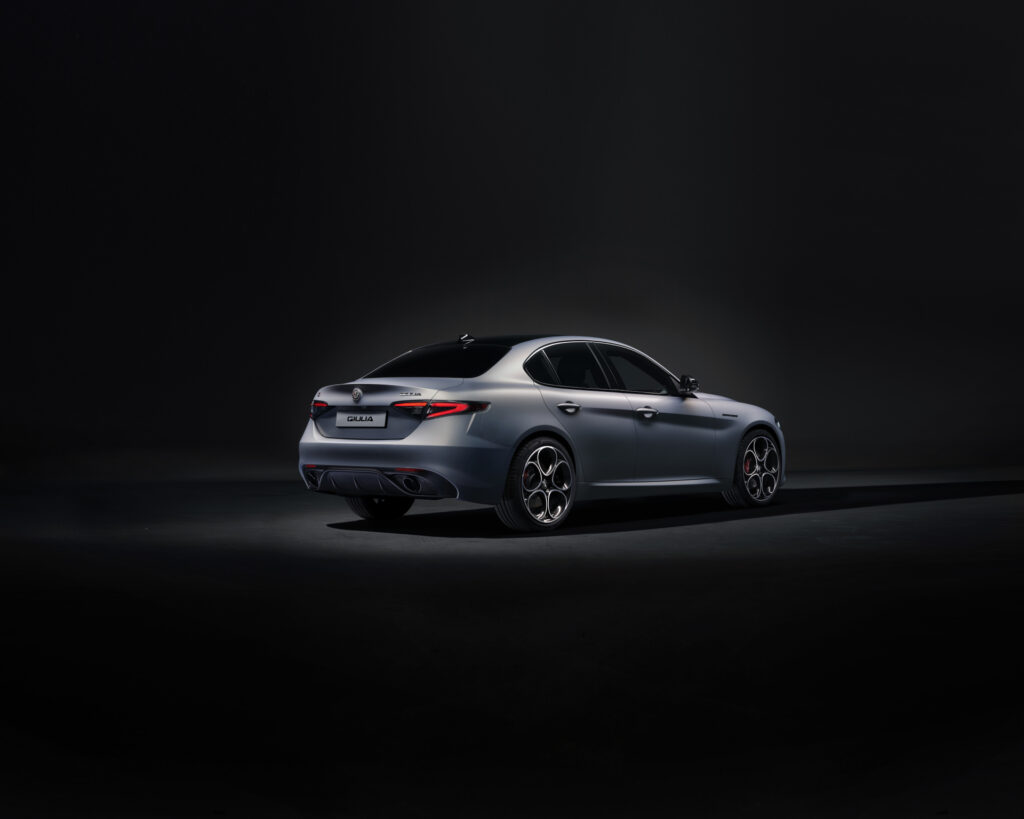
Build-year-specific problems with the Alfa Romeo Giulia from 2017 are mainly linked to the production date, engine variant and any software updates carried out. On early examples, engine software, infotainment and on-board voltage deserve attention. Also check the brake fluid, tyre wear and wheel alignment, but do not treat any anomalies as a factory fault for this model year without a diagnosis. Where does a pre-purchase inspection begin that goes beyond a test drive?
What problems occur with the 2017 Giulia?
For the Alfa Romeo Giulia problems, the registration year does not provide enough information. A car first registered in 2017 may have been built earlier. According to technical bulletins from FCA, the then manufacturer, some software complaints apply only to cars from certain production periods. It is therefore worth asking for the production date via the VIN, the vehicle identification number, and comparing it with the service invoices.
Engine software on the 2.0 Turbo
For Giulias with the 2.0-litre petrol engine built before 10 May 2017, FCA described an engine software update. Possible complaints include an illuminated engine warning light, fault codes relating to fuel pressure or mixture control, and poor restarting after refuelling. This does not mean that every early 2.0 Turbo shows these symptoms. A read-out of the fault memory tells you more than a dashboard with no warnings.
Ask specifically whether the software update has been carried out, and have the engine started both cold and warm. Also ask about hesitation immediately after refuelling. Do not clear stored fault codes before a pre-purchase inspection: doing so removes information needed to find the cause.
Restarting on the Quadrifoglio
For early Giulia Quadrifoglio models with the 2.9-litre twin-turbo V6, FCA also described a software bulletin for cars built before 10 May 2017. The complaint concerns an engine that will not restart after the stop-start system has switched it off. The prescribed remedy was to reprogramme both engine management modules. For this version, specialist diagnosis is sensible, even if the fault does not occur during the test drive.
‘A weak battery can muddy the diagnosis.’
Infotainment and on-board voltage need a separate check
According to FCA bulletins, the infotainment in early 2017 examples can show a black screen, freeze on the Alfa Romeo logo or restart spontaneously. Navigation and Bluetooth can also play up. Both the 6.5-inch and 8.8-inch systems appear in the reported complaints. So do not just check whether the screen turns on, but whether it continues to work after several starts.
A weak battery can muddy the diagnosis. Owners of early Giulia models report a range of electronic faults, including display failures and a stop-start system that does not work. Such symptoms do not in themselves prove a faulty infotainment unit or sensor. First have the battery tested under load, the charging voltage checked and the fault codes of the relevant control modules read. If a screen still does not work properly with a healthy power supply, investigate the software version and the unit itself.
Test the system specifically:
Start the car several times and check whether both displays come on normally.
Test navigation, Bluetooth, parking sensors and all control buttons.
Ask for invoices for infotainment and engine software updates.
If several warnings appear at once, have all control modules read out.
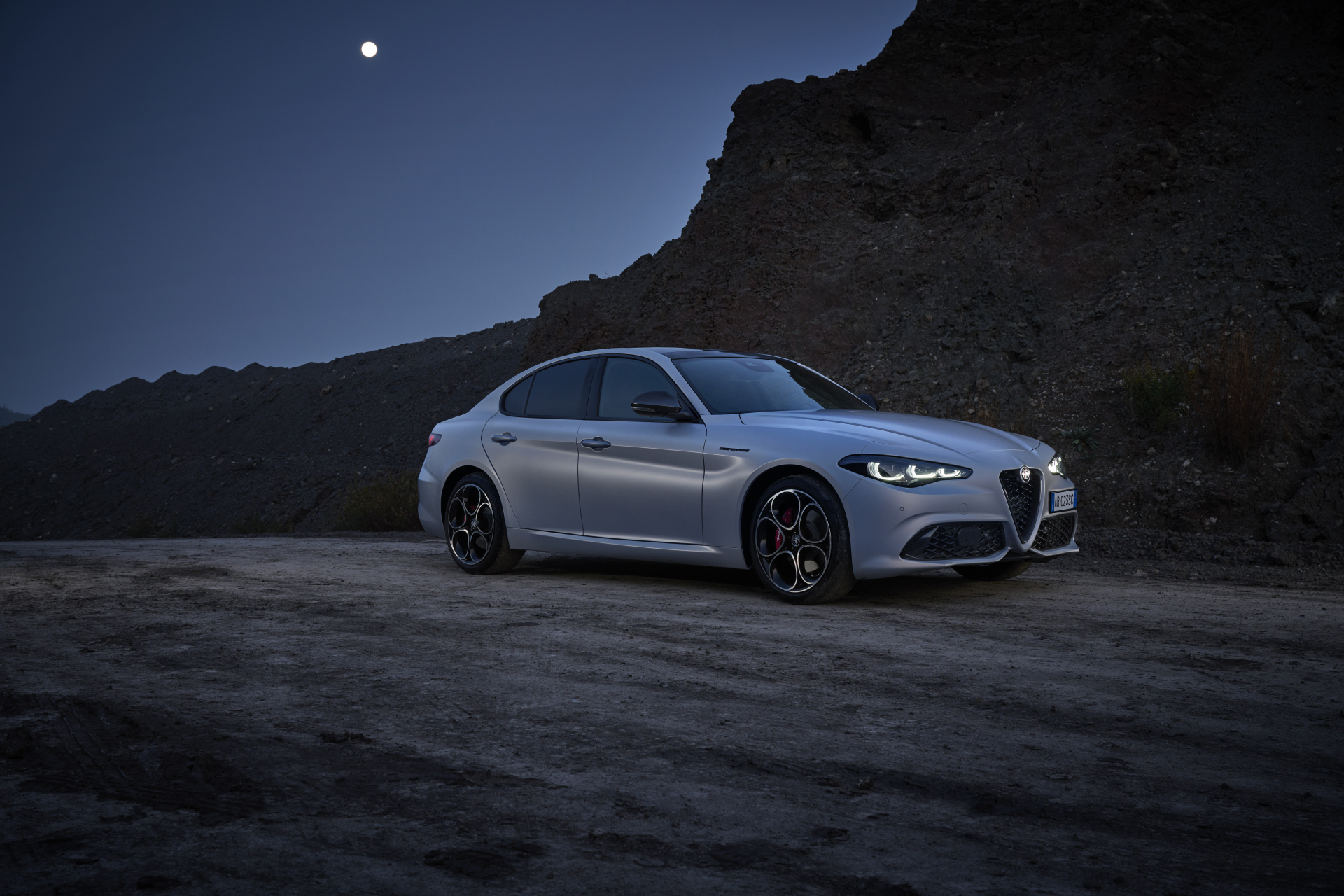
What about brake fluid and tyres?
Contaminated brake or clutch fluid is a serious inspection point, especially when the service history is unclear. However, based on the available FCA information, there is no general production batch of the 2017 Giulia for which this can be confirmed as a build-year problem. So do not take a claim about an affected production period at face value without checking the VIN. Ask the workshop which fluid, which circuit and which manufacturer action applies to the car in question.
If in doubt, have the condition of the brake fluid measured and check the invoice for the most recent replacement. Also look for leaks and the behaviour of the brake pedal. If a specific version has a separate hydraulic clutch circuit, establish how that circuit has been maintained. An unusual measurement calls for servicing to the car’s specifications, not just a note on the inspection report.
Tyre maintenance and alignment also deserve attention. Uneven wear can point to incorrect tyre pressure or wheel alignment, but also to play in a suspension component. Not every wear pattern is a generally recognised factory fault of the 2017 Giulia. Inspect all four tyres across their full width and compare left with right. If there are visible differences, have both the alignment and the suspension checked before fitting new tyres.
What should you check when buying a 2017 Giulia?
A good pre-purchase inspection combines documents, diagnostics and a test drive. Work in this order, so that a seller cannot dismiss a noticeable fault as an isolated issue:
1. Check the VIN and production date. Ask a main dealer about outstanding recalls and any software campaigns carried out.
2. Review the service invoices. Look for evidence of fluid changes, battery replacement and software work; a stamp alone gives less detail.
3. Have the car fully scanned. Also check stored faults outside the engine computer, for example in the infotainment and body electronics.
4. Take a test drive on different road surfaces. Watch for pulling under braking, vibrations, unusual noises and straight-line stability.
5. Inspect the tyres and brakes. Look for wear on the inner edges, a binding brake and a temperature difference between the rear wheels after the drive.
For Giulias from 2017 through 2019, a recall has been described for the fuel delivery module. A fault in this module causes loss of power. Check by VIN whether the action applies to the car and whether it has already been carried out. Keep the written result with the other purchase documents.
‘The production date and service history give a more useful answer.’
Is the 2017 Giulia more reliable than the 2016 one?
That cannot be established from the registration year alone. A 2017 Giulia may have the same early software versions as a car built in 2016, while a later-produced example may already have received the relevant updates. There are no comparable failure figures here to show that all 2017 cars are more reliable than all 2016 cars. The production date and service history give a more useful answer.
A 2017 Giulia with documented updates, a healthy battery and tyres wearing evenly is therefore more attractive than an example with unexplained warnings, regardless of the asking price. Want to look further for points to watch by version? On the Carnews website you will find more about the Giulia and related car topics. Find out which checks suit your next car.
Frequently asked questions
On early 2.0 Turbos built up to 10 May 2017, faulty engine software could cause fault codes, misfires, fuel pressure and mixture problems, and stalling or poor restarting after refuelling. Quadrifoglios from the same production period could fail to restart after a Stop/Start cycle, while cars built up to 20 April 2017 were prone to frozen or black infotainment, spontaneous reboots and navigation, Bluetooth and display faults. Low on-board voltage or a weak battery also caused a range of electronic faults, and examples built up to 10 July 2017 could have problems with remote start and the RF antenna. In addition, rattles, tailgates that do not close properly, faulty rear seat release or rear brake calliper have been reported occasionally, plus a safety-related recall for the fuel pump because of possible loss of power.
Software updates have clearly improved the reliability of the electronic assistance systems in early launch models by fixing faults in, among other things, infotainment, parking assistance, Start/Stop and engine management. Examples with updates that have demonstrably been carried out therefore tend to operate more stably. Low on-board voltage or defective hardware can, however, still cause warning messages and failures.